On This Page8 sections
AI coding agents can write a Playwright script in seconds. The hard part begins when that script must run reliably against a changing website, preserve an authenticated session, survive a CAPTCHA, scale to hundreds of concurrent browsers, and leave enough evidence to debug a failed run. That is why browser-agent infrastructure has become its own category.
This guide compares seven products that approach the stack from different layers. Browser Use combines an open-source agent framework, hosted agents, and standalone browser infrastructure. Steel begins with an open-source browser API. Kernel emphasizes a fast runtime. Notte and Anchor extend deeply into identity and production workflows. Hyperbrowser bundles several agent implementations with browser and web data services. Browserbase has grown into an end-to-end platform around browsers, Stagehand, identity, runtime, web APIs, models, and observability.
Short answer: choose Browser Use for an open-source agent loop or standalone managed browsers; Steel for self-hostable browser infrastructure; Kernel for performance-oriented runtime and pools; Notte for an integrated sessions/functions/identity stack; Anchor for secure authenticated enterprise workflows; Hyperbrowser for multiple hosted agent choices plus web APIs; and Browserbase for the broadest integrated commercial platform.
The seven products at a glance
| Product | Primary layer | Open-source path | Hosted agent | Raw browser sessions | Authentication focus | Starting self-serve plan |
|---|---|---|---|---|---|---|
| Browser Use | Browser infrastructure + agents | Yes, MIT | Yes | Yes | Profiles | Free OSS; $0.02/hr + traffic; no subscription |
| Notte | Full-stack browser automation | SDK/framework available | Yes | Yes | Vaults, profiles, email/SMS personas | Free; Developer $20/mo |
| Anchor Browser | Secure computer environments | Selected integrations | Yes | Yes | OmniConnect, identities, VPN | Free; Starter $50/mo |
| Kernel | Fast browser runtime | Open browser image | Bring your own | Yes | Managed auth and profiles | Free; Hobbyist $30/mo |
| Hyperbrowser | Browser cloud + agents + web APIs | HyperAgent and integrations | Yes, several choices | Yes | Profiles and static IPs | Free; Startup $30/mo |
| Steel | Open browser API | Yes, Apache-2.0 | Bring your own | Yes | Credentials and profiles | Self-hosted; Cloud Launch $0 + usage |
| Browserbase | End-to-end browser-agent platform | Stagehand and Browse CLI | Yes | Yes | Agent Identity | Free; Developer $20/mo |
Pricing and feature availability were checked on August 30, 2026. Browser Use’s product scope and pricing were rechecked on October 5, 2026. Usage charges can include browser time, proxy traffic, model tokens, agent steps, CAPTCHAs, data APIs, storage, and retention, so a monthly headline is not a full cost comparison.
1. Browser Use: start with the agent loop
Browser Use offers an open-source agent framework, hosted agents, and standalone browser infrastructure. The MIT-licensed Python project lets developers choose a model, customize prompts and tools, request structured output, and control how an agent interprets and acts on pages. Its managed browsers provide CDP access, stealth, proxies, supported CAPTCHA solving, optional recordings, and profiles; hosted agents add conversation history and persistent workspace files.
This split is useful: run the library locally for deep control, connect existing Playwright or Puppeteer code to managed browsers over CDP, or delegate tasks to hosted agents. It is the most natural option for Python teams experimenting with new browser-agent behavior, but it does not eliminate the need to evaluate authentication, task reliability, and cloud cost. Browser time and traffic are billed separately, and hosted agents add model costs plus a 20% service fee.
2. Notte: sessions, agents, functions, and identity in one stack

Notte combines managed sessions, a model-agnostic agent, serverless browser functions, Fetch/Search, profiles, encrypted vaults, and agent personas. The persona layer can provide email and phone identities for OTP and 2FA workflows, which makes Notte materially different from a browser provider that stops at CDP.
Its browser functions are also strategically important: deterministic code runs close to the browser instead of making every interaction cross a network boundary. Notte is a good fit when a product needs both flexible agents and repeatable production functions, but the security review must include the platform's identity and credential surfaces—not just its browser container.
3. Anchor Browser: secure computer-use environments
Anchor Browser focuses on secure, authenticated computer use. It supports raw sessions, natural-language tasks, versioned TypeScript workflows, MCP, SDKs, stealth, proxies, and deployment in managed cloud, BYOC, or on-prem environments. OmniConnect is designed to resolve credentials at runtime so secret values do not need to appear in the model conversation.
Anchor's other notable idea is converting an agent-planned flow into deterministic browser work and using AI only where needed. That can reduce token use and make repeated operations easier to audit. Its enterprise capabilities are attractive for regulated and internal web applications, although the most advanced controls sit above its entry tiers.
4. Kernel: a performance-oriented browser runtime
Kernel supplies isolated Chromium through CDP, WebDriver BiDi, Playwright execution, or computer controls. Profiles, managed auth, stealth, proxies, CAPTCHA solving, live view, MP4 replays, telemetry, GPU acceleration, and browser pools sit around that runtime. The pools keep configured browsers ready for steady traffic, while on-demand sessions suit bursty jobs.
Kernel is compelling when browser startup and action latency matter, or when an agent must operate canvas-heavy sites with GPU support. Its GB-second pricing is more infrastructure-like than a simple hourly meter, so teams should model actual browser shapes and runtime instead of assuming that a nominal unit price maps directly to a workload.
5. Hyperbrowser: one cloud for several browser-agent approaches
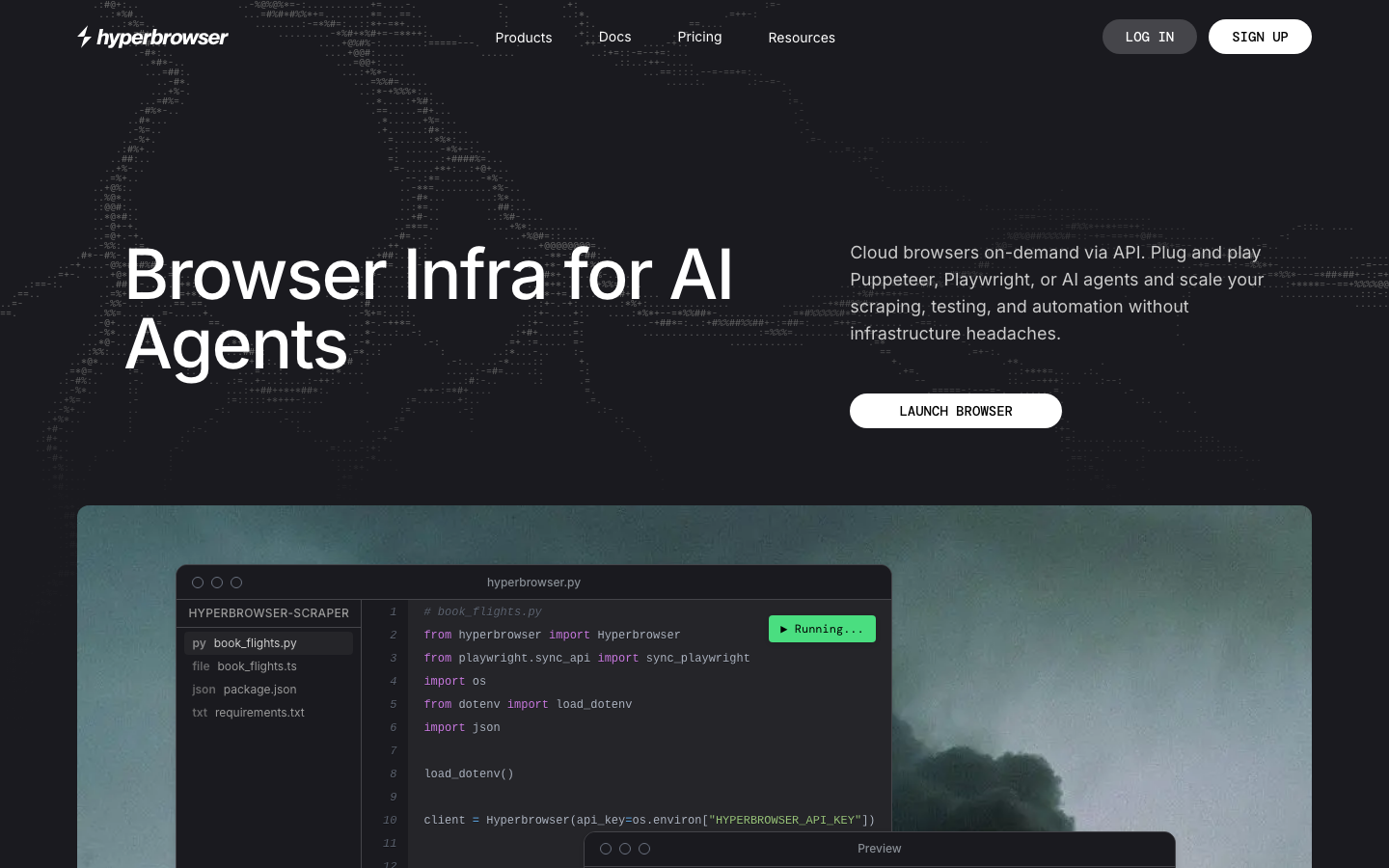
Hyperbrowser runs cloud Chrome for Playwright, Puppeteer, Selenium, and SDK clients, then offers managed executions for Browser Use, HyperAgent, Claude computer use, OpenAI CUA, Gemini computer use, and Grok computer use. It also provides Fetch, Search, Scrape, Crawl, and Extract APIs, plus sandboxes for colocated agent code.
That breadth makes Hyperbrowser useful for teams comparing agent architectures or routing different tasks to different approaches. A structured fetch does not always need a browser; a visual computer-use task does. The trade-off is a multi-meter bill that can include agent steps, browser time, proxy traffic, and model tokens.
6. Steel: open-source, self-hostable browser infrastructure
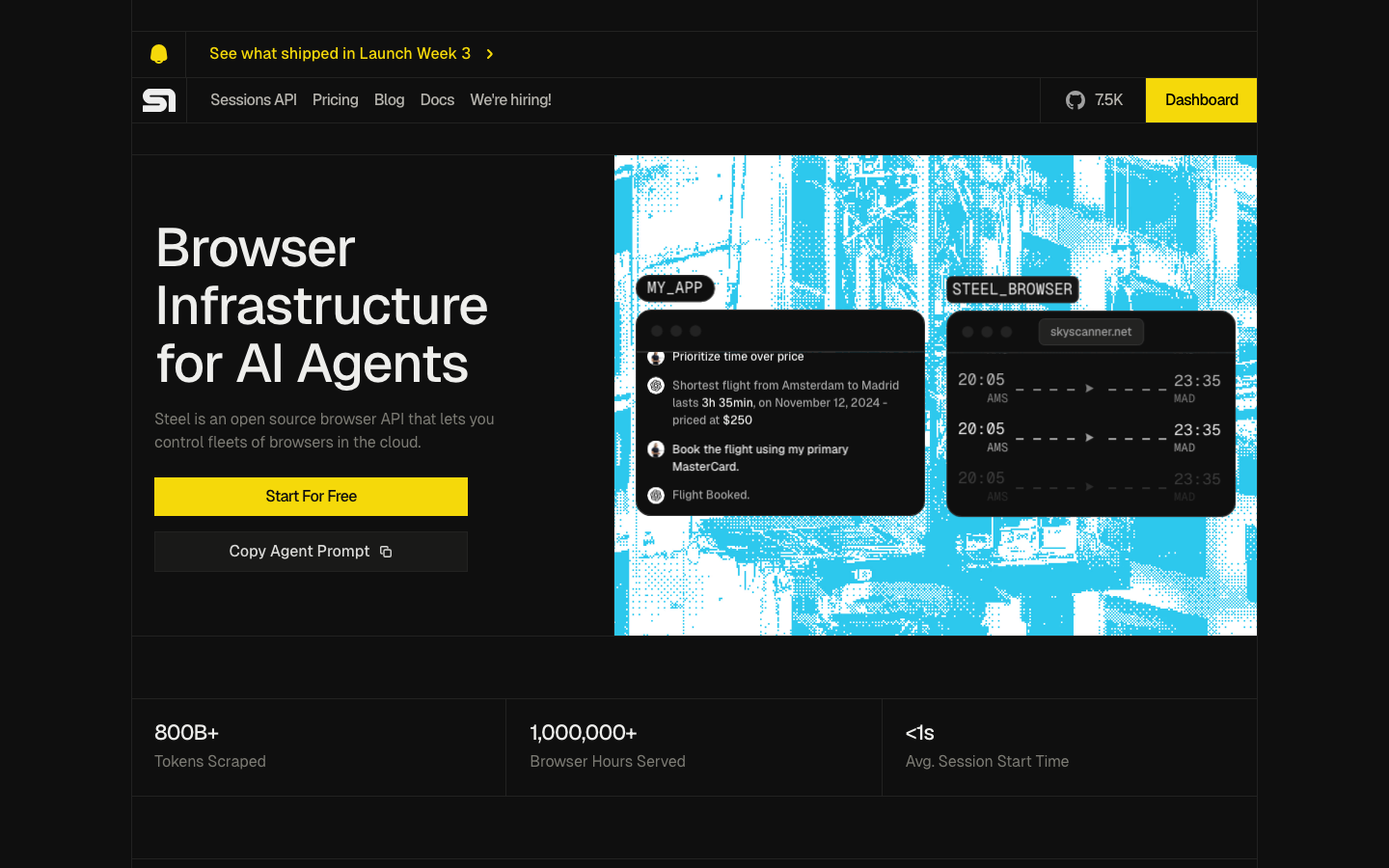
Steel is the clearest choice when the browser service itself must be open source and self-hostable. The Apache-2.0 Steel Browser project exposes session management and CDP connectivity, while the managed cloud adds profiles, credentials, proxies, CAPTCHA solving, fingerprints, extensions, files, live viewing, replays, and browser tools for scrape, screenshot, and PDF output.
Steel deliberately stays below the reasoning layer. Browser Use, computer-use models, or deterministic Playwright code can all run on top. Self-hosting improves deployment control but also transfers Chrome patching, isolation, scaling, proxy operations, and abuse prevention to your team.
7. Browserbase: the broadest integrated platform
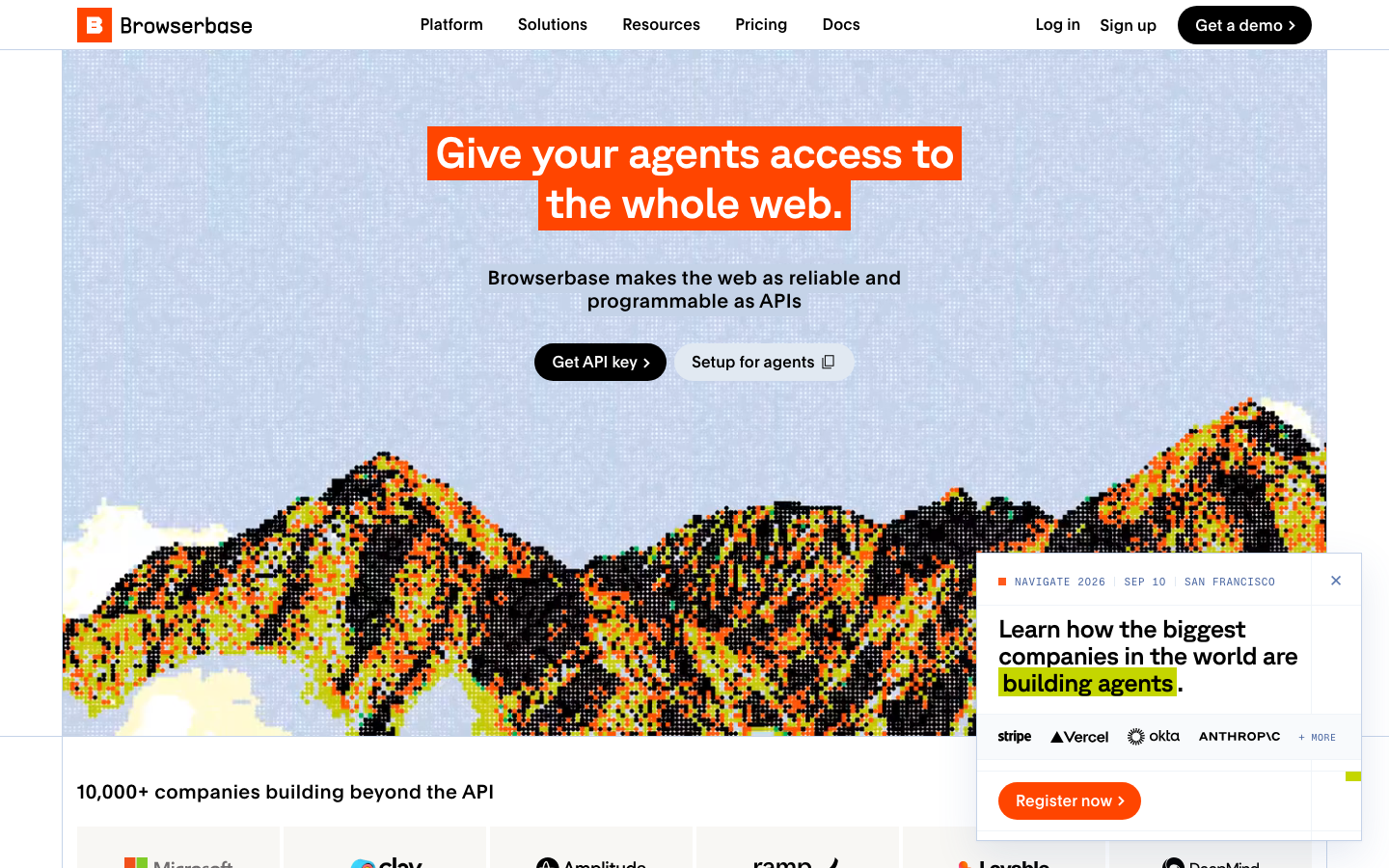
Browserbase now spans managed browsers, hosted agents, Search and Fetch, Runtime, Agent Identity, Model Gateway, and unified observability. Stagehand, its open-source AI browser SDK, adds natural-language act, extract, and observe primitives while preserving Playwright-level control. Browse CLI gives coding agents a browser-oriented terminal interface.
Browserbase is the strongest all-in-one commercial option in this group when a team wants the browser, the AI SDK, web data, identity, runtime, model access, and debugging to behave like one platform. The corresponding trade-off is concentration: cost, identity, execution, and observability can all become tied to the same vendor.
Feature and pricing comparison
| Product | Browser unit price advertised | Proxy rate advertised | Self-hosted browser | Replays / live view | Distinctive capability |
|---|---|---|---|---|---|
| Browser Use | From $0.02/hr | $5/GB residential; $0.20/GB direct/BYO proxy egress | Local library + browser | Yes in cloud | Deeply customizable open-source agent loop |
| Notte | Sessions currently listed at $0/hr; functions $0.05/hr | $10/GB | BYO cloud on Enterprise | Yes | Vaults, personas, and browser functions |
| Anchor Browser | $0.05/hr + $0.01 creation | $8/GB | BYOC/on-prem on Enterprise | Yes | OmniConnect and deterministic task deployment |
| Kernel | $0.0000166667/GB-second | Managed proxies not separately charged | Open browser image | Yes | Fast startup, pools, GPU, telemetry |
| Hyperbrowser | $0.10/hr | $10/GB | No general self-hosted cloud | Yes | Multiple hosted agent implementations |
| Steel | $0.10/hr Launch; $0.08/hr Scale | $10/GB or $6/GB | Yes, Apache-2.0 | Yes | Open-source browser API |
| Browserbase | Included hours, then $0.12/$0.10 per hr | Included, then $12/$10 per GB | No general on-prem product | Yes | Stagehand plus identity, runtime, web APIs, models |
Do not treat this table as a benchmark. Some rates include proxy or plan credits, some charge compute by memory, and some place stealth or CAPTCHA features on higher tiers. Run the same representative task set for at least a week and compare successful task cost, not raw browser-hour cost.
Which one should you choose?
Choose Browser Use if you are designing the agent
The open-source library gives you direct control over how the agent reasons, selects actions, uses tools, and returns structured results. The hosted cloud is optional rather than the entire product.
Choose Steel if self-hosting is mandatory
Steel has the clearest open-source browser-service story. Budget for the engineering work that the managed vendors normally absorb.
Choose Kernel if browser performance is the constraint
Pools, protocols, GPU support, colocated compute, and telemetry make it a strong runtime-oriented candidate. Validate its GB-second economics with your browser shapes.
Choose Notte if identity and deployed browser functions belong together
Notte reduces the number of services needed for credentials, reusable profiles, OTP-capable personas, agents, and deterministic functions.
Choose Anchor if secure authenticated enterprise automation is the priority
OmniConnect, deterministic workflows, BYOC/on-prem, regional controls, and enterprise retention options align with higher-governance deployments.
Choose Hyperbrowser if you want to switch among agent approaches
It can host several popular computer-use and browser-agent stacks while also providing lighter web data APIs and sandboxes.
Choose Browserbase if you want one broad commercial platform
Browserbase has the most integrated set of browser-agent primitives, especially for Stagehand teams and applications that also need Search, Fetch, identity, runtime, model routing, and observability.
A practical evaluation checklist
Before choosing a vendor, run 20 to 50 representative tasks across the same sites and accounts. Track:
- completed tasks, partial completions, and silent wrong results;
- p50 and p95 task duration, browser startup, and action latency;
- model tokens, agent steps, browser time, proxy GB, CAPTCHAs, and retries;
- authenticated-session survival and profile isolation;
- debugging quality: live view, network logs, console output, traces, screenshots, and replay;
- regional availability, IP consistency, bot detection, and target-site policy;
- data retention, credential exposure, deletion, export, SSO, RBAC, and audit logs;
- recovery behavior when the model, proxy, browser, or target site fails;
- how easily the workflow moves to another model, agent framework, or browser provider.
A browser agent can submit forms, move files, send messages, or purchase goods. Put human approval in front of consequential actions and narrow each credential to the smallest domain and capability set. The safest automation is not the most autonomous one; it is the one whose authority and failure modes are explicit.
Final recommendation
There is no universal winner because these products occupy different layers. Start by deciding what you want to own. If you want to own the agent, begin with Browser Use. If you want to own the browser service, evaluate Steel. If you want managed runtime performance, test Kernel. If identity and authenticated workflow primitives matter, compare Notte and Anchor. If you need several agent implementations and web APIs, look at Hyperbrowser. If you want the broadest integrated platform and value Stagehand, Browserbase belongs on the shortlist.
The market is moving from “a model can click a page” to production browser-agent systems with identity, policy, runtime, observability, and cost controls. That is the real comparison—and the reason these seven tools should not be treated as interchangeable headless-browser vendors.
Explore the seven entries
Continue Reading
More articles connected to the same themes, protocols, and tools.
Gemini 4 Argon vs Claude Opus 5.5: Which AI Actually Wins at Coding, Agents, and Price in 2026?
Herdr GUI Is Now Roamgate: The Complete Guide to Managing AI Coding Agents from Your Browser
Cloudflare Artifacts Explained: Pricing, Architecture, and the Future of Git for AI Agents
Referenced Tools
Browse entries that are adjacent to the topics covered in this article.