

Kernel
A low-latency browser runtime for developers who already have an agent or automation layer and want fast session acquisition, several control protocols, browser telemetry, and optional colocated compute.
Information checked: Aug 30, 2026 ·View sources
Tool details
- Type
- Developer workflows
- Platforms
- Cloud, Web API, Python, TypeScript, MCP-compatible agents
- Free plan
- Yes
- Open source
- Yes
- Bring your own key
- Yes
- Local models
- No
Overview
Best for
- Latency-sensitive web agents and high-frequency automation.
- Teams mixing Playwright, computer use, MCP, and custom agents.
- Workloads that benefit from browser pools or GPU acceleration.
Strengths
- Performance-first session and runtime design.
- Multiple control protocols avoid agent-framework lock-in.
- Browser pools and colocated compute support latency-sensitive workloads.
- Pricing does not separately charge idle time or managed proxies.
Limitations & trade-offs
- Users who want a complete no-code browser agent.
- Teams seeking a single flat monthly bill.
- Simple HTTP retrieval jobs that do not need Chromium.
- GB-second billing is less intuitive than a flat browser-hour rate.
- You still need to supply or choose the agent reasoning layer.
- Profiles, auth, telemetry, and replays create sensitive stored data.
- GPU and large-scale controls require higher plans.
Get started
Pricing & usage limits
Official pricingFree tier · From $30
Free$0/month + usage
$5 monthly credits, five browsers, live view, stealth, managed auth, and one-day replays.
Hobbyist$30/month + usage
$10 credits, 10 browsers, unlimited proxy usage, profiles/auth, and seven-day replays.
Start-Up$200/month + usage
$50 credits, 150 browsers, BYO proxies, GPU, extensions, and 30-day replays.
EnterpriseCustom
High concurrency, SLA, SSO, SOC 2/HIPAA, ZDR, support, and white-labeling.
Pricing checked: Aug 30, 2026 · Subscription, usage limits, and model costs may be billed separately.
Features & details
Browser runtime
- Fast isolated Chromium sessions
- Headless and headful modes
- GPU acceleration
- On-demand sessions and browser pools
Control
- CDP and WebDriver BiDi
- Playwright code execution
- Computer controls API
- TypeScript, Python, Go, CLI, MCP, and OpenAPI
Operations
- Managed auth and persistent profiles
- Stealth, proxies, and CAPTCHA solver
- Live view and MP4 replays
- Browser telemetry, logs, and agent debugging
Kernel Review 2026
Kernel is fast, open-source browser infrastructure for web agents, offering isolated Chromium sessions, CDP and WebDriver BiDi control, managed auth, stealth, GPU acceleration, telemetry, replays, pools, and colocated agent compute.
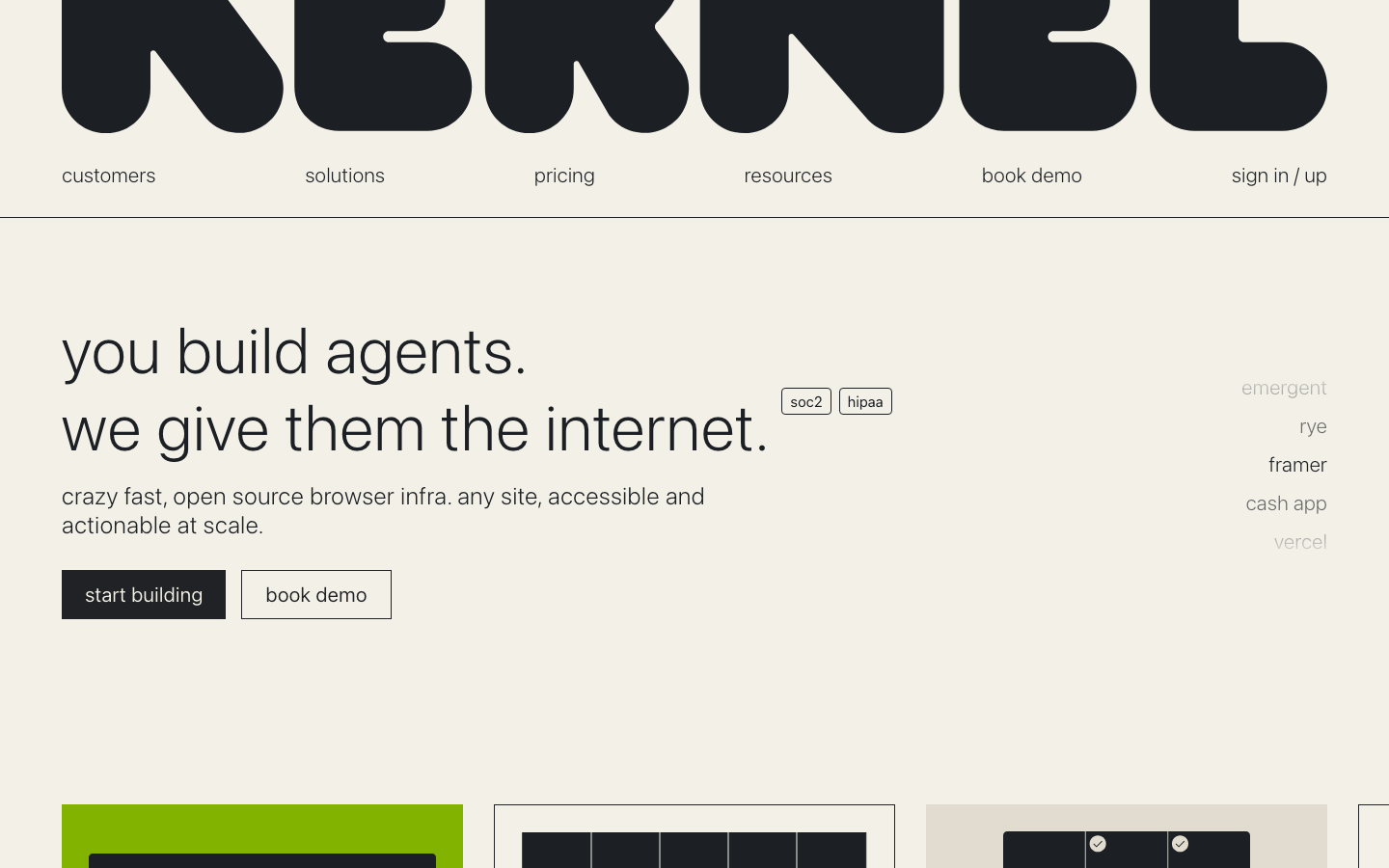
The official Kernel website, captured on August 30, 2026.
What is Kernel?
Kernel treats browser access as performance-critical agent infrastructure. It launches headless or headful Chromium sessions, supports CDP, WebDriver BiDi, Playwright execution, and screenshot-driven computer controls, and can preserve state through profiles. Browser pools keep preconfigured instances ready for steady traffic, while the app platform runs agent code next to the browser to reduce network hops.
A low-latency browser runtime for developers who already have an agent or automation layer and want fast session acquisition, several control protocols, browser telemetry, and optional colocated compute.
How Kernel works
The basic architecture is straightforward: your application or coding agent requests a browser environment, connects through the supported SDK or protocol, performs the task, and releases the session. Production features then handle state, identity, networking, recordings, and debugging around that browser. The important buying question is not simply whether the service can launch Chrome; it is which parts of the agent stack it expects you to own.
Core capabilities
Browser runtime
- Fast isolated Chromium sessions
- Headless and headful modes
- GPU acceleration
- On-demand sessions and browser pools
Control
- CDP and WebDriver BiDi
- Playwright code execution
- Computer controls API
- TypeScript, Python, Go, CLI, MCP, and OpenAPI
Operations
- Managed auth and persistent profiles
- Stealth, proxies, and CAPTCHA solver
- Live view and MP4 replays
- Browser telemetry, logs, and agent debugging
Pricing
Kernel has a free plan with $5 monthly credits and five concurrent browsers. Hobbyist is $30/month with $10 credits and 10 browsers; Start-Up is $200/month with $50 credits and 150 browsers. Usage is listed at $0.0000166667 per GB-second, with no charges for idle time or proxies. Actual cost depends on browser memory and runtime duration.
Browser-agent costs are workload-sensitive. Estimate active browser duration, average memory shape, peak concurrency, proxy bandwidth, CAPTCHA volume, model tokens, agent steps, recordings, and retention instead of comparing only the lowest monthly plan. Prices and limits below were checked against official sources on 2026-08-30.
Best use cases
- Latency-sensitive web agents and high-frequency automation.
- Teams mixing Playwright, computer use, MCP, and custom agents.
- Workloads that benefit from browser pools or GPU acceleration.
Trade-offs
- GB-second billing is less intuitive than a flat browser-hour rate.
- You still need to supply or choose the agent reasoning layer.
- Profiles, auth, telemetry, and replays create sensitive stored data.
- GPU and large-scale controls require higher plans.
How it compares
Choose Kernel when session startup, in-browser action speed, GPU workloads, browser pools, or operational debugging are core constraints. It does not require adopting a specific agent framework, so Browser Use, computer-use models, custom Playwright code, and CLI-driven agents can share the same browser layer.
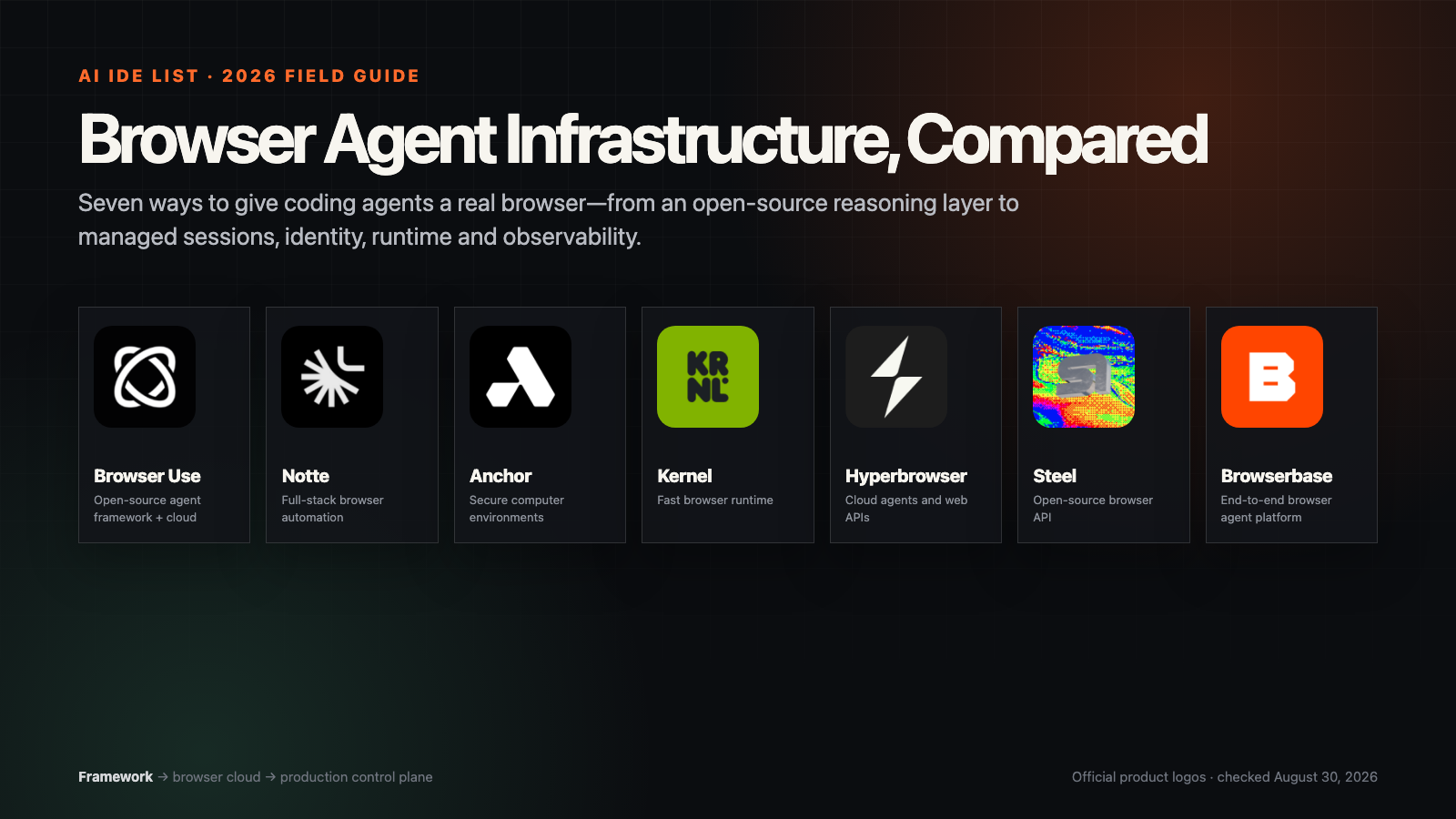
The closest alternatives are Browserbase, Steel, Hyperbrowser, Anchor Browser, Notte, and Browser Use. Test candidates with the same authenticated workflow, region, proxy policy, success criteria, and retry budget. Vendor-reported speed or success numbers are not directly comparable when tasks, browsers, models, and anti-bot conditions differ.
Privacy and production checklist
Kernel can retain profiles, managed authentication, session replays, screenshots, files, logs, and telemetry. Lower tiers publish one- to 30-day replay retention, while enterprise offers zero-data retention. Review auth isolation, browser teardown, replay access, regional requirements, and spending caps.
Use domain allowlists, least-privilege credentials, short session lifetimes, explicit user consent, human approval for consequential actions, and auditable task logs. Browser automation should respect site terms, robots policies where applicable, privacy law, and rate limits. Prefer a supported API whenever it provides the required capability.
Verdict
A strong infrastructure choice when browser speed, protocols, pools, GPU, and agent-debugging telemetry matter more than having a bundled reasoning framework.
Official sources
Model support & data privacy
Supported models
- Model-agnostic browser automation
- Computer-use models through supported integrations
Privacy & data handling
Kernel can retain profiles, managed authentication, session replays, screenshots, files, logs, and telemetry. Lower tiers publish one- to 30-day replay retention, while enterprise offers zero-data retention. Review auth isolation, browser teardown, replay access, regional requirements, and spending caps.
Guides, reviews & fixes
Product updates
No verified product updates listed yet. Follow this tool to see new relevant content in Saved.
See the content timelineAlternatives
 BrowserbaseThe broadest end-to-end commercial platform in this comparison, spanning browser infrastructure, AI automation primitives, web retrieval, identity, runtime, models, and debugging.
 SteelThe clearest open-source and self-hostable browser-infrastructure option in this comparison, built to supply browser sessions rather than impose a particular agent reasoning loop.
 HyperbrowserA broad managed browser cloud that can host either raw automation or several agent stacks—including Browser Use, HyperAgent, and model-native computer use—behind one SDK and operational layer.
 Anchor BrowserA security- and authentication-led computer-use platform that can turn natural-language browser goals into repeatable tasks while also exposing raw cloud sessions and SDK access.
 NotteA full-stack browser automation platform that combines raw browser sessions, an agent layer, colocated serverless functions, web data APIs, and authentication primitives in one product.
 Browser UseThe open-source browser-agent reasoning layer in this group, with an optional hosted agent and managed browser infrastructure for teams that do not want to operate Chrome fleets themselves.
Sources & verification
Verification dates record when this directory checked the information. Product release dates appear separately above.
Directory revision history
Added a complete English directory profile with official logo, current official pricing, and a verified official website screenshot.