
 CursorCursor is an AI coding and cloud development platform that combines a VS Code-based editor, local and cloud agents, CLI workflows, Origin code hosting, repository collaboration, and prompt-to-app creation.
PearAI
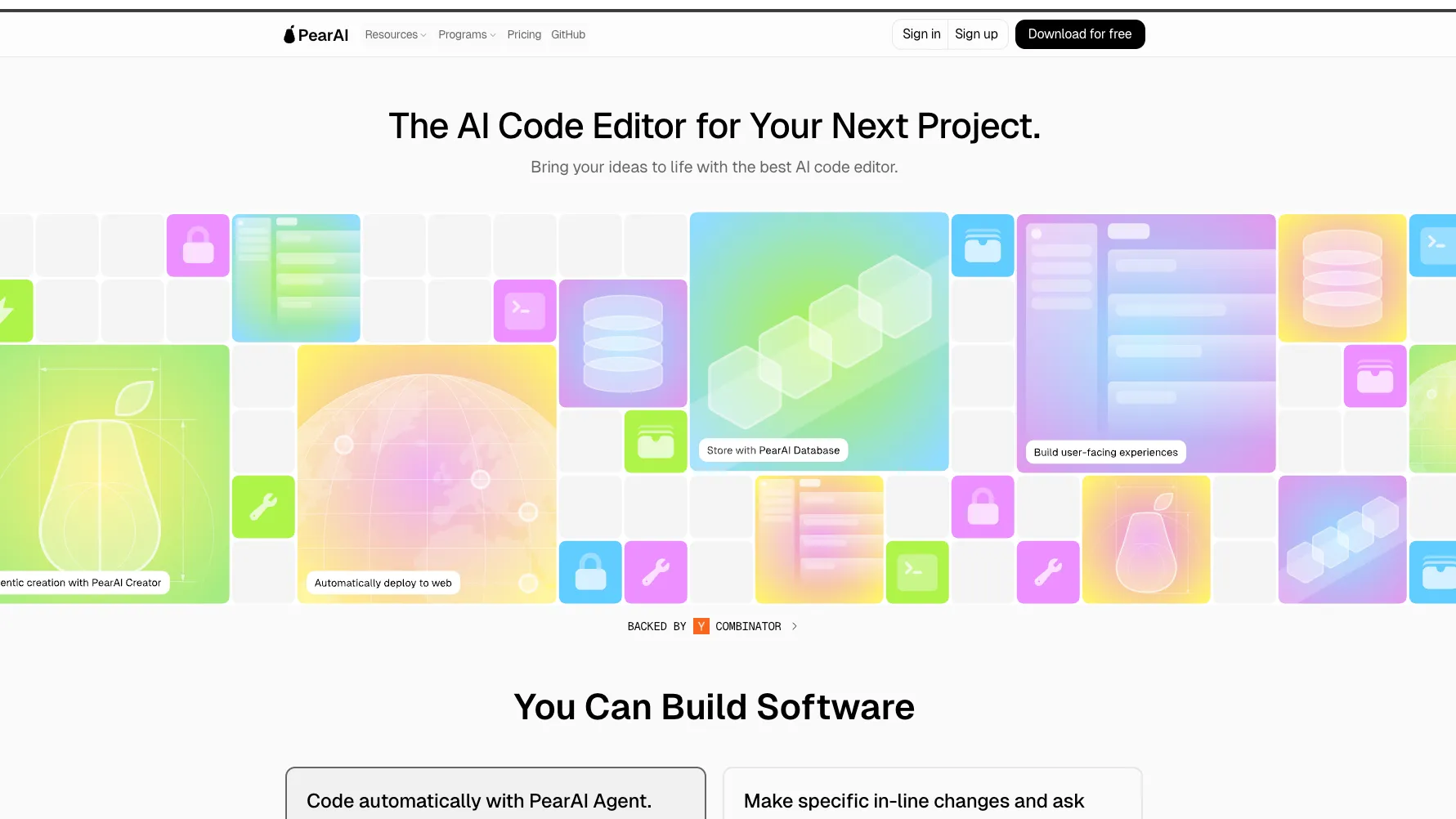
PearAI is an open-source VS Code-based AI editor for developers who want a familiar coding environment with integrated AI chat, context retrieval, and flexible model configuration.
Information checked: Jul 3, 2026 ·View sources
Tool details
- Type
- AI editors
- Platforms
- macOS, Windows, Linux
- Free plan
- Yes
- Open source
- Yes
- Bring your own key
- Yes
- Local models
- Yes
Overview
Best for
- Developers who like VS Code but want AI features integrated by default
- Solo builders comparing open-source Cursor alternatives
- Developers who want BYOK or local model control
- Projects where local codebase indexing is preferred over cloud-only retrieval
- Makers who want chat, inline edits, terminal context, docs context, and agent workflows in one editor
Strengths
- Open-source and familiar for VS Code users.
- Strong model flexibility with BYOK, hosted routing, and local model paths.
- Local codebase indexing is useful for privacy-conscious developers.
- Context providers make debugging, review, and codebase Q&A practical.
- Lower entry price than many commercial AI IDE subscriptions.
Limitations & trade-offs
- Large enterprises needing mature admin controls, procurement, and compliance packaging
- Teams that require a long commercial track record and predictable vendor roadmap
- Developers who want a lightweight extension inside their existing VS Code installation
- Users who dislike credit-based hosted model usage
- Teams that want a fully proprietary IDE with dedicated support and SLA-style commitments
- Newer and less mature than Cursor, Windsurf, or GitHub Copilot.
- Some advertised workflows have changed over time or are still evolving.
- Hosted usage is credit-based, so long chats and large contexts can consume credits quickly.
- Enterprise administration features are not as clearly packaged as larger vendors.
- History as a fork of VS Code and Continue may require extra license and governance review for teams.
Get started
Pricing & usage limits
Official pricingFree tier · From $15
Free / BYOK$0
Free open-source editor; use your own API keys, local models, or available trial access.
PearAI Server$15 / month
Early-bird subscription with PearAI Router, hosted servers, monthly model credits, and optional credit top-ups.
Pricing checked: Jul 3, 2026 · Subscription, usage limits, and model costs may be billed separately.
Features & details
AI Coding Workspace
- VS Code-based standalone editor
- PearAI chat with selected-code context
- Inline edits with visible diffs
- Terminal-aware debugging shortcuts
Codebase Context
- @codebase and @folder retrieval
- Local embeddings and local index storage
- @files, @code, @docs, @terminal, @diff, and @problems context
- .pearaiignore support for excluding files from indexing
Model Flexibility
- PearAI Router for hosted model access
- Bring-your-own API key configuration
- Local model options through Ollama, LM Studio, llamafile, and llama.cpp
- OpenAI-compatible API support
Workflow Commands
- /commit for commit message generation
- /cmd for terminal command generation
- /edit for chat-driven code changes
- /comment and /test for documentation and test generation
Agent & Autocomplete
- PearAI Agent powered by Roo Code / Cline
- PearAI Creator listed as a project-creation workflow
- Tab autocomplete through Supermaven or configured completion models
- Custom slash commands through config.json or config.ts
Why Choose PearAI?
PearAI is most interesting for developers who want an AI editor that feels close to VS Code but avoids locking the entire workflow into one model provider. Its appeal is not only that it is open source, but that it combines a familiar editor shell with AI-native context controls, local indexing, model configuration, and optional hosted routing.
The decision point is control versus polish. PearAI gives builders more room to choose providers, inspect the source, use local models, and adapt prompts or commands to their own workflow. In exchange, users should expect a younger ecosystem than Cursor, Windsurf, or GitHub Copilot, with more configuration decisions and a less proven enterprise story.
Core Workflow
A practical PearAI workflow starts with a normal repository and a chat-driven loop: select code, ask for an explanation or change, inspect the diff, then refine the result with more targeted context. The strongest pattern is to avoid dumping the entire project into every prompt. Instead, combine files, docs, terminal output, diffs, and problems only when they are relevant.
That context discipline matters because hosted usage is credit-based and because large, unfocused prompts can reduce answer quality. PearAI is most useful when treated as a context workbench: the developer curates the information the model should see, then uses inline edits and slash commands to turn suggestions into reviewable code changes.
Use Cases
PearAI fits solo builders, students, indie hackers, and open-source-minded developers who want one editor for code explanation, refactoring, debugging, docs-aware implementation, test generation, and lightweight agent tasks. It is especially useful for developers who switch between hosted frontier models and local experimentation.
It can also work as a low-friction evaluation tool for teams exploring AI code editors. Because it is VS Code-based, the learning curve is relatively small for developers already familiar with command palettes, editor panels, diffs, and extensions.
Comparison to Alternatives
Compared with Cursor, PearAI is more open-source oriented and more flexible around BYOK/local model usage, while Cursor has a more mature commercial product experience. Compared with Windsurf, PearAI is less polished as a team platform but gives developers more visibility into its foundation and configuration.
Compared with Void, PearAI occupies a similar open-source AI editor lane, but its identity is tied closely to Continue-style context, PearAI Router, and the broader inventory of AI coding tools it tries to unify. Compared with raw VS Code plus extensions, PearAI reduces setup friction by making AI workflows part of the editor identity rather than an add-on stack.
Best Configuration
For privacy-sensitive or cost-conscious users, start with BYOK or local models first. Configure only the providers you actually plan to use, keep codebase indexing local, and create a .pearaiignore file for files that should never be indexed. This gives the clearest baseline before trying hosted routing.
For hosted use, keep chats short and task-specific. Start new conversations between unrelated tasks, reference only necessary files or folders, and use @diff for review-style prompts after edits. That setup makes the model more focused and helps prevent avoidable credit consumption.
Migration Notes
PearAI does not require a major code migration because it works around existing repositories and familiar VS Code-style workflows. The main migration work is behavioral: deciding when developers should use inline edits, when to rely on chat, when to invoke agent-style workflows, and when to fall back to manual review.
Teams should also review the project’s open-source history and privacy policy before adopting it widely. PearAI has taken public steps to correct earlier fork-attribution issues, but organizations with strict legal or security review should still verify licenses, telemetry settings, hosted logging behavior, and model-provider data handling before using it on sensitive repositories.
Model support & data privacy
Supported models
- Claude 3.5 Sonnet
- Claude 3.5 Haiku
- GPT-4o
- OpenAI o1-mini
- OpenAI o1-preview
- Gemini 1.5 Pro
- Claude
- OpenAI
- Google Gemini
- Azure OpenAI
- Mistral
- Ollama
- Cohere
- Groq
- DeepSeek
- TogetherAI
- LM Studio
- llamafile
- Replicate
- llama.cpp
- WatsonX
- OpenAI-compatible APIs
- Codestral
Privacy & data handling
PearAI states that open-source app usage does not require personal data, that codebase indexing happens locally, and that hosted services do not directly store the full codebase. Its app privacy policy also says prompts may be logged for debugging and product improvement, so sensitive teams should prefer BYOK/local setups or review the policy before using hosted services.
Guides, reviews & fixes
No published guides yet. Start with the official documentation above.
Product updates
Official changelogNo verified product updates listed yet. Follow this tool to see new relevant content in Saved.
See the content timelineAlternatives
CursorCursor is an AI coding and cloud development platform that combines a VS Code-based editor, local and cloud agents, CLI workflows, Origin code hosting, repository collaboration, and prompt-to-app creation. WindsurfWindsurf, now transitioning under the Devin Desktop brand, is an AI-native IDE for developers who want coding agents, codebase context, and editor workflows in one desktop environment.
 VoidVoid is an open-source AI IDE and Cursor-style VS Code fork for developers who want model choice, local/BYOK workflows, and more control over AI coding data paths.
 Zed AIZed AI is an open-source standalone AI code editor positioned around speed, agent review, flexible model access, and collaboration rather than VS Code compatibility.
 TRAE / TraeCodeTRAE combines TraeCode, an AI coding environment for working with source files, and TraeWork, a task-oriented AI work assistant. This page focuses on choosing and setting up the coding workflow, reviewing changes and understanding subscription usage.
 Kiro IdeKiro is an AWS-backed agentic AI IDE for spec-driven software development, combining local coding, CLI automation, web-based delegated agents, MCP tools, and team steering into one structured engineering workflow.
Sources & verification
Verification dates record when this directory checked the information. Product release dates appear separately above.
Official websitePricing pageGitHub repositoryDocumentation repositoryCore features documentationModels and usage documentationCodebase context documentationApp privacy policyOpen-source fixes blogGitHub releases
Directory revision history
Verified official website, pricing page, GitHub repository, documentation repository, model support, local indexing, privacy notes, and release information.
GitHub releases listed PearAI v2.0.0 Beta for Linux as a pre-release.
PearAI v1.8.9 Linux release included memory improvements, PearAI Bubbly, Roo Code update to v3.15.2, a reload button, backend deprecation, and bug fixes.
PearAI app privacy policy was updated with details on hosted services, local indexing, anonymous logging, prompt logging, and telemetry opt-out.
PearAI published an open-source fixes post addressing its VS Code and Continue fork history.