On This Page4 sections
Key Takeaways
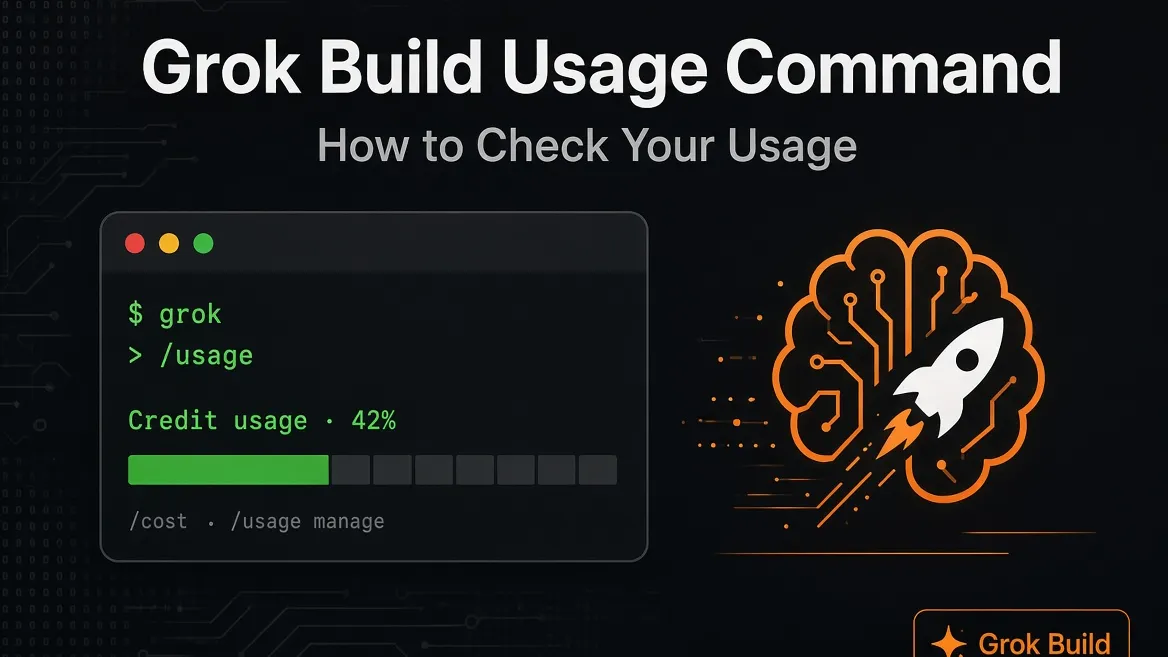
The main Grok Build usage command is:
/costIt displays your current credit usage information inside the Grok Build CLI. The official Grok Build command reference also lists /cost as an alias for /usage.
How to Check Grok Build Usage
Start Grok Build:
grokThen enter:
/usageFor the same usage view, you can also use:
/costTo access usage and billing management options, run:
/usage manageThese commands are part of Grok Build's built-in account and billing commands.
/usage vs /context
Do not confuse account usage with context usage.
Use:
/usagefor credit/account usage.
Use:
/contextwhen you want to inspect how much of the current conversation's context window is being used.
Conclusion
For most users, the command to remember is simply:
/usageUse /cost as a shortcut or /usage manage when you need billing-related controls.
Continue Reading
More articles connected to the same themes, protocols, and tools.


Referenced Tools
Browse entries that are adjacent to the topics covered in this article.