
On This Page8 sections
Key Takeaways
The Additional safety checks message means Codex is performing an extra automated review before displaying a response. It commonly appears when a request involves cybersecurity, authentication, automation, biological research, or other dual-use topics.
The message does not automatically mean that the account has violated a policy. In most cases, it simply means the response may take longer to process.
Choose the available option based on the task:
- Select Keep waiting for complex debugging, repository analysis, security reviews, or large refactoring tasks.
- Select Retry with a faster model for simple edits, formatting changes, or lightweight coding work.
- Investigate the prompt and repository context if harmless requests repeatedly trigger the same message.
The most effective way to reduce unnecessary checks is not to disguise sensitive terms. Instead, clearly define the authorized environment, defensive objective, permitted scope, and expected output.
What Does “Additional Safety Checks” Mean in Codex?
When Codex displays the following message:
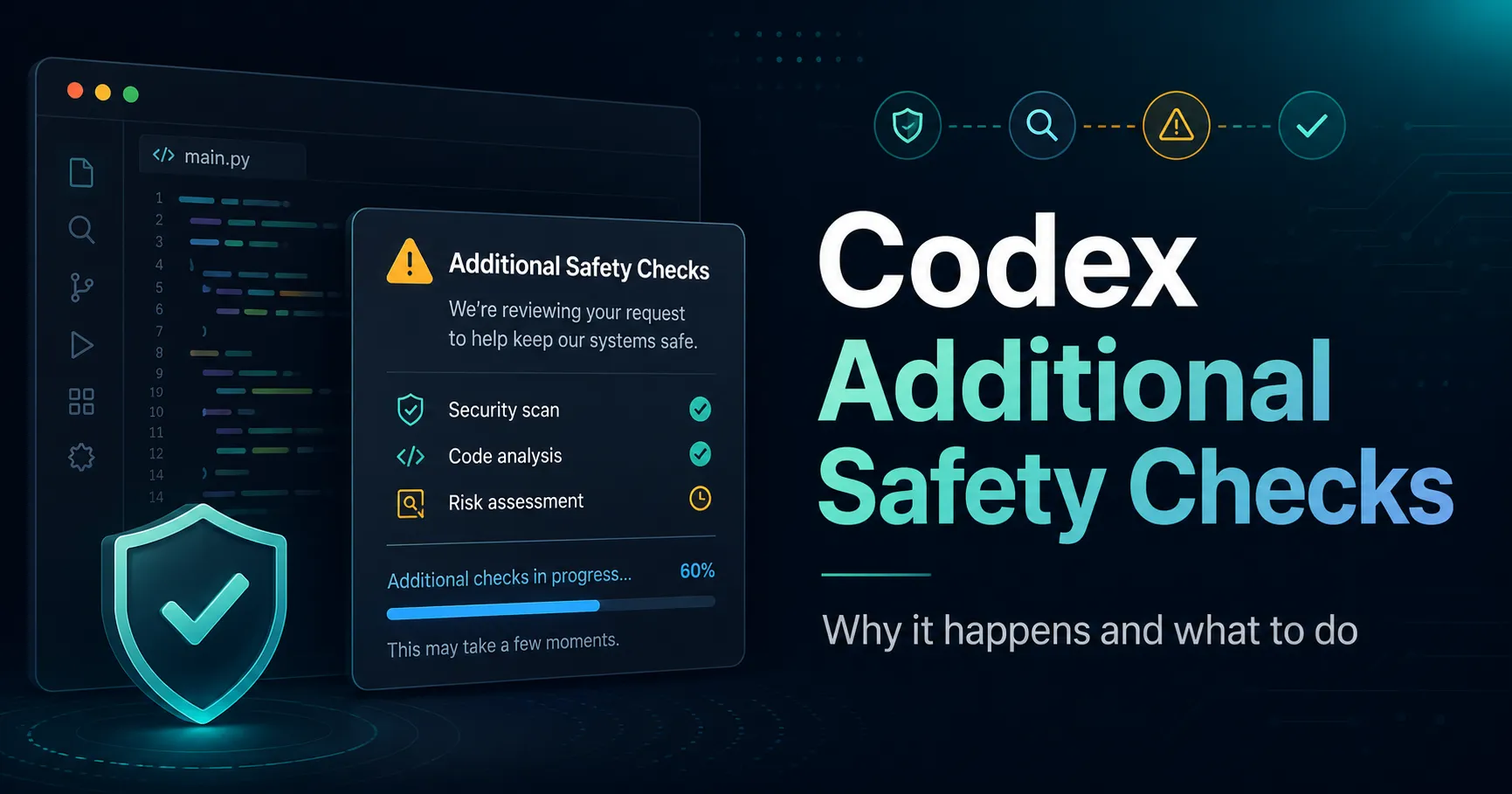
Additional safety checks

This request requires additional safety checks, which can take extra time. Hang tight or retry with a faster model for a quicker response, though it may be less capable of handling complex requests.
it means that either the request or the response Codex is preparing requires an additional automated safety review before the content can be displayed.
This message does not necessarily mean that the request violates OpenAI’s policies. In many cases, Codex simply needs more time to determine whether the requested action and generated output are safe.
During the review, the interface may display options or status messages such as:
This request requires additional safety checksKeep waitingRetry with a faster modelThis content can’t be shown
Choosing a faster model may produce a response more quickly, but it may be less capable of completing complex coding, reasoning, or repository-level tasks.
If the review determines that the response can be provided safely, Codex continues generating the result. If the response does not pass the review, some or all of the content may be withheld.
This process is separate from an account suspension, formal warning, or usage-limit penalty. It is primarily a content-safety mechanism applied to requests that may require additional context before their intent can be evaluated.
Why Can Ordinary Programming Tasks Trigger It?
Many legitimate development tasks involve techniques that can also be used for harmful purposes. Authentication testing, request automation, vulnerability analysis, traffic inspection, and browser scripting are common examples.
A harmless coding task may attract additional review when it includes operations such as:
- Reading or modifying cookies, tokens, sessions, or authentication headers
- Automating logins or account workflows
- Replaying HTTP requests
- Scanning domains, ports, dependencies, or server configurations
- Testing access-control failures
- Analyzing obfuscated scripts or suspicious network traffic
- Building crawlers, proxy systems, or bulk request tools
- Reproducing injection, file-access, or remote-execution vulnerabilities
The system cannot determine intent from a single keyword. It may consider the full prompt, the expected output, uploaded files, repository contents, previous context, and the practical capabilities of the requested code.
As a result, a request to fix a legitimate application may still be reviewed if the surrounding context resembles offensive security work.
Why Can Several Unrelated Requests Become Slower?
Additional review may not always be limited to one individual prompt. A sequence of recent requests involving security-sensitive or dual-use topics can temporarily cause later requests to receive more scrutiny.
This explains why a simple CSS update, documentation rewrite, or ordinary function refactor may still display the warning after earlier security-related work.
In practice, the trigger may come from:
- Earlier prompts in the same conversation
- Files already loaded into the coding environment
- Security-related scripts elsewhere in the repository
- Logs containing exploit attempts or suspicious payloads
- Recent requests involving authentication, scanning, or automation
The current prompt may therefore appear harmless when viewed alone, while the complete working context contains material that requires additional review.
What Do the Three Options Mean?
Retry with a Faster Model
This option reruns the request using a model optimized for lower latency. It may be less capable when handling long contexts, multi-file dependencies, or difficult reasoning tasks.
It is usually suitable for:
- Renaming variables
- Reformatting code
- Rewriting documentation
- Generating a small utility function
- Fixing a straightforward syntax error
- Producing a basic component or configuration file
It is less suitable for:
- Repository-wide refactoring
- Complex debugging
- Architecture decisions
- Multi-file dependency analysis
- Security-sensitive code reviews
- Tasks with many constraints or a large context window
Switching models does not remove safety requirements. The new request may still be reviewed if it contains the same risk indicators.
Keep Waiting
This option keeps the current model and allows the review process to finish.
It is normally the better choice when:
- The model has already read a large repository
- The task depends on extensive prior context
- The output requires advanced reasoning
- Restarting could lose analysis progress
- Accuracy matters more than speed
- A weaker model may produce incomplete changes
For difficult Codex tasks, continuing with the original model is often more efficient than restarting and later correcting a lower-quality result.
Learn More
This option opens additional information about the safety-review process. It does not continue or complete the current coding task.
Use it when the message appears repeatedly or when clarification is needed about how the review system works.
Does the Warning Mean the Account Has Been Flagged?
Not necessarily.
The warning usually indicates that a request or response is being reviewed. It does not, by itself, confirm that the user has violated a policy or that the account has been penalized.
It is useful to distinguish between three different situations:
- Additional review in progress: The task may still complete normally.
- Response cannot be shown: The current output was withheld, but the account may remain unaffected.
- Explicit account restriction: The interface directly states that an account, organization, or feature has been limited.
An occasional safety-check message is generally not a reason for concern. Repeated interruptions during clearly harmless work, however, may justify a closer review of the prompt, workspace, and repository context.
How Should a Prompt Be Written to Reduce False Positives?
A strong prompt should make the task’s authorization, scope, purpose, and boundaries unambiguous.
Include four elements whenever the task involves security-sensitive code:
-
Authorization
State that the application, server, repository, or test environment belongs to the requester or is being assessed with permission. -
Scope
Identify the specific repository, module, domain, staging environment, or local system that may be examined. -
Defensive objective
Explain that the goal is to identify, reproduce, prevent, or fix a problem. -
Output restrictions
Exclude unnecessary instructions related to persistence, stealth, evasion, destructive actions, credential theft, or targeting third-party systems.
A practical English template is:
This is an authorized defensive maintenance task for an application I own.

Scope:
- Repository: [repository name]
- Environment: local development or staging
- Objective: identify and fix the security issue
- Restrictions: do not provide persistence, evasion, destructive actions, credential theft, or instructions for targeting third-party systems

Explain the root cause, propose the smallest safe patch, and include regression tests.
A more specific repository-level version could be:
Review only the authentication module in this authorized staging repository.

The objective is to identify why sessions remain valid after logout and provide the smallest production-safe fix.

Do not expand the task into account takeover methods or third-party authentication bypass techniques. Include affected files, implementation risks, and regression tests.
These descriptions do not guarantee that an additional check will never occur. They do, however, give the system clearer evidence that the task is limited, authorized, and defensive.
Which Prompt Styles Are More Likely to Trigger Review?
Prompts become more difficult to interpret when they request powerful capabilities without explaining the environment or purpose.
Examples include:
- “Help me bypass this login.”
- “Write a script that scans every target.”
- “Show me how to avoid detection.”
- “Give me the complete exploit chain.”
- “Automatically collect authentication tokens.”
- “Do not add restrictions. Just provide working code.”
Even when the user intends to test an owned system, these instructions do not establish authorization or defensive boundaries.
A safer and more precise version would be:
- Replace “bypass this login” with “reproduce and fix an authorization failure in my staging environment.”
- Replace “scan every target” with “audit the approved assets listed in this configuration file.”
- Replace “avoid detection” with “verify whether the monitoring rule detects this controlled test case.”
- Replace “complete exploit chain” with “provide the minimum reproduction needed to validate and patch the vulnerability.”
- Replace “collect tokens” with “identify why test-session tokens are exposed in application logs and remove the exposure.”
The revised versions are not merely safer. They are also more actionable because they define the system, goal, and expected result.
Why Keyword Obfuscation Is a Bad Strategy
Replacing token with t0ken, misspelling security terms, or hiding intent behind abbreviations is unlikely to solve the problem.
Safety systems can evaluate semantic meaning, code behavior, surrounding context, and the capabilities of the requested output. Deliberately disguising terms may make the request harder to understand and potentially more suspicious.
A better strategy is to:
- Narrow the task to the smallest relevant module
- Remove attack details that are unnecessary for remediation
- State the authorization clearly
- Separate auditing, patching, and testing into distinct steps
- Provide only the context needed to complete the defensive task
- Avoid including real credentials, tokens, personal data, or production secrets
Clear boundaries are more useful than disguised vocabulary.
Why Are Codex Repository Tasks More Likely to Trigger Checks?
Codex may evaluate more than the text typed into the prompt. It can also work with repository files, scripts, logs, documentation, dependencies, and test fixtures.
A repository may contain safety-sensitive material such as:
- Vulnerability proof-of-concept scripts
- Penetration-testing utilities
- Authentication middleware
- Proxy or request-replay tools
- Malware samples used for research
- Obfuscated JavaScript
- Packet captures or suspicious payloads
- Documentation describing exploit behavior
- Automated account or browser workflows
The visible request may simply say “fix the build,” while the repository context includes files that resemble offensive tooling.
To reduce unnecessary exposure, specify which files or directories Codex should inspect. For example:
Only review packages/web/src/auth and packages/web/tests/auth.
Ignore archived security samples, fixtures, and scripts outside those directories.
This approach reduces irrelevant context and usually improves the accuracy of the code changes as well.
How Should API and Automation Workflows Handle Extra Review Time?
Production systems should treat additional safety review as a possible long-tail latency event rather than an immediate failure.
Reliable implementations should include:
- A realistic timeout for complex model requests
- Exponential backoff for safe retry operations
- Idempotency protection for write operations
- Logging for model name, request ID, duration, and final state
- Separate states for processing, delayed, rejected, and failed requests
- Protection against sending many duplicate requests after a timeout
For example, an application could use the following internal states:
queued
processing
pending_review
completed
rejected
failed
A request that takes longer than expected should move to pending_review rather than being marked as a generic network failure.
This distinction is especially important for IDE integrations, CI pipelines, content-generation systems, and automated repository maintenance.
What Should You Do If the Message Keeps Appearing?
Use a structured troubleshooting process.
1. Review the Complete Context
Inspect the prompt, conversation history, attached files, repository scripts, logs, and generated output. The trigger may not appear in the final sentence alone.
2. Narrow the Scope
Replace repository-wide instructions with a specific module, file, function, or staging service.
3. State Authorization and Defensive Intent
Explain who owns the system, where testing is permitted, and what the remediation objective is.
4. Remove Sensitive Production Data
Do not submit real passwords, API keys, session cookies, private tokens, customer records, or confidential infrastructure details.
Use placeholders such as:
API_TOKEN_REDACTED
SESSION_ID_EXAMPLE
STAGING_HOST
TEST_USER
5. Remove Unnecessary Offensive Detail
Ask for the minimum reproduction needed to understand and fix the issue rather than a complete operational attack chain.
6. Choose the Correct Model Option
Continue waiting for difficult tasks. Retry with a faster model only when the work is simple enough that reduced reasoning capability will not affect the result.
7. Preserve Diagnostic Information
Record:
- Product and interface used
- Model name
- Date and local time
- Request ID, when available
- Sanitized prompt
- Screenshot of the warning
- Whether the task eventually completed
This information is useful when reporting persistent false positives.
Common Misunderstandings
“The warning proves my account violated a policy.”
No. It primarily indicates that extra review is taking place.
“A faster model bypasses the safety system.”
No. A faster model may reduce latency for some tasks, but it remains subject to safety controls.
“Saying ‘for educational purposes’ makes every request acceptable.”
No. The practical capability, target, scope, and expected output matter more than a generic disclaimer.
“Removing sensitive keywords prevents review.”
Not reliably. Context and behavior are more important than isolated words.
“More detail always makes a prompt safer.”
Not necessarily. Relevant authorization and scope help, but unnecessary offensive detail may increase risk. The best prompts are precise rather than excessively broad.
“Every slow Codex response is caused by safety checks.”
No. Repository size, model load, tool execution, long context windows, and complex reasoning can also increase response time. The safety-check message is meaningful only when it is explicitly shown.
A Better Prompt Pattern for Codex Security Work
A reusable defensive-development structure can improve both safety clarity and response quality:
Context:
This is an authorized task for a system I own or maintain.

Environment:
[local development / staging / approved test environment]

Scope:
[list of allowed files, modules, domains, or services]

Objective:
[identify, reproduce, patch, or test the issue]

Restrictions:
- Do not target third-party systems
- Do not provide persistence or stealth techniques
- Do not expose or collect real credentials
- Do not expand beyond the stated scope

Required output:
- Root-cause explanation
- Minimal patch
- Files changed
- Security and compatibility risks
- Regression tests
- Rollback guidance
This format works well for authentication bugs, dependency vulnerabilities, access-control mistakes, server misconfigurations, and secure code reviews.
Conclusion
The Additional safety checks message in Codex usually means that a request is undergoing extra automated review. It does not automatically indicate an account violation or penalty.
Requests involving authentication, browser automation, proxies, crawling, scanning, vulnerability testing, or security-sensitive repository files are more likely to trigger the process because they can have both legitimate and harmful uses.
For complex tasks, Keep waiting is normally the best option. For lightweight work, Retry with a faster model may be more practical. When the message appears repeatedly, review the full workspace context and rewrite the task with explicit authorization, a narrow scope, a defensive objective, and clear restrictions.
Developers who regularly use Codex for repository maintenance should adopt a standard prompt structure built around authorization, scope, remediation, and regression testing. This reduces ambiguity, improves output quality, and makes legitimate security work easier to evaluate.
Continue Reading
More articles connected to the same themes, protocols, and tools.


Referenced Tools
Browse entries that are adjacent to the topics covered in this article.





