On This Page8 sections
Key Takeaways
- The message means Codex has detected 3 available usage limit resets on the account. A reset is best understood as a saved rate-limit refresh, not a cash balance.
- Running
/usageopens the usage flow where one reset can be applied. It is usually used after Codex hits a usage limit. - A reset is not the same as paid credits. It does not become API balance, cash credit, or a transferable benefit.
- Use resets strategically. They are most valuable when an active coding session is blocked and waiting would interrupt meaningful work.
- Check
/statusbefore spending one. In supported Codex environments,/statushelps inspect session, context, and usage information.
What the Message Means
When Codex shows:
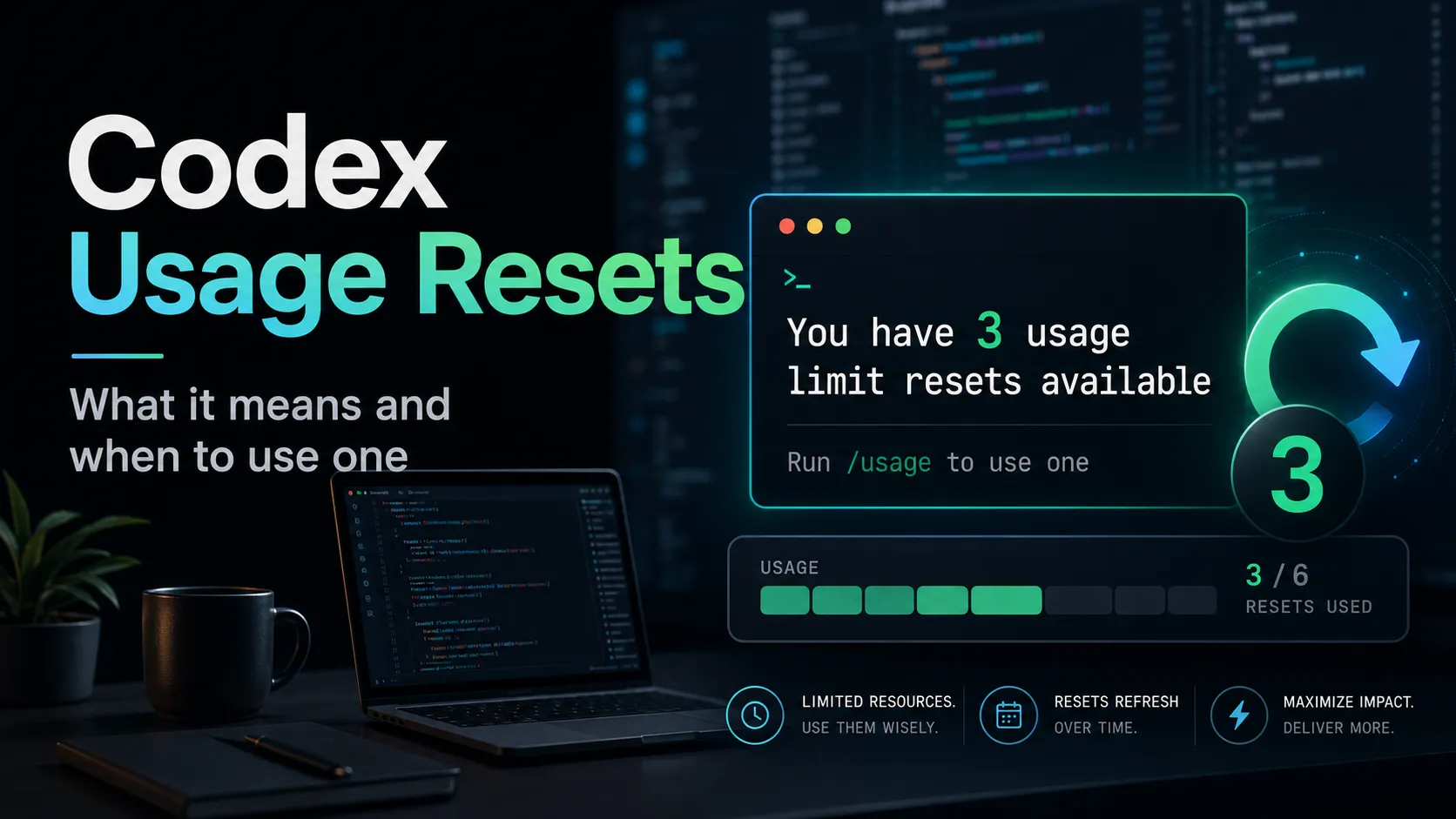
You have 3 usage limit resets available. Run /usage to use one.it means the account has three available rate-limit reset opportunities that can be applied to continue using Codex after reaching a usage cap.
This is not an error. It is also not saying that three tasks failed. It is a usage-management notice: Codex is telling the user that extra reset capacity exists and can be redeemed through the usage interface.
In practical terms:
- 3 usage limit resets available means there are three reset chances saved on the account.
- Run
/usagemeans the user can open the usage panel or usage command flow. - Use one means applying one reset will consume one of the three available resets.
The safest interpretation is simple: do not use a reset unless Codex is already blocked or close to being blocked by a limit.
Why Codex Has Usage Limits
Codex is not just a text autocomplete tool. It can inspect repositories, edit files, run terminal commands, review diffs, execute tests, and maintain long-running coding context.
That makes usage more resource-intensive than a short chat reply.
Codex usage can vary based on:
- The model selected
- The size of the repository
- The number of files Codex needs to inspect
- Whether the task runs locally or in the cloud
- How much context the session holds
- How many commands, tests, and patch attempts are involved
- Whether the user asks for broad exploration or targeted edits
This explains why two developers on the same plan may hit limits at different speeds. A one-file bug fix may use very little allowance. A full repository migration with test repair, linting, and repeated patching can consume much more.
Reset vs Credits vs Waiting
A common misunderstanding is treating resets, credits, and normal usage recovery as the same thing. They are different.
| Option | What it does | Best use case | Important caveat |
|---|---|---|---|
| Usage limit reset | Refreshes a Codex usage limit window or restores access according to the active offer | Continue important work after hitting a limit | Usually limited and should be saved for valuable tasks |
| Credits | Adds paid flexible usage beyond included plan limits | Sustained heavy Codex usage | Credits are consumed based on usage |
| Waiting | Lets the normal usage window recover | Non-urgent work | Slower, but preserves resets and avoids extra spend |
| Switching model | Uses a lighter model where available | Simple edits, summaries, or reviews | May reduce quality on complex code tasks |
The key distinction:
A usage limit reset is like a limited refresh token. Credits are a paid balance. Waiting is free but slower.
How to Use a Codex Reset
If Codex says to run /usage, the practical command is:
/usageBefore spending a reset, check the current state:
/statusA disciplined workflow looks like this:
- Run
/statusto confirm whether the current block is really a usage limit. - Review the Codex usage panel to see remaining limits, reset count, and possible recovery time.
- Use
/usageonly when Codex explicitly offers a reset. - Apply one reset, not all resets. Save the others for later.
- Resume the blocked task with a compact instruction so Codex does not waste context or re-read unnecessary files.
When It Makes Sense to Spend a Reset
A reset is worth using when the cost of interruption is higher than the value of saving the reset.
Good reasons include:
- A production bug fix is in progress. Codex has already inspected files, generated a patch, and is close to validation.
- A long migration is mid-flight. Stopping may lose valuable working context.
- Tests are failing and Codex is actively repairing them. A reset can preserve debugging momentum.
- A deadline is near. Waiting for the normal window to recover may be more expensive than spending one reset.
- The task requires high-context reasoning. Recreating the same project understanding later may consume even more usage.
The best reset usage pattern is not to spend resets at the first warning. The best moment is when Codex is blocked from continuing meaningful work and the task still has high value.
When Not to Spend a Reset
Avoid spending a reset when the task is low-value, vague, or easy to restart.
Poor use cases include:
- Asking Codex to explain a small error message
- Generating simple boilerplate
- Running broad exploratory prompts with no clear task
- Using Codex for casual questions that do not require repository access
- Continuing a messy thread where the objective has drifted
- Asking Codex to scan the entire project without a precise goal
In these cases, it is usually better to wait, simplify the prompt, switch to a smaller model where available, or start a cleaner session later.
Common Pitfalls
Mistake 1: Thinking Resets Are API Credits
A Codex rate-limit reset does not become API balance. It is tied to Codex usage and should not be treated as money, account credit, or transferable value.
Mistake 2: Spending a Reset Before Checking the Usage Window
Codex usage limits may recover naturally. If the next recovery time is close, waiting may be better than consuming a banked reset.
Mistake 3: Using a Reset on an Unclear Task
A vague request such as “fix the whole project” can burn through usage quickly. Before applying a reset, narrow the scope:
Focus only on the failing auth tests. Do not refactor unrelated files. First inspect the test output, then propose the smallest patch.Mistake 4: Letting Codex Re-read the Whole Repository
Large context loads can consume more allowance. After a reset, give Codex a compact checkpoint:
Continue from this state: the failing file is src/auth/session.ts, the failing test is session-refresh.test.ts, and the likely issue is token expiry handling. Make the smallest fix and run only the related test first.Mistake 5: Using Resets for Work That Should Be Done Manually
Codex is strongest when it can inspect real code, apply patches, and verify behavior. It is less efficient for vague planning, generic explanations, or work that does not need repo context.
Advanced Tips for Heavy Codex Users
Use a Reset Only After Creating a Clear Checkpoint
Before applying a reset, ask Codex for a short state summary:
Summarize the current task state in 8 bullets: files inspected, files changed, tests run, current failure, likely cause, next command, next patch, and rollback risk.This protects the session if the workflow is interrupted.
Split Large Work Into Smaller Threads
Instead of one giant instruction, separate the work:
- Thread 1: identify affected files
- Thread 2: implement the smallest patch
- Thread 3: run tests and fix regressions
- Thread 4: review the final diff
This reduces wasted usage and makes resets less necessary.
Prefer Targeted Commands
A broad command like this can be expensive:
Run all tests and fix everything.A better prompt is:
Run the auth test file only. If it fails, inspect the failure and make the smallest change needed. Do not modify unrelated modules.Ask Codex to Avoid Unnecessary Exploration
Codex can waste usage if it keeps searching unrelated files. A better instruction is:
Only inspect files directly related to the failing test unless you find evidence that another module is involved. Before reading more than 5 files, explain why each additional file is necessary.Use Resets as a Workflow Signal
If Codex frequently shows reset prompts, it may indicate one of three problems:
- The project context is too large.
- The tasks are too broad.
- The selected model or mode is heavier than necessary.
The solution is not always more resets. Often, the better solution is tighter task design.
Practical Recommendation
For most developers, the best rule is:
Do not use a Codex reset just because it is available. Use it when a real task is blocked and the current session already contains valuable project context.
A simple decision framework:
- Urgent production work? Use one reset.
- Important long-running migration? Use one reset after saving a checkpoint.
- Simple question or small snippet? Wait or use another tool.
- Unclear task? Clarify the task before spending a reset.
- Near natural recovery time? Wait and save the reset.
FAQ
Does “3 usage limit resets available” mean three free Codex months?
No. It means there are three available rate-limit resets, not three months of subscription time.
Does /usage automatically consume a reset?
In most cases, /usage opens the usage flow or panel. Users should review the confirmation screen before applying a reset.
Can a reset be transferred to another account?
No. A Codex usage reset should be treated as account-bound and non-transferable.
Is a reset better than buying credits?
For a one-time limit block, a reset can be better because it uses an existing benefit. For sustained heavy usage, credits may be more predictable because they are designed for additional usage beyond included plan limits.
Why did Codex show this message now?
The account likely received banked resets through an eligible promotion, referral, plan benefit, launch offer, or workspace-level usage benefit.
Conclusion
The Codex message “You have 3 usage limit resets available. Run /usage to use one.” is a helpful signal, not a warning. It means extra rate-limit reset capacity is available, but it should be treated as a scarce productivity resource.
The best practice is simple: check /status, confirm the task is worth continuing, save a checkpoint, then apply one reset only when Codex is genuinely blocked. Used this way, Codex resets can protect high-value coding momentum without wasting limited benefits.
Continue Reading
More articles connected to the same themes, protocols, and tools.



Referenced Tools
Browse entries that are adjacent to the topics covered in this article.