ArticleJuly 13, 20264
Selected Model Is at Capacity: What It Means and How to Fix It
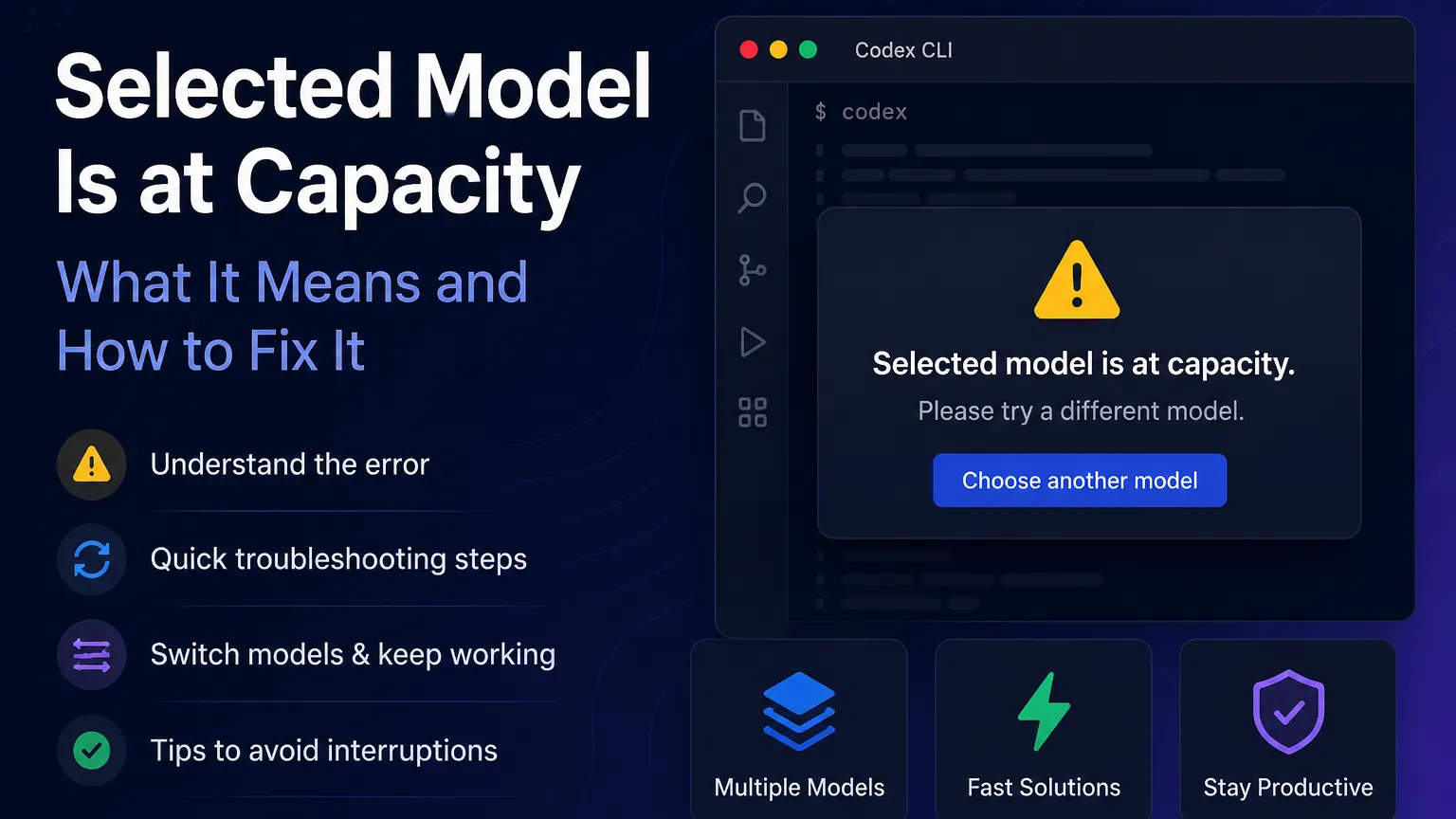
The warning appears when the selected AI model has more active demand than its available computing capacity can handle.
Your request may be valid, your account may still have available usage, and the application itself may continue working. The problem is usually limited to the selected model or the infrastructure serving it.
This can affect Codex CLI, IDE extensions, cloud tasks, ChatGPT, and other tools that depend on shared model capacity.
Common causes include:
Capacity can also vary between models. One model may reject new tasks while another remains available.
Submit the request again after a brief pause. Temporary capacity problems often clear without requiring configuration changes.
Avoid repeatedly submitting the same task within a few seconds. Controlled retries are more reliable than rapid retry loops.
Changing models is usually the fastest workaround. Choose a model that supports the same coding or reasoning workflow, even if it is slightly less powerful.
For routine tasks such as file editing, test generation, documentation, and small bug fixes, a lighter model may complete the work with little practical difference.
Large repository-wide requests can require substantial compute. Break the task into smaller operations, such as:
This does not guarantee access when a model is completely unavailable, but it can improve reliability during periods of heavy demand.
Review the OpenAI status page when the error affects multiple models, continues across new sessions, or appears alongside failed cloud tasks.
A confirmed service incident means local troubleshooting is unlikely to help. Switching models or retrying later is more effective.
Capacity errors and account limits are different problems.
| Message | Likely meaning | Best action |
|---|---|---|
| Selected model is at capacity | The model is temporarily overloaded | Retry or switch models |
| Usage limit reached | The account has reached an allowance | Wait for the reset or review usage |
| Rate limit exceeded | Too many requests were submitted within a period | Reduce request frequency |
| Model unavailable | The model may be disabled, restricted, or temporarily offline | Select an available model |
A usage-limit warning normally includes allowance or reset information. A capacity warning usually does not.
Do not immediately reinstall the CLI, remove the IDE extension, delete project configuration, or regenerate authentication credentials. These actions rarely solve server-side capacity problems and can introduce unrelated setup issues.
Clearing the conversation may also remove useful context without improving model availability. Preserve the current session unless there is evidence that the session itself is corrupted.
The Selected model is at capacity warning is generally temporary and does not mean the account has been blocked or its allowance has been exhausted.
Retry the task once, switch to another compatible model, and check the service status if the problem continues. For time-sensitive coding work, keeping a reliable secondary model configured is the most practical way to avoid disruption.
More articles connected to the same themes, protocols, and tools.
Browse entries that are adjacent to the topics covered in this article.