
 Microsoft Agent FrameworkAn open-source Microsoft framework for building provider-flexible AI agents and controlled multi-agent workflows across Python and .NET.
Semantic Kernel
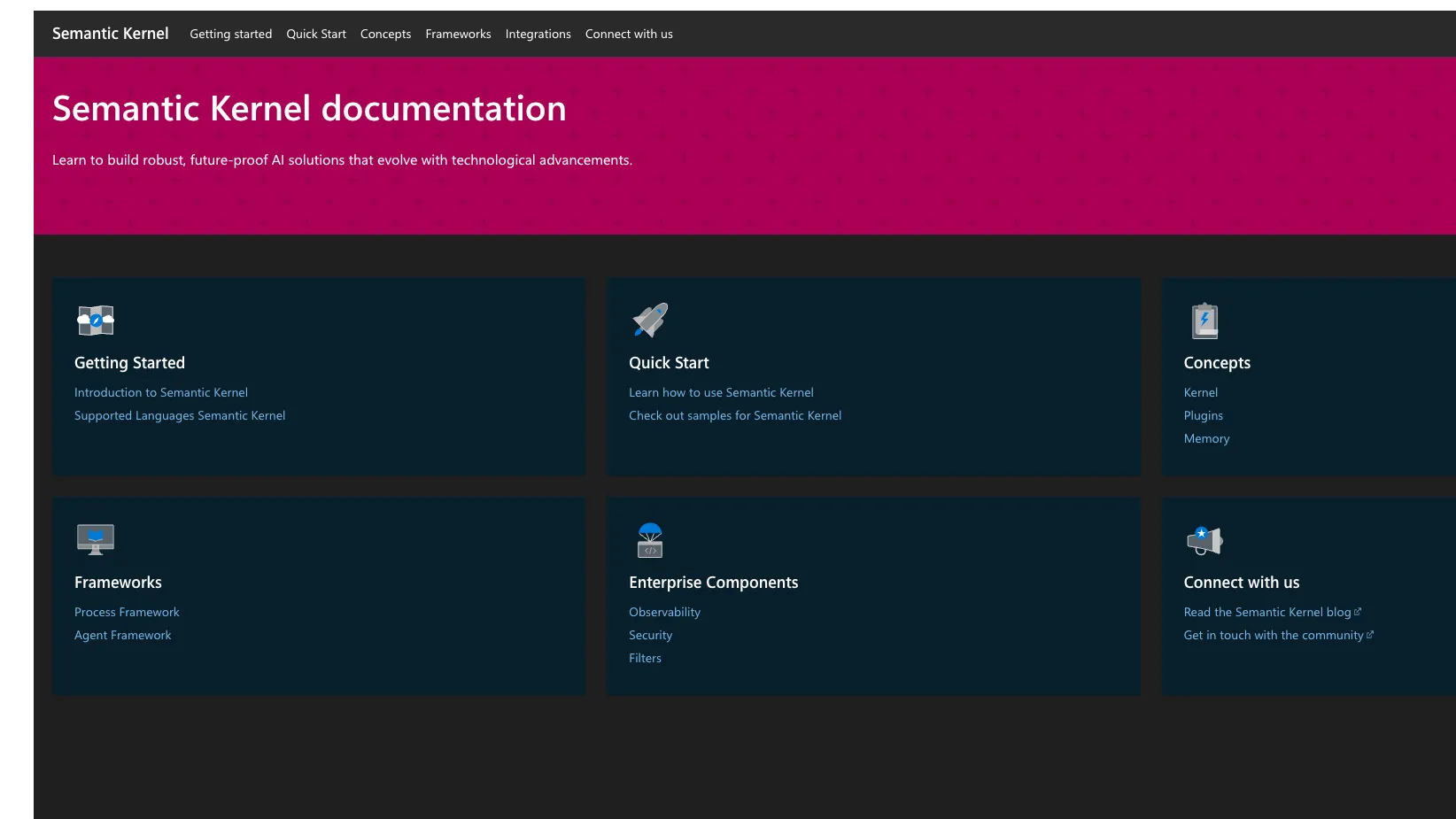
Semantic Kernel is Microsoft’s open-source AI application orchestration SDK for connecting LLMs, plugins, memory, vector stores, and existing code into agentic workflows.
Information checked: Jul 8, 2026 ·View sources
Tool details
- Type
- Developer workflows
- Platforms
- .NET, C#, Python, Java, Windows, macOS, Linux, Azure, OpenAI-compatible providers, Local model runtimes
- Free plan
- Yes
- Open source
- Yes
- Bring your own key
- Yes
- Local models
- Yes
Overview
Best for
- Adding AI agents to existing .NET applications
- Connecting LLMs to business APIs and internal code
- Function-calling workflows
- RAG applications with vector stores
- Enterprise teams standardizing around Azure AI and Microsoft developer tooling
- Teams migrating toward Microsoft Agent Framework
Strengths
- Strong fit for .NET, Python, and Java teams building AI features into existing applications.
- Open-source MIT license with Microsoft-backed documentation and ecosystem alignment.
- Plugin model makes existing business logic callable by LLMs without rewriting the app.
- Model-agnostic design helps teams avoid hard-coding one provider into the application layer.
- Useful bridge between classic software engineering patterns and agentic AI workflows.
Limitations & trade-offs
- Developers looking for an AI code editor like Cursor or Windsurf
- Teams that want a terminal-first coding agent
- Non-technical users looking for a no-code chatbot builder
- Frontend teams that require a TypeScript-first LLM framework
- New greenfield multi-agent projects that should start directly with Microsoft Agent Framework
- Not an AI-native code editor, IDE extension, or autonomous issue-to-PR coding agent.
- Microsoft Agent Framework is now the forward-looking successor for new agent projects.
- Production quality still depends on evaluation, prompt governance, model choice, and infrastructure design.
- Some connectors and capabilities can vary by language, provider, and maturity level.
- Teams outside the Microsoft/.NET ecosystem may find broader community examples in LangChain or LlamaIndex.
Get started
Pricing & usage limits
Free tier available
Semantic Kernel OSSFree
MIT-licensed open-source SDK available through GitHub, NuGet, PyPI, and Java packages.
Bring Your Own Model/APIUsage-based
Semantic Kernel itself is free, but model calls, embeddings, vector stores, and cloud infrastructure are billed by the selected provider.
Microsoft Agent FrameworkFree
Open-source successor path for new Microsoft agent projects, with provider and infrastructure costs billed separately where applicable.
Pricing checked: Jul 8, 2026 · Subscription, usage limits, and model costs may be billed separately.
Features & details
Agent and Function Orchestration
- AI agents with tool and plugin access
- Automatic function calling
- Prompt functions and native code functions
- Multi-agent and workflow patterns through Microsoft’s newer Agent Framework path
Language and Runtime Support
- C# / .NET SDK
- Python SDK
- Java SDK
- Windows, macOS, and Linux development support
Model and Connector Ecosystem
- Connectors for Azure OpenAI, OpenAI, Mistral, Google, Hugging Face, Azure AI Inference, Ollama, Anthropic via Bedrock, Amazon Bedrock, and ONNX
- Embedding generation connectors
- Vector store connectors including Azure AI Search, MongoDB, Pinecone, Qdrant, Redis, SQLite, and Weaviate
- OpenAPI and MCP-oriented extension patterns
Enterprise Development Patterns
- Telemetry and observability hooks
- Filters for security, policy, and responsible AI controls
- Prompt templates and YAML prompt definitions
- Integration with existing application code and APIs
Why Choose Semantic Kernel?
Semantic Kernel is most useful when the goal is to add AI behavior to an existing software system rather than build a standalone chatbot from scratch. Its core idea is that LLMs should be able to call real application functions, interact with existing APIs, retrieve context, and operate inside normal engineering boundaries.
That makes it different from AI coding assistants. A coding assistant helps a developer write source code. Semantic Kernel helps developers build the runtime layer that lets an AI feature use prompts, tools, memory, model providers, and business logic in a controlled application architecture.
The strongest reason to choose Semantic Kernel is Microsoft ecosystem alignment. Teams using .NET, Azure OpenAI, Azure AI Search, Microsoft identity patterns, or enterprise C# services can adopt AI orchestration without leaving familiar engineering conventions. Python and Java support broaden the use case, but the framework is especially natural for Microsoft-centered teams.
Core Workflow
A typical Semantic Kernel project starts by creating a kernel and registering AI services, plugins, prompts, and optional memory or vector-store components. The application then invokes the model through the kernel, allowing the model to request available functions when a user task requires real action or external context.
The most important design step is deciding which functions should be exposed. A plugin might wrap a database lookup, a CRM update, a document search, a ticketing action, an internal API, or a calculation. Once exposed with clear descriptions and parameters, those functions become callable tools for the model.
In production, the workflow becomes less about writing prompts and more about setting boundaries. Teams need to decide which functions are safe to call automatically, which require approval, how results are logged, how errors are handled, and how model responses are validated before they affect business data.
Use Cases That Fit Semantic Kernel
Semantic Kernel fits applications where AI needs to act inside an existing software environment. Examples include enterprise copilots, support assistants, internal workflow agents, document Q&A, knowledge retrieval, business process helpers, and agents that need to call real APIs rather than only answer from text.
It is also useful for incremental modernization. A team can wrap existing services as plugins, add retrieval over documents or records, and gradually introduce AI workflows without rewriting the full application stack. That is a practical advantage for companies with mature .NET or Java systems.
It is less compelling when the goal is only a simple frontend chatbot, a no-code assistant, or editor autocomplete. The framework assumes developers are building a real application layer and are willing to own provider configuration, tool boundaries, testing, and deployment.
Comparison to Alternatives
Compared with LangChain, Semantic Kernel is more Microsoft-aligned and often more comfortable for .NET teams. LangChain has a broader community ecosystem and many examples across Python and JavaScript, while Semantic Kernel is more attractive when the application already lives in Microsoft infrastructure or needs enterprise-style plugin patterns.
Compared with LlamaIndex, Semantic Kernel is more general-purpose around tool orchestration and application integration. LlamaIndex is often stronger when the hard problem is indexing, retrieval, and data-connected context engineering. Semantic Kernel is a better fit when the hard problem is wiring model calls into existing code and business workflows.
Compared with Haystack, Semantic Kernel is less pipeline-centered and more application-middleware oriented. Haystack is appealing for explicit RAG and search pipelines. Semantic Kernel is appealing when the AI system needs to call functions, operate through plugins, and sit inside an existing service architecture.
Compared with Microsoft Agent Framework, the decision is partly temporal. Semantic Kernel is established and still relevant for existing projects, but Microsoft Agent Framework is the forward-looking successor for new agent and multi-agent work. New projects should evaluate whether starting directly on Agent Framework will reduce future migration work.
Best Configuration
The best Semantic Kernel setup starts with a narrow, high-value workflow. Do not expose a large collection of internal functions immediately. Start with a few well-described tools, add logging, test realistic prompts, and observe where the model chooses the wrong function or lacks enough context.
For enterprise use, pair Semantic Kernel with explicit security and review layers. Function calling should not mean unrestricted automation. Sensitive actions should require confirmation, role checks, policy filters, or human approval before execution.
For RAG workflows, choose the vector store and embedding provider based on the existing data environment. Azure AI Search may be natural for Azure teams, while Qdrant, Pinecone, Redis, Weaviate, MongoDB, or SQLite-based options may fit other architectures. The important point is to keep retrieval quality measurable and not assume that the framework alone solves grounding.
For local or private use cases, test Ollama, ONNX, or other OpenAI-compatible local runtimes early. Local model support can reduce data exposure, but it may change function-calling quality, latency, and model capability.
Migration Notes
Teams already using Semantic Kernel should separate stable application code from agent abstractions before migrating. Plugins, business functions, prompts, and provider settings are often reusable concepts, while agent APIs and orchestration patterns may need updates when moving toward Microsoft Agent Framework.
For teams coming from LangChain or LlamaIndex, the migration should be based on architecture rather than feature checklists. Semantic Kernel is most attractive when the target application is deeply tied to .NET, Azure, or existing enterprise services. If the current system is primarily a Python RAG pipeline, migrating only makes sense if Microsoft ecosystem alignment is a major requirement.
For new projects, the safest path is to evaluate Semantic Kernel and Microsoft Agent Framework together. Semantic Kernel may still be appropriate for plugin-based app integration, but Microsoft’s current guidance makes Agent Framework important for long-term agent planning.
Tradeoffs in Practice
Semantic Kernel’s main tradeoff is that it sits between classic application development and fast-moving agent frameworks. That makes it practical for enterprise teams, but it also means developers need to track Microsoft’s evolving agent roadmap.
The framework gives useful abstractions, but it does not remove the hard parts of production AI. Teams still need evaluation datasets, prompt versioning, observability, rate-limit handling, cost monitoring, safety filters, and a clear policy for tool execution.
The practical verdict is that Semantic Kernel is strongest as a Microsoft-aligned AI application middleware layer. It is not the right listing for code editing or autonomous coding, but it is highly relevant for developers building real AI features that must call code, retrieve context, and operate inside existing systems.
Model support & data privacy
Supported models
- Azure OpenAI
- OpenAI
- Mistral
- Hugging Face
- Azure AI Inference
- Ollama
- Anthropic
- Amazon Bedrock
- ONNX
Privacy & data handling
Semantic Kernel is an open-source SDK that runs in the developer’s application environment, so data handling depends on the chosen model provider, embedding service, vector store, telemetry configuration, and deployment architecture. Teams using hosted providers such as Azure OpenAI, OpenAI, Google, Mistral, Bedrock, or Hugging Face should review each provider’s data processing terms before sending sensitive prompts, documents, or tool outputs.
Guides, reviews & fixes
No published guides yet. Start with the official documentation above.
Product updates
No verified product updates listed yet. Follow this tool to see new relevant content in Saved.
See the content timelineAlternatives
Microsoft Agent FrameworkAn open-source Microsoft framework for building provider-flexible AI agents and controlled multi-agent workflows across Python and .NET. LangChainLangChain is a developer framework and agent engineering ecosystem for building, debugging, evaluating, and deploying LLM-powered applications.
 LangGraphLangGraph is an open-source, low-level agent orchestration framework for developers building stateful, controllable, long-running AI agents and workflows.
 LlamaIndexLlamaIndex is a developer framework and managed document-agent platform for building context-aware LLM applications over private, structured, and unstructured data.
 HaystackHaystack is an open-source AI orchestration framework and enterprise platform for teams building production RAG, agents, multimodal search, and context-engineered LLM applications.
 AutoGenAutoGen is Microsoft’s open-source multi-agent AI framework for conversational agents, tool use, code execution, and agent collaboration, now primarily relevant for existing projects and migration planning.
Sources & verification
Verification dates record when this directory checked the information. Product release dates appear separately above.
Official websiteIntroduction to Semantic KernelQuick start guideSupported languages and packagesChat completion servicesEmbedding generation servicesSemantic Kernel GitHub repositorySemantic Kernel MIT licenseSemantic Kernel and Microsoft Agent FrameworkSemantic Kernel to Agent Framework migration guide
Directory revision history
Created directory entry using Microsoft Learn documentation, the official GitHub repository, connector documentation, MIT license information, and Microsoft Agent Framework migration guidance.