
 ModalModal is a serverless compute platform for AI, data, Python, GPU, batch, sandbox, notebook, and inference workloads that need elastic cloud execution without infrastructure management.
RunPod
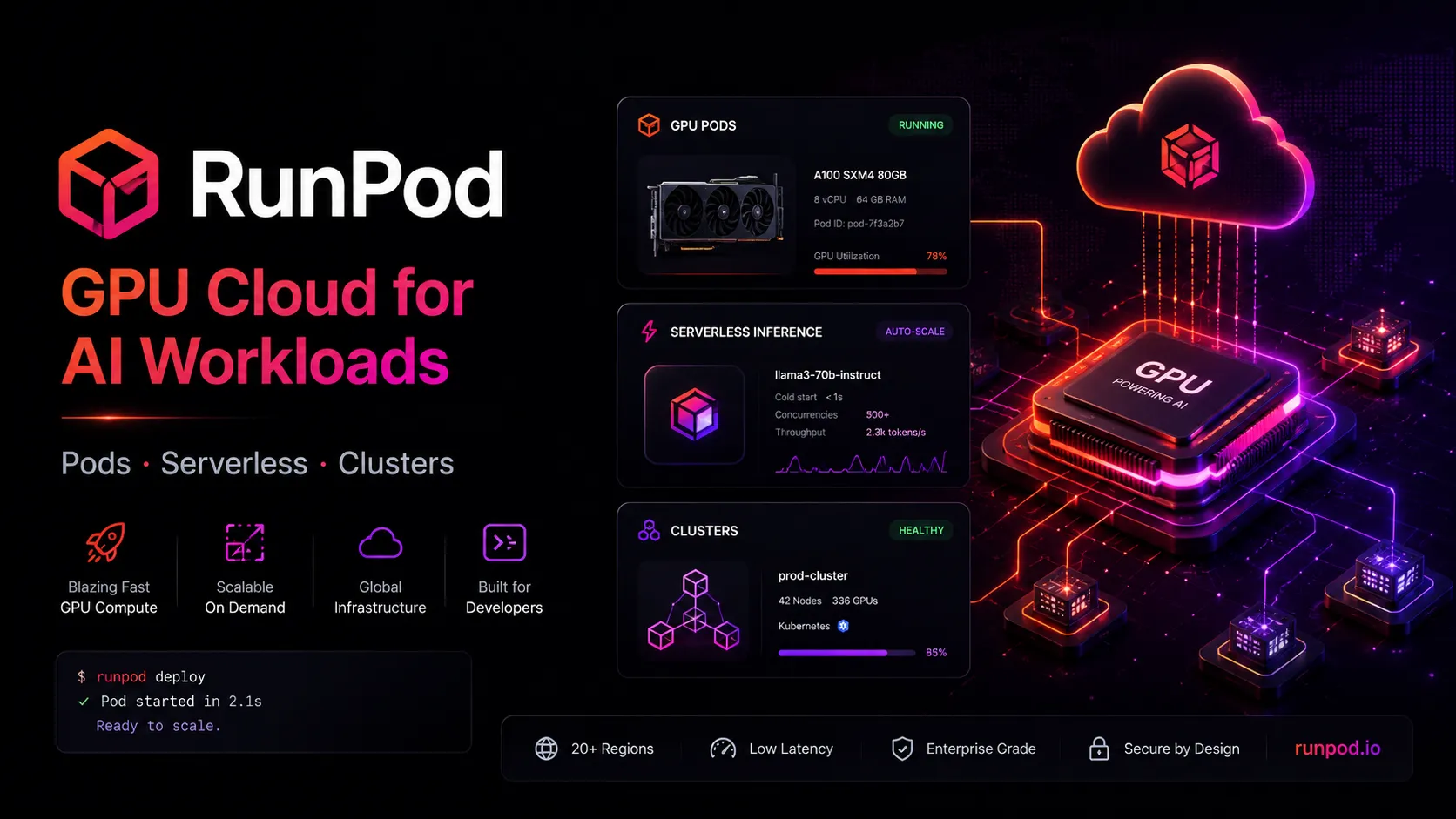
RunPod is a GPU-focused AI developer cloud for running interactive GPU instances, serverless inference endpoints, public model APIs, and multi-node clusters.
Information checked: Jun 16, 2026 ·View sources
Tool details
- Type
- Developer workflows
- Platforms
- Browser, API, Python SDK, Docker, JupyterLab, SSH, VS Code, Cursor, GitHub, Linux, CUDA, vLLM, ComfyUI, RunPod Serverless, RunPod Pods, RunPod Clusters
- Free plan
- No
- Open source
- No
- Bring your own key
- Yes
- Local models
- Yes
Overview
Best for
- AI developers who need on-demand GPUs without buying hardware
- Teams deploying LLM, image, audio, or video inference endpoints
- Builders running ComfyUI, Stable Diffusion, vLLM, Ollama, notebooks, or custom Docker workloads
- Startups prototyping AI products before committing to reserved GPU capacity
- Teams that need both interactive development Pods and production serverless endpoints
Strengths
- Strong GPU coverage for AI training, fine-tuning, inference, notebooks, and image/video generation workflows.
- Supports both interactive GPU Pods and autoscaling serverless GPU endpoints.
- Pay-per-second and pay-per-use options can be cost-effective for variable AI workloads.
- Templates, JupyterLab, SSH, VS Code/Cursor access, and Docker support make it practical for developers.
- Public endpoints and Hub templates reduce setup time for common AI model workflows.
Limitations & trade-offs
- Developers looking for an AI IDE, autocomplete assistant, or code review bot
- Simple web apps that do not require GPU compute
- Teams that need fully managed model APIs without container or endpoint configuration
- Organizations without cost controls for long-running GPU workloads
- Workloads requiring Windows Pods, UDP support, or Docker Compose inside Pods
- Not an AI code editor or coding assistant by itself.
- GPU availability, pricing, and performance can vary by region, cloud type, and GPU class.
- Serverless inference requires careful cold-start, model-loading, queue, and worker configuration.
- Pods require users to manage containers, storage, ports, credentials, and shutdown discipline.
- Storage, idle resources, and long-running GPUs can create unexpected costs without monitoring.
Get started
Pricing & usage limits
Official pricingFrom $0.27 · Check billing period
PodsFrom $0.27 / GPU/hour
Dedicated GPU instances for development and long-running workloads; entry pricing shown for RTX A5000 at listed public pricing.
ServerlessFrom $0.58 / GPU/hour
Pay-per-use serverless GPU workers for inference endpoints; entry public pricing shown for 16GB GPU class.
ClustersFrom $1.79 / GPU/hour
Multi-node GPU clusters for distributed AI workloads; selected GPUs require sales contact.
Reserved ClustersContact sales
Dedicated GPU clusters with guaranteed availability, custom configurations, SLA-backed uptime, and enterprise discounts.
StorageFrom $0.05 / GB/month
Persistent storage options including container disks, volume disks, network storage, and high-performance storage.
Public EndpointsUsage-based
Pre-deployed AI model APIs for image, audio, language, and video workloads.
EnterpriseCustom
Custom capacity, compliance, support, reservations, and large-scale GPU infrastructure agreements.
Pricing checked: Jun 16, 2026 · Subscription, usage limits, and model costs may be billed separately.
Features & details
GPU Pods
- On-demand GPU and CPU instances
- SSH, JupyterLab, web proxy, and VS Code/Cursor access
- Templates for common AI environments
- Custom Docker container support
Serverless Inference
- Serverless GPU endpoints
- Pay-per-second worker billing
- Autoscaling workers with idle shutdown
- Handler functions and load-balancing endpoints
AI Workload Support
- Model training and fine-tuning
- LLM inference and vLLM workloads
- ComfyUI and image-generation workflows
- AI agents and compute-heavy tasks
Developer Tooling
- Python SDK and API support
- Docker image deployment
- GitHub repository deployment for serverless workers
- Templates, Hub, and reusable configurations
Storage and Data
- Container disk storage
- Persistent volume disks
- Network volumes
- S3-compatible storage API
Scale and Operations
- GPU types from small inference cards to H100, H200, and B200 classes
- Secure Cloud and Community Cloud options
- Instant clusters and reserved clusters
- Logs, metrics, endpoint settings, and worker debugging
Why Choose RunPod?
RunPod is most useful when GPU access is the bottleneck. Instead of buying local hardware or negotiating enterprise cloud capacity early, developers can launch a GPU Pod for experimentation, move inference into serverless endpoints, and scale heavier workloads through clusters or reserved capacity when usage becomes predictable.
The platform is especially practical for AI builders because it supports both interactive and production-style workflows. A researcher or indie builder can open JupyterLab or connect VS Code/Cursor to a Pod, while a product team can deploy a model behind an API endpoint and pay only when workers process requests.
Core Workflow
A common RunPod workflow starts with a Pod. The developer chooses a GPU, storage type, region, and template, then connects through SSH, JupyterLab, web proxy, or VS Code/Cursor. This is the fastest path for notebooks, model experiments, ComfyUI, fine-tuning, and one-off compute jobs.
For production inference, the workflow shifts to Serverless. The team writes a handler function or HTTP server, packages it in a Docker image, deploys it to an endpoint, and configures workers, scaling, caching, cold-start behavior, and cost controls. This is a different mental model from a long-running Pod: the goal is to keep idle cost low while still maintaining acceptable latency.
For large training or distributed workloads, clusters and reserved capacity become more relevant. These are better suited to teams that already know their utilization patterns and need more predictable GPU availability.
Use Cases
RunPod works well for LLM inference, image generation, video generation, speech workloads, ComfyUI workflows, Stable Diffusion experiments, fine-tuning, model evaluation, batch processing, AI agents, notebooks, and custom CUDA workloads.
It is also useful for developers building AI products who need a bridge between prototype and production. A model can start as a notebook or Pod experiment, then move into a containerized endpoint once the API shape, latency target, and cost profile are clearer.
Comparison to Alternatives
Compared with Modal, RunPod is more GPU-infrastructure focused. Modal is excellent for Python-native serverless functions and developer ergonomics, while RunPod gives more direct control over GPU Pods, templates, containers, serverless endpoints, public endpoints, and clusters.
Compared with Replicate, RunPod gives more infrastructure control. Replicate can be easier for packaging and sharing model APIs, while RunPod is better when the team wants to choose GPU types, storage, containers, endpoint configuration, and development environment details.
Compared with Vast.ai, RunPod feels more productized for developers. Vast.ai can be attractive for low-cost marketplace GPU access, while RunPod adds a clearer platform layer around Pods, Serverless, templates, APIs, endpoints, and enterprise capacity.
Compared with Northflank, RunPod is more specialized. Northflank is a broader app deployment platform with GPU support, while RunPod is primarily an AI GPU cloud for model development and inference.
Best Configuration
For experimentation, start with Pods and a template that already includes the expected stack. This reduces time spent installing CUDA, PyTorch, JupyterLab, or model tooling. Use network volumes for data or model artifacts that should survive beyond a single Pod, and stop idle Pods aggressively to avoid unnecessary spend.
For inference, choose Serverless only after the model’s memory footprint, startup time, average request duration, and traffic shape are understood. Cold starts can dominate user experience for large models, so teams should test cached models, FlashBoot, active workers, and load-balancing endpoints before assuming serverless will be cheaper or faster.
For teams, separate development and production accounts or cost centers where possible. GPU cost mistakes are easy when notebooks, experiments, and production endpoints share the same billing surface.
Migration Notes
Teams moving from local GPUs should start by mirroring the local environment inside a RunPod template or custom container. The first goal is reproducibility, not production deployment. Once the model runs consistently on a Pod, then evaluate whether the workload belongs on long-running Pods, Serverless, or clusters.
Teams moving from traditional cloud GPU instances should compare the full cost model, not just GPU hourly rates. Storage, idle time, cold starts, worker settings, region availability, data movement, and operational complexity can matter as much as the advertised GPU price.
Teams moving from managed model APIs should expect more control and more responsibility. RunPod can be cheaper and more flexible for custom models, but it requires containerization, endpoint configuration, monitoring, security review, and cost management.
Model support & data privacy
Supported models
- Llama
- DeepSeek
- Qwen
- FLUX
- Stable Diffusion
- Whisper
- WAN
- Kling
- Sora
- IBM Granite
- Seedream
- Minimax
Privacy & data handling
RunPod offers Secure Cloud and Community Cloud infrastructure options, and its documentation describes GDPR coverage for data processed in European data center regions plus security and compliance guidance. Because users often run custom containers, models, datasets, API keys, and volumes, teams should review Pod type, data center, storage location, secrets handling, logs, image provenance, endpoint exposure, and compliance requirements before processing sensitive data.
Guides, reviews & fixes
No published guides yet. Start with the official documentation above.
Product updates
No verified product updates listed yet. Follow this tool to see new relevant content in Saved.
See the content timelineAlternatives
ModalModal is a serverless compute platform for AI, data, Python, GPU, batch, sandbox, notebook, and inference workloads that need elastic cloud execution without infrastructure management. ReplicateReplicate is an API-first AI model platform for developers who want managed inference and model deployment without operating GPU infrastructure.
 NorthflankNorthflank is a full-stack developer platform and PaaS for deploying production workloads, AI infrastructure, databases, jobs, and preview environments on Northflank Cloud or customer-owned cloud infrastructure.
 Together AITogether AI is a developer infrastructure platform for teams that want hosted open-model inference, fine-tuning, evaluations, and GPU-backed deployment rather than a full AI code editor.
 Fal AIfal.ai is a developer-first generative media infrastructure platform for calling hosted AI model APIs or deploying custom models on serverless GPU infrastructure.
 Fly.ioA developer-focused cloud platform that combines container deployment, globally distributed virtual machines, and programmable networking with more infrastructure control than a traditional PaaS.
Sources & verification
Verification dates record when this directory checked the information. Product release dates appear separately above.
Official websiteOfficial pricingRunPod documentation overviewPods documentationPods pricing documentationServerless documentationServerless pricing documentationServerless endpoints documentationAPI referenceGPU types referenceSecurity and compliance documentationRunPod compliance page
Directory revision history
Created initial directory entry using RunPod official website, pricing page, documentation overview, Pods, Serverless, endpoint, API, GPU types, and security/compliance sources.