NocoDB
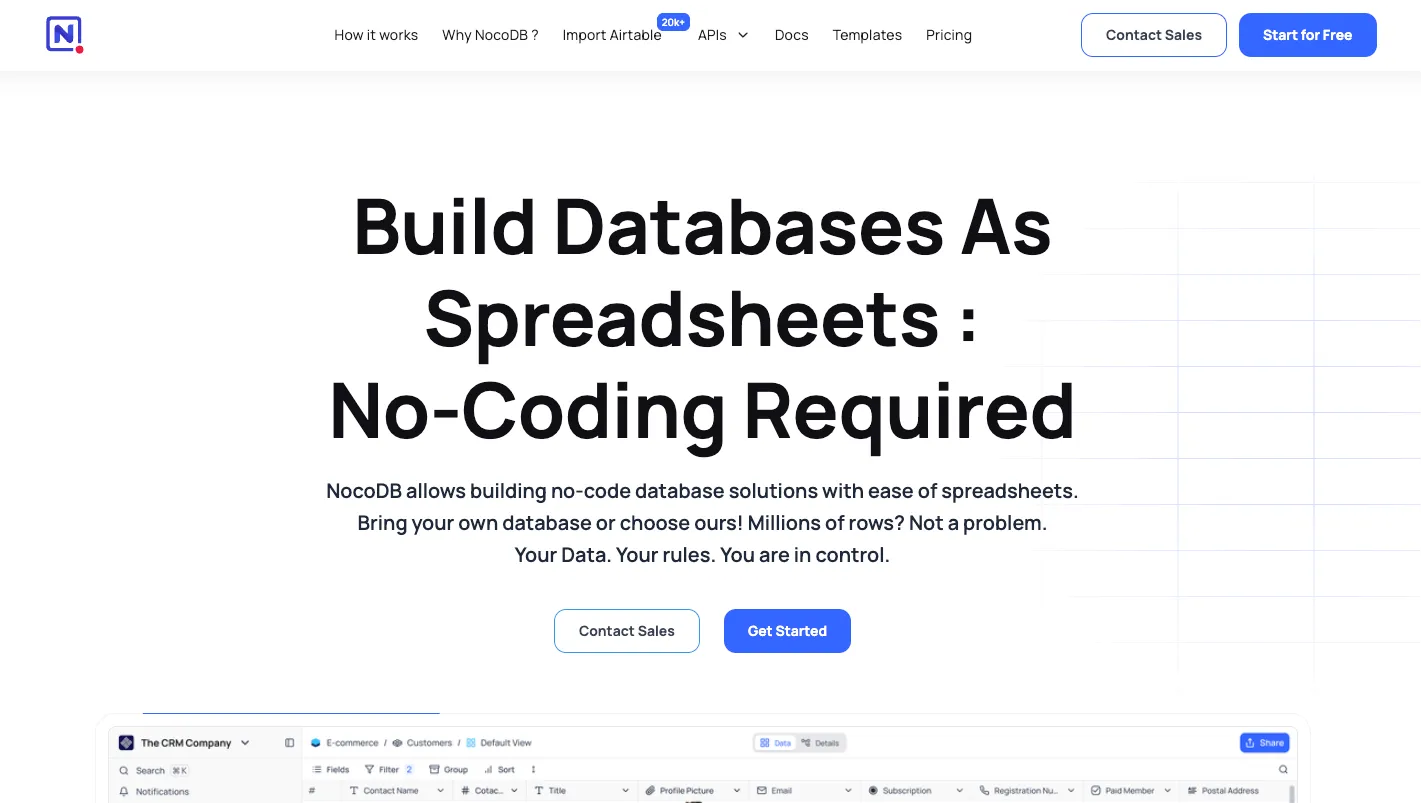
NocoDB turns databases into collaborative spreadsheet-style workspaces with views, forms, automations, APIs, and self-hosting options. It is best for teams that want an Airtable-like interface on top of structured data without giving up database ownership.
NocoDB is a practical choice for teams that want a database-backed spreadsheet workspace with self-hosting, APIs, automations, and AI-assisted schema workflows. It is not a replacement for an AI IDE or app builder, but it can become the structured data layer behind internal tools and agentic workflows.
Pricing Plans
Free
Cloud plan for personal applications with 3 editor seats, 10 commenter seats, 1,000 records, 1 GB storage, automations, APIs, and 1 extension.
Plus
Small-team cloud plan with pay-for-9 billing cap, 50,000 records, 20 GB storage, higher automation/API limits, and unlimited extensions.
Business
Scaling-business plan with 300,000 records, 100 GB storage, external database connections, private bases, and SAML SSO.
Scale
Growing-team plan with 1 million records, row-level security, audit logs, higher API/automation limits, and a 3-seat minimum.
Enterprise
Tailored plan for advanced identity, governance, support, deployment, compliance, and enterprise add-ons.
Self-hosted Community
Run NocoDB on your own infrastructure under the Fair Code Sustainable Use License, subject to license limitations.
Core Features
1Database Workspace
- Spreadsheet-style interface for structured data
- Grid, Kanban, Gallery, Form, and Calendar views
- Links, lookups, rollups, formulas, attachments, and rich field types
- Create bases from scratch or connect existing databases
2Data and Integrations
- PostgreSQL and MySQL external data sources
- SQL Server and Oracle support available as enterprise add-ons
- REST APIs for programmatic access
- NocoSync for developer-source integrations
3Automation and AI
- Workflows with triggers, actions, conditions, and loops
- JavaScript scripts with API access
- Webhooks for record create, update, and delete events
- NocoAI for assisted base, table, field, view, filter, formula, and option creation
4Team and Governance
- Roles, permissions, sharing, and collaboration
- Private bases and SAML SSO on Business
- Row-level security and audit logs on Scale
- Self-hosting, licensing, and enterprise deployment controls
5Developer Access
- REST APIs for records and metadata
- MCP Server for AI agent integration
- Self-hosting on Linux, macOS, Windows, Docker, and Kubernetes paths
- External database connections with configurable schema and data permissions
Pros
- Familiar spreadsheet interface on top of relational data.
- Self-hosting gives teams more control over data, upgrades, and infrastructure.
- Good fit for internal tools, operations databases, forms, dashboards, and lightweight workflows.
- Pay-for-9 cloud billing can be attractive for teams with many editors.
- NocoAI and MCP support make it more relevant for AI-assisted workflows and agents.
- Stronger database ownership story than many closed SaaS spreadsheet tools.
Cons
- Not an AI IDE or coding agent; it solves database workflow problems, not software implementation.
- Current community licensing is fair-code/source-available rather than standard OSI open source.
- Advanced governance features such as row-level security and audit logs require higher plans.
- Plus plan does not support external database connections.
- Self-hosted production deployments require database, backup, upgrade, and security operations.
- Complex application logic may still require a backend, internal-tool builder, or custom app layer.
Why Choose NocoDB?
NocoDB is useful when a team wants the usability of a spreadsheet but the structure and ownership of a database. Instead of forcing every workflow into a SaaS spreadsheet, it gives teams a collaborative interface for records, fields, views, forms, dashboards, automations, and APIs.
The strongest reason to choose it is not pure no-code convenience. It is the ability to bring database-backed workflows closer to business users without completely hiding the underlying data model from technical teams.
That makes NocoDB especially relevant for operations teams, growth teams, support teams, internal tooling teams, and startups that keep important business data in PostgreSQL or MySQL but need a friendlier collaboration layer.
Core Workflow
A typical NocoDB workflow starts with a base. Teams can create tables from scratch, import data, or connect supported external databases. Once the base exists, users can define fields, build views, share forms, create role-specific access, and expose data through APIs.
The important design choice is that NocoDB treats the spreadsheet interface as a workspace on top of structured data. Non-technical users get familiar rows, columns, filters, grouping, and views, while developers still get API access, database integration, and self-hosting options.
For production use, the workflow usually looks like this:
- Model the operational data as tables and relationships.
- Create user-friendly views for each team or process.
- Add forms for controlled data entry.
- Configure permissions before inviting broader teams.
- Add automations, scripts, webhooks, or API integrations.
- Review external database permissions before allowing edits.
- Monitor usage, storage, records, API calls, and automation runs.
This makes NocoDB a better fit for structured internal processes than for visual app building or full custom software development.
Use Cases
NocoDB works well when the primary object is data: leads, accounts, inventory, content pipelines, customer requests, internal approvals, bug triage, product research, order tracking, event planning, recruiting pipelines, and lightweight CRM-style workflows.
It can also act as a quick admin layer for PostgreSQL or MySQL-backed projects. A developer can expose a controlled interface to operators without building a custom admin panel from scratch.
NocoDB becomes more interesting in AI workflows because structured tables are easier for agents to query, update, and reason over than loose spreadsheets. With REST APIs and MCP support, it can serve as a structured operational memory layer for AI agents, internal assistants, or automation systems.
Comparison to Alternatives
Baserow is the closest direct comparison. Both target teams that want an Airtable-like experience with self-hosting options. Baserow may appeal to teams looking for a more traditional open-source no-code database and application-building direction, while NocoDB is compelling for teams that want to connect existing relational databases and keep the database-workspace idea central.
Airtable is the mainstream benchmark. It has a mature SaaS ecosystem and broad user familiarity, but teams choose NocoDB when self-hosting, database ownership, external database access, or pricing control matters more than the largest SaaS ecosystem.
Grist is a strong comparison when spreadsheet formulas, structured data, and permission-aware workbooks matter. NocoDB generally feels closer to a collaborative database workspace, while Grist often appeals to spreadsheet-heavy users who want more structure and programmability.
Teable and Mathesar are important for PostgreSQL-oriented teams. Teable is often compared as another database-native Airtable alternative, while Mathesar is especially relevant when the goal is a clean user interface directly on PostgreSQL rather than a broader no-code workspace.
Best Configuration
For small teams, NocoDB works best when bases are kept simple and process-specific. A common mistake is trying to recreate an entire ERP or CRM in one giant base. A better approach is to separate workflows into focused bases, document relationships clearly, and only expose the views each user group needs.
For self-hosting, PostgreSQL is the safer production default because it aligns well with NocoDB’s licensing and advanced self-hosted plan requirements. Teams should also define backup, restore, upgrade, monitoring, storage, and access-control procedures before moving critical workflows into production.
For AI-assisted usage, NocoAI is best treated as a setup accelerator rather than a database architect. It can help generate bases, fields, views, and formulas, but teams should still review naming, relationships, required fields, permissions, and long-term schema maintainability.
Migration Notes
Moving from Airtable to NocoDB should start with schema cleanup, not export/import. Many Airtable bases grow organically with duplicated fields, inconsistent select options, weak naming, and hidden business logic. Migrating that directly into another platform only preserves the mess.
A practical migration plan is:
- Audit tables, fields, formulas, and linked records.
- Remove duplicate or abandoned views.
- Normalize important entities such as customers, orders, tasks, and assets.
- Decide which data should live in NocoDB versus an external database.
- Rebuild permissions before inviting users.
- Recreate automations after the data model is stable.
- Validate API and webhook behavior with test records before production use.
Teams moving from a custom admin panel to NocoDB should be even more careful. NocoDB can reduce internal-tool maintenance, but it should not bypass business rules that were previously enforced in application code.
Operational Fit
NocoDB is strongest when it is owned jointly by technical and operational teams. Business users should own views, forms, and day-to-day records. Technical users should own data architecture, external database connections, permissions, APIs, and automation boundaries.
That split prevents two common failure modes. If only developers own it, NocoDB becomes just another admin panel. If only non-technical users own it, the workspace can drift into spreadsheet sprawl with unclear schemas and weak controls.
The best deployments use NocoDB as a controlled layer between business workflows and structured data. That is where it has the clearest advantage over both raw databases and ordinary spreadsheets.
Practical Evaluation Checklist
Before adopting NocoDB, teams should test the following:
- Can non-technical users manage records without breaking the schema?
- Can developers connect, query, and automate the data cleanly?
- Are permissions strong enough for the workflow?
- Does the selected plan support the required record, storage, API, and automation limits?
- Will the team use NocoDB Cloud or operate self-hosted infrastructure?
- Are database backups and restore procedures tested?
- Are AI features allowed for the type of data being stored?
- Does the license fit the planned internal or commercial usage?
If the answer is yes, NocoDB can become a durable internal data layer rather than another short-lived no-code experiment.
Best For
- Airtable-style database workspaces
- Self-hosted internal data tools
- Operations teams managing structured records
- Forms, Kanban boards, galleries, calendars, and lightweight dashboards
- Teams that want APIs on top of spreadsheet-like data
- PostgreSQL and MySQL-backed collaborative databases
- AI-agent-accessible structured data through MCP
Not Ideal For
- Developers looking for an AI code editor
- Teams that need a terminal coding agent
- Complex custom SaaS application development
- Pixel-perfect frontend app generation
- Organizations requiring a pure OSI-approved open-source license
- Teams that do not want to operate infrastructure for self-hosting
Privacy Notes
NocoDB Cloud is a managed SaaS option, while self-hosting keeps runtime and database operations under the customer’s infrastructure. Teams should review the Sustainable Use License, cloud privacy terms, external database permissions, AI integration settings, backups, logs, and MCP/API exposure before using sensitive production data.
Sources
Update History
- Jul 2, 2026: Updated positioning to reflect NocoDB as a developer-workflow database platform rather than an AI IDE.
- Jul 2, 2026: Verified cloud pricing tiers, pay-for-9 billing cap, NocoAI availability, MCP support, and current Sustainable Use License notes.
Related Tools
More listings in a similar part of the directory.





NocoDB Articles
Guides, comparisons, and launch notes connected to this listing.