
 OpenCodeOpenCode is an open-source coding-agent harness for terminal, desktop, and IDE workflows with broad provider support, BYOK, and an optional OpenCode Go subscription for curated open models.
Kit by Speakeasy
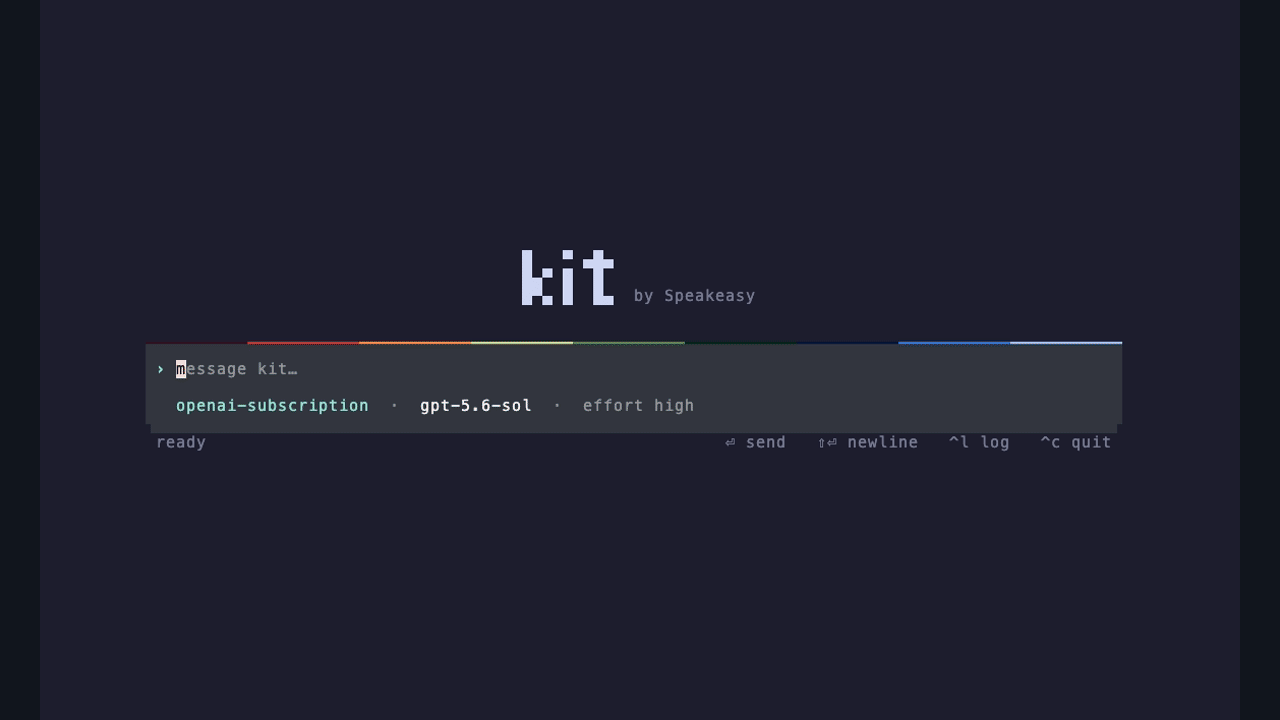
An MIT-licensed coding agent runtime built around a composed execution tool.
Information checked: Sep 12, 2026 ·View sources
Tool details
- Type
- CLI agents
- Platforms
- macOS, Linux
- Free plan
- Yes
- Open source
- Yes
- Bring your own key
- Yes
- Local models
- Not verified
Overview
Best for
- Terminal users experimenting with agent execution
- Developers integrating ACP or A2A clients
Strengths
- Provides several client and integration interfaces from one runtime.
- Lets a composed tool program handle related execution steps.
Limitations & trade-offs
- Users requiring built-in permission prompts or sandbox enforcement
- Kit does not provide a built-in sandbox or permission approval framework.
- Published install-script targets currently cover macOS ARM64 and Linux x86-64.
Get started
Pricing & usage limits
Free tier available
MIT-licensed runtime$0
The software is free. Model access uses your configured provider or supported subscription; inference is not included.
Pricing checked: Sep 12, 2026 · Subscription, usage limits, and model costs may be billed separately.
Features & details
Runtime interfaces
- Terminal client, ACP server, and A2A endpoint
- Subagent orchestration
- Single compose tool backed by Runlet
Integration
- MCP, skills, and plugins
- OpenAI login, OpenRouter, and Speakeasy provider paths
What the compose approach changes
Kit lets the model express related operations as a program rather than requiring a separate model exchange for every file read or command. For example, a task may read a parser, change a condition, run its focused test, and inspect the result within a composed operation. Fewer exchanges do not guarantee that a particular repository task will finish faster.
Evaluate Kit on a contained task
- Install the release for your platform using the official repository.
- Initialize Kit and configure one supported model access method.
- Open a disposable checkout and request a small, testable fix.
- Inspect the execution output, final diff, and tests before using the same setup for broader work.
An example terminal session after installation is:
bash
kit init
kit auth login openai
kit tui --root /path/to/project
Understand the execution boundary
The --root option selects the working directory; it does not restrict the process to that directory. Kit's security notes leave isolation to the execution environment. This matters when comparing it with agents that include interactive permission controls.
Model support & data privacy
Privacy & data handling
Commands run with the access of the Kit process. Model requests use the configured provider. The working-directory option is not a security boundary.
Guides, reviews & fixes
No published guides yet. Start with the official documentation above.
Product updates
Official changelogNo verified product updates listed yet. Follow this tool to see new relevant content in Saved.
See the content timelineAlternatives
OpenCodeOpenCode is an open-source coding-agent harness for terminal, desktop, and IDE workflows with broad provider support, BYOK, and an optional OpenCode Go subscription for curated open models. Codex CLIOpenAI Codex CLI is a terminal coding agent that combines repository editing and command execution with task-to-task coordination, parallel workflows, hooks, and the broader Codex platform.
 Claude CodeClaude Code is Anthropic's terminal coding agent for repository work, subagents, hooks, MCP, and automation, with growing operational tooling for API cost analysis and feedback.
Sources & verification
Verification dates record when this directory checked the information. Product release dates appear separately above.