
 Claude CoworkA general-purpose Claude agent for delegated knowledge work across files and connected tools.
Kimi Work
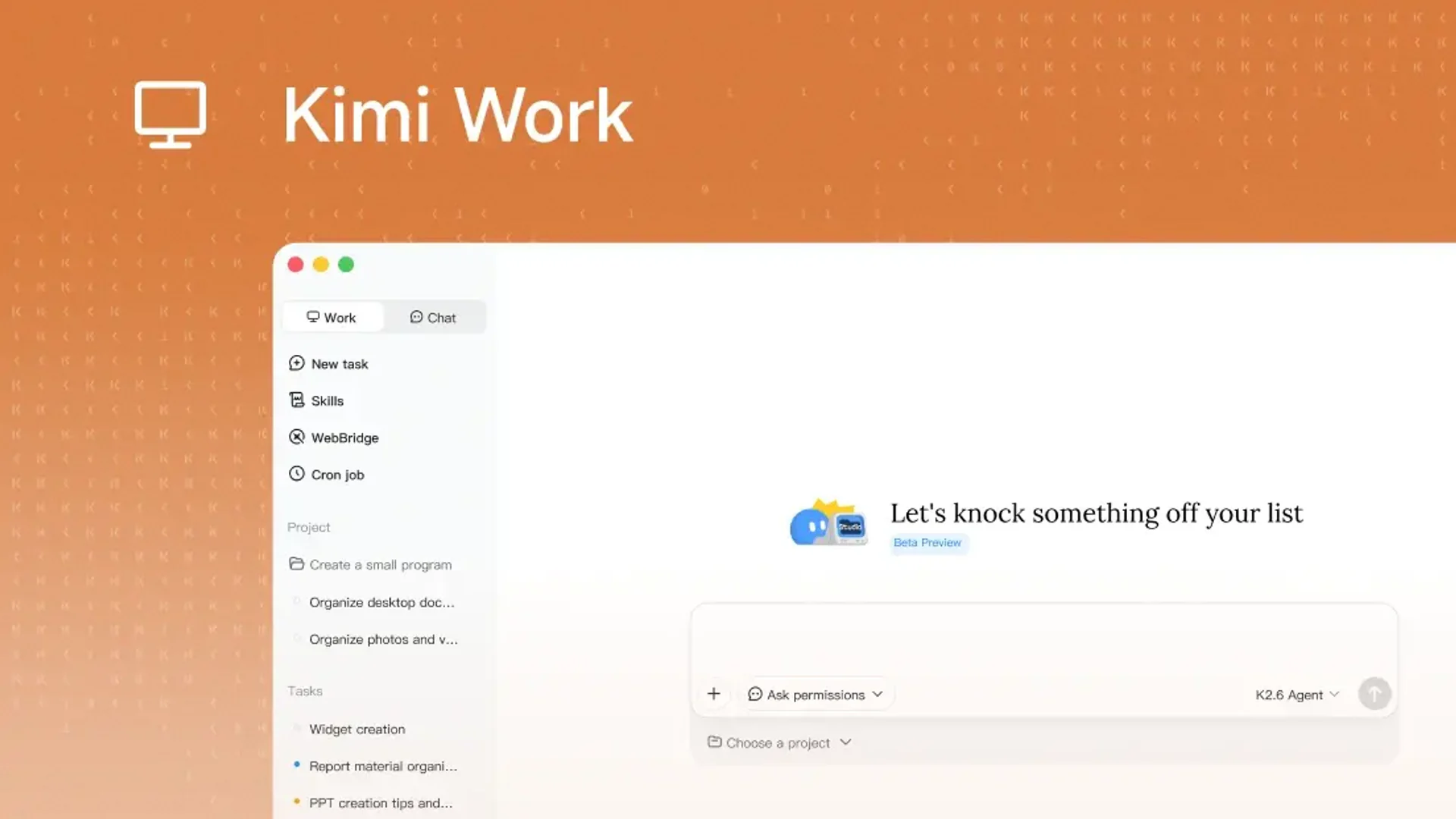
A desktop agent and agent-swarm workspace for local files, web tasks, and recurring work.
Information checked: Aug 14, 2026 ·View sources
Tool details
- Type
- Developer workflows
- Platforms
- macOS on Apple silicon, Windows
- Free plan
- Yes
- Open source
- No
- Bring your own key
- No
- Local models
- No
Overview
Best for
- Parallel research
- Local file workflows
- Scheduled knowledge work
- Teams comparing desktop agents
Strengths
- Agent swarm is useful for parallel research and document-heavy tasks
- Desktop access keeps workflows close to local files
- Current free access lowers the cost of evaluation
Limitations & trade-offs
- Linux-first users
- Repository-native coding
- Self-hosted agent infrastructure
- Not a dedicated code editor or repository agent
- Platform support and availability are still evolving
- Browser and local-file permissions require careful review
Get started
Pricing & usage limits
Free
Current access$0 / month
Kimi currently presents Kimi Work as available to free users; usage limits and availability can change.
Pricing checked: Aug 14, 2026 · Subscription, usage limits, and model costs may be billed separately.
Features & details
Desktop agent
- Works with selected local files
- Uses WebBridge for browser-connected tasks
- Asks before carrying out sensitive actions
Agent swarm
- Splits larger assignments across specialized agents
- Runs parallel research and production subtasks
- Combines results into a final deliverable
Recurring work
- Supports scheduled tasks
- Available on Apple silicon macOS and Windows
- Designed for long-running knowledge workflows
Kimi Work Review
Kimi Work is a desktop AI agent for working with local files, websites, scheduled jobs, and parallel agent swarms. It targets knowledge-work automation while remaining relevant to development teams that need research, file processing, and browser-assisted workflows.
What Kimi Work Is
A desktop agent and agent-swarm workspace for local files, web tasks, and recurring work. The product is most useful when its workflow matches the surrounding engineering process, permissions, and review model.
Core Capabilities
Desktop agent
- Works with selected local files
- Uses WebBridge for browser-connected tasks
- Asks before carrying out sensitive actions
Agent swarm
- Splits larger assignments across specialized agents
- Runs parallel research and production subtasks
- Combines results into a final deliverable
Recurring work
- Supports scheduled tasks
- Available on Apple silicon macOS and Windows
- Designed for long-running knowledge workflows
Best Use Cases
- Parallel research
- Local file workflows
- Scheduled knowledge work
- Teams comparing desktop agents
Pricing
- Current access: $0/month — Kimi currently presents Kimi Work as available to free users; usage limits and availability can change.
Pricing and quotas can change. The values above were checked against official product material on 2026-08-14.
Advantages
- Agent swarm is useful for parallel research and document-heavy tasks
- Desktop access keeps workflows close to local files
- Current free access lowers the cost of evaluation
Limitations
- Not a dedicated code editor or repository agent
- Platform support and availability are still evolving
- Browser and local-file permissions require careful review
Privacy and Operational Notes
Kimi Work can access selected local files and browser workflows. Review each requested permission and avoid exposing credentials or confidential data that is not required for the task.
Kimi Work Alternatives
The most relevant comparison set is Claude Cowork, OpenClaw, WorkBuddy, Kimi Code. Compare the products by execution environment, model flexibility, repository access, review controls, deployment model, and total usage cost rather than by headline feature count alone.
Verdict
Kimi Work is an appealing desktop-agent option for parallel research and file-heavy work, but it complements rather than replaces a coding IDE.
Official Sources
Model support & data privacy
Privacy & data handling
Kimi Work can access selected local files and browser workflows. Review each requested permission and avoid exposing credentials or confidential data that is not required for the task.
Guides, reviews & fixes
No published guides yet. Start with the official documentation above.
Product updates
No verified product updates listed yet. Follow this tool to see new relevant content in Saved.
See the content timelineAlternatives
Claude CoworkA general-purpose Claude agent for delegated knowledge work across files and connected tools. OpenClawA self-hosted personal-agent gateway with multi-channel access, tools, and bring-your-own-model control.
 WorkBuddyWorkBuddy is a standalone desktop AI agent workspace for executing local-file, knowledge-work, automation, and developer-adjacent tasks.
 Kimi CodeKimi Code is a CLI-first AI coding agent from Moonshot AI that combines Kimi’s coding models with terminal automation, MCP tooling, and IDE interoperability.
Sources & verification
Verification dates record when this directory checked the information. Product release dates appear separately above.
Directory revision history
Created from current official product information with normalized branding, pricing, capabilities, and comparison metadata.