

FlutterFlow
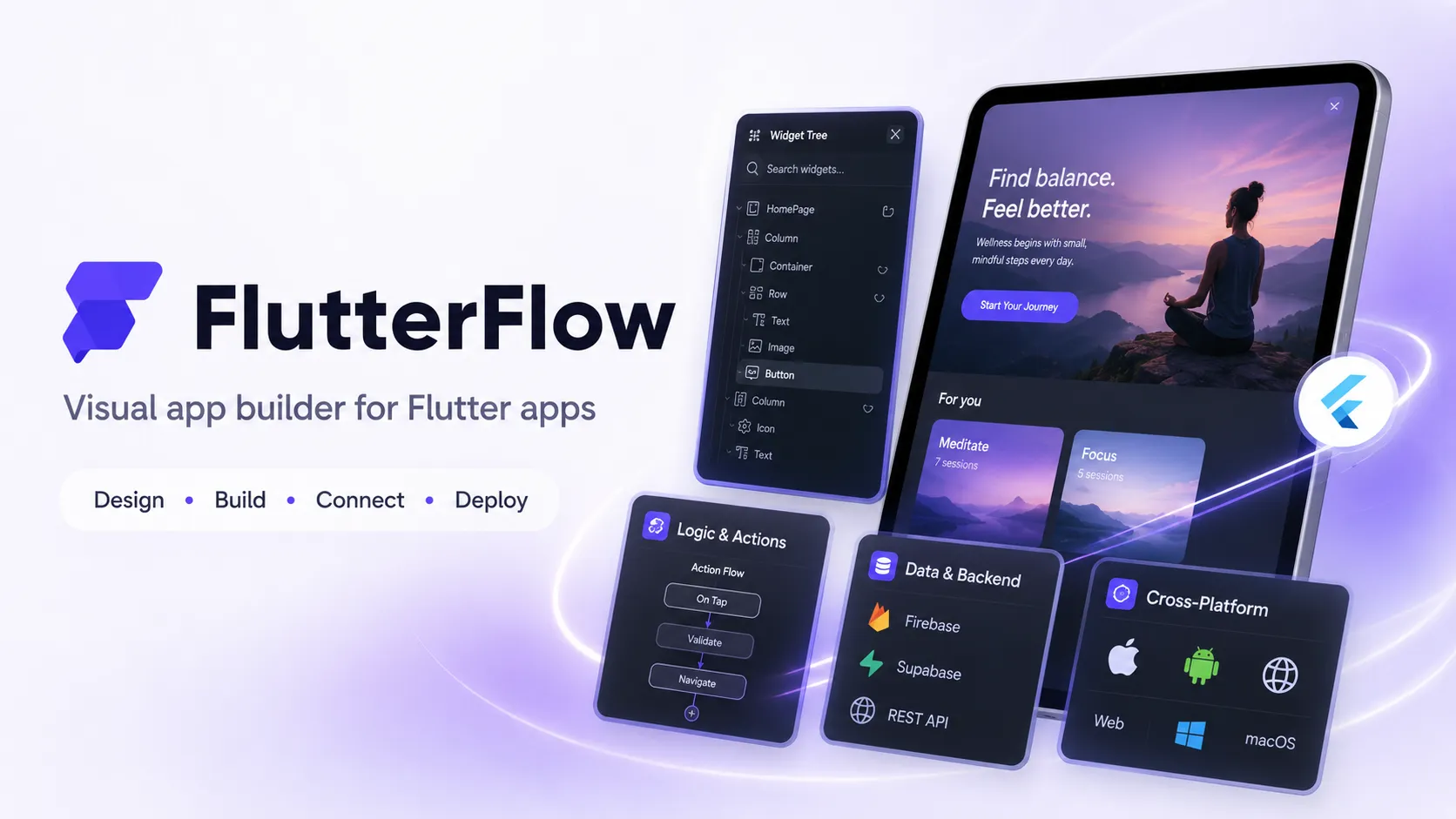
FlutterFlow is a visual app builder for creating Flutter-based mobile, web, and desktop apps with low-code tooling, AI generation, backend integrations, and exportable code. It is especially strong for teams that want faster product delivery without fully giving up Flutter code ownership.
FlutterFlow is a practical choice when the goal is to ship a polished cross-platform app quickly while keeping an exit path through exported Flutter code. It is less suitable for teams that need fully local development, non-Flutter stacks, or heavy custom native engineering from the beginning.
Pricing Plans
Free
Build and test apps with visual development, templates, integrations, web publishing, and up to 2 projects.
Basic
Adds unlimited projects, code download, APK download, custom domains, local device testing, and one-click app store deployment.
Growth
Adds GitHub integration, 2-user real-time collaboration, 2 open branches, localization, OpenAPI imports, and VS Code extension.
Growth Additional Seat
Additional Growth seat pricing for team collaboration.
Business
Adds up to 5 collaborators, 5 open branches, automated tests, Figma frame import, custom typography, and CLI access.
Business Additional Seats
Additional Business seat pricing for seats 2-5.
Enterprise
Custom enterprise plan with advanced security, scale, governance, support, and deployment controls.
Core Features
1Visual App Development
- Drag-and-drop Flutter UI builder
- 200+ configurable UI elements
- Design systems and reusable components
- Responsive layouts for mobile, web, and desktop
2AI App Building
- Prompt-to-page generation
- Prompt-to-component generation
- Image-to-component workflow
- AI Agent Builder for in-app AI features
3Backend and Integrations
- Firebase integration
- Supabase integration
- REST API support
- Swagger/OpenAPI imports on Growth and above
4Code and Developer Workflow
- Flutter code export
- APK download
- GitHub integration on Growth and above
- VS Code extension and CLI access on higher tiers
5Testing and Deployment
- Local device testing
- Automated tests on Business and above
- One-click App Store and Play Store deployment
- Web publishing with custom domains on paid plans
Pros
- Strong fit for cross-platform Flutter apps across iOS, Android, web, and desktop.
- Exportable Flutter code reduces the lock-in risk compared with many no-code builders.
- Firebase, Supabase, REST API, and OpenAPI support cover many production app patterns.
- AI generation and visual editing speed up early prototyping and UI iteration.
- GitHub, branching, VS Code extension, and CLI support make it more developer-friendly than basic no-code tools.
Cons
- Advanced collaboration, GitHub, branching, Figma frame import, and CLI features require higher-tier plans.
- Generated Flutter projects still need engineering review for architecture, performance, security, and store readiness.
- Best results usually require understanding Flutter layout, state, backend rules, and deployment constraints.
- AI Agent features can add Firebase, provider API, Cloud Functions, and third-party model costs.
- Not ideal for teams that require fully local development or self-hosted builder infrastructure.
Why Choose FlutterFlow?
FlutterFlow stands out because it is not just a no-code canvas. It is a visual development environment built around Flutter, which means the output can target mobile, web, and desktop from a single codebase. That makes it especially attractive for teams that want the speed of visual development but still care about a real engineering path once the product grows.
The main advantage is workflow compression. A founder, product designer, or agency team can assemble screens, connect data, define app logic, preview behavior, and publish faster than a traditional Flutter build cycle. At the same time, developers can still inspect, export, and extend the generated Flutter project when the app needs deeper customization.
Core Workflow
The strongest FlutterFlow workflow usually starts with product structure rather than raw screen design. Define the app entities, authentication model, data source, navigation model, and core user flows first. After that, use the visual builder and AI generation tools to create pages and components around those flows.
For simple prototypes, a visual-only approach may be enough. For production apps, the better pattern is hybrid: build UI and common logic in FlutterFlow, then use custom Dart, custom widgets, GitHub, CLI, or local Flutter tooling for the parts that need deeper engineering control. This keeps the app moving quickly without letting visual shortcuts become long-term architecture debt.
Use Cases
FlutterFlow is a strong fit for marketplace apps, booking apps, internal mobile tools, customer portals, SaaS companion apps, fitness apps, education apps, event apps, and content-driven mobile products. It is also useful for agencies that repeatedly build apps with similar patterns: authentication, dashboards, user profiles, admin workflows, payments, maps, push notifications, and API integrations.
It is less compelling when the product is mostly a backend system, a complex game, a native-heavy app with extensive platform-specific code, or a web-only project that would be simpler in a React or server-rendered stack.
Comparison to Alternatives
Compared with Bubble, FlutterFlow is usually stronger for cross-platform mobile delivery and exportable app code. Bubble is often better for database-driven web apps where the browser experience is the main product.
Compared with Draftbit, the biggest difference is the underlying framework choice. FlutterFlow is Flutter and Dart-oriented, while Draftbit is React Native-oriented. The decision often depends on whether the team prefers Flutter’s widget model and cross-platform rendering or React Native’s JavaScript ecosystem.
Compared with Lovable or Bolt.new, FlutterFlow is less like a general AI web coding tool and more like a dedicated app-building platform. Lovable and Bolt.new may be faster for web-first prototypes, while FlutterFlow is more appropriate when app store deployment, mobile UI, Firebase, Supabase, and Flutter code export are central requirements.
Best Configuration
For most production-oriented projects, start with a clean data model and a conventional backend choice. Firebase works naturally with FlutterFlow and is a common default for authentication, Firestore, storage, and cloud functions. Supabase is a good fit when the project needs a Postgres-oriented backend, SQL access, or a more traditional relational data model.
Use GitHub integration early rather than waiting until the app becomes complex. Keep FlutterFlow-generated changes separate from custom-code branches so generated updates do not overwrite manual engineering work. For teams, define naming conventions for pages, components, actions, variables, and custom functions before the project grows.
AI Agent features should be treated like production infrastructure, not just UI features. Plan provider keys, Firebase Blaze costs, Cloud Functions permissions, authentication requirements, request limits, and model-specific data handling before exposing AI actions to real users.
Migration Notes
Teams moving from no-code tools should view FlutterFlow as a way to gain more code ownership, but not as a guarantee that every app can be exported and maintained without Flutter expertise. The exported project is most valuable when the app has been built with clean structure, consistent naming, and limited one-off visual hacks.
Teams moving from hand-coded Flutter should start with a contained workflow, such as a dashboard, onboarding flow, or internal tool, before moving a larger app into FlutterFlow. The goal should be to validate whether the visual workflow speeds up iteration without disrupting engineering standards.
For long-term maintainability, document which parts of the app are managed in FlutterFlow and which parts are managed in custom code. That boundary becomes important for debugging, code reviews, release management, and onboarding new developers.
Best For
- Cross-platform mobile apps that need iOS, Android, and web output
- Founders and product teams building MVPs with Firebase or Supabase
- Agencies delivering polished client apps faster than traditional Flutter development
- Teams that want visual development but still need exportable Flutter code
- Apps that combine forms, dashboards, authentication, APIs, payments, maps, and notifications
Not Ideal For
- Teams that only build traditional server-rendered web apps
- Developers who want a fully local, open-source, self-hosted IDE
- Projects requiring deep custom native platform code from day one
- Highly complex enterprise apps without Flutter engineering support
- Teams that want AI coding assistance inside an existing IDE rather than a visual app builder
Privacy Notes
FlutterFlow is a cloud-based visual development platform. Its privacy policy describes collection, safeguarding, and disclosure of service-related information. For AI Agents, FlutterFlow documentation says provider API keys are stored within deployed cloud functions so they remain hidden from end users, but teams should still review Firebase, model-provider, and app-level data handling before using proprietary or regulated data.
Sources
Update History
- Jun 16, 2026: Created initial directory entry using FlutterFlow official website, pricing, product, AI, GitHub export, enterprise, security, and privacy sources.
Related Tools
More listings in a similar part of the directory.




FlutterFlow Articles
Guides, comparisons, and launch notes connected to this listing.

