On This Page8 sections
Key Takeaways
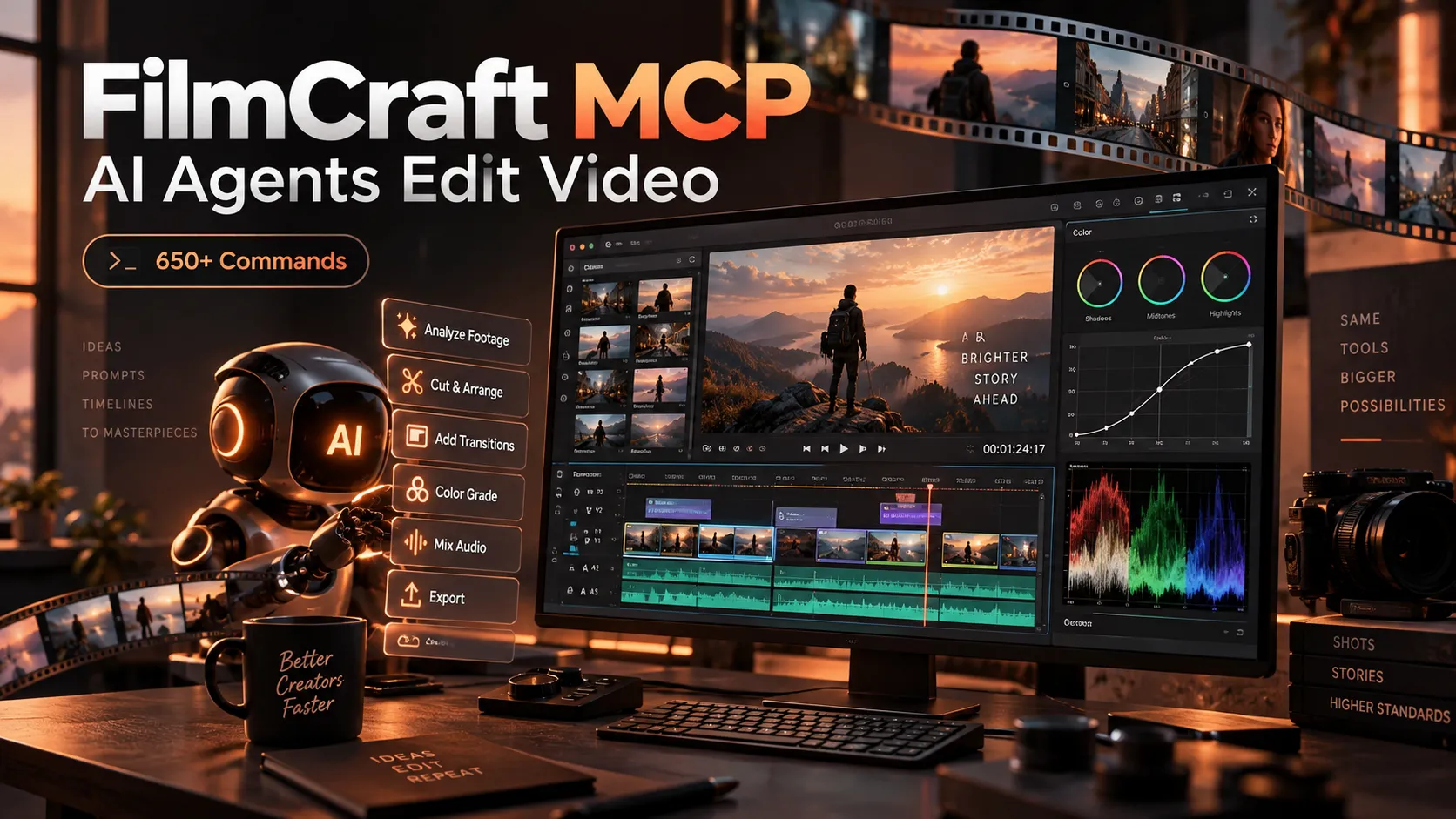
- FilmCraft MCP exposes a Premiere Pro-class non-linear editor (pure Rust, 650+ commands) to AI agents via stdio, with headless and bridge modes.
- Every action is a command: Agents discover IDs with
command_list, execute viacommand_runorcommand_batch, and verify withrender_frameor screenshots. - Two modes matter: Headless runs an in-process session for automation; bridge drives a live desktop app for UI interaction.
- Time is exact: Integer ticks (254,016,000,000 per second) plus
seconds,frame, andtimecodealiases prevent drift. - Production caveats: Alpha status (~86% feature breadth vs Premiere Pro 26.5.2); no
.prprojsupport yet, limited delivery codecs, and full filesystem access in headless mode.
What FilmCraft MCP Actually Is
FilmCraft is an open-source, clean-room reimplementation of Adobe Premiere Pro workflows, written from scratch in pure Rust by the ArtCraft team (GitHub: storytold/filmcraft). It ships native H.264, HEVC, ProRes, VP9, AAC and Opus codecs (no FFmpeg dependency for core paths), a linear-light GPU compositor, and integer time math that keeps 23.976 and 29.97 drop-frame exact.
The MCP server (filmcraft-cli mcp) is one of four surfaces that dispatch the same command registry: the egui UI, the CLI, a JSON-lines TCP control channel, and MCP. Analysis of the architecture shows the engine is deliberately headless; the desktop window is just another client. This design lets agents perform timeline placement, Lumetri-style grading, audio mixing, transcript-based editing, and export with the same precision as a human operator.
As of v0.8.0 (October 2026), the project reports ~13.6k GitHub stars and measures feature breadth at approximately 86% against Premiere Pro 26.5.2, with real-work readiness closer to 56%. Gaps include no native .prproj import, no VST3/OpenFX plugins, and CPU-bound rendering on large footage.
Headless vs Bridge: Choosing the Right Mode
filmcraft-cli mcp serves MCP on stdio in two modes:
| Mode | Command | What It Controls | Best For |
|---|---|---|---|
| Headless | filmcraft-cli mcp --demo or --project p.fcproj | In-process engine session, no window | Batch automation, CI, background jobs |
| Bridge | filmcraft-cli mcp --bridge 127.0.0.1:9876 | Running desktop app started with filmcraft --control 9876 | Interactive sessions, UI verification, screenshots |
Headless also accepts --data-dir DIR for user presets. There are no folder-confinement flags, so the server inherits the user’s full read/write permissions. Bridge requires the desktop binary listening on loopback (default port 9876 or FILMCRAFT_CONTROL_PORT). The control channel opts out of macOS App Nap so a hidden window does not starve the process.
Both modes share the core command tools. Bridge-only tools (ui_*) appear only when the live app is connected.
Setting Up FilmCraft MCP for Claude Code and Other Clients
From Source
cargo build --release -p filmcraft-cli -p filmcraft
./target/release/filmcraft --control 9876 &
The repository’s .mcp.json registers two servers that point at the release binary:
{
  "mcpServers": {
    "filmcraft": {
      "command": "target/release/filmcraft-cli",
      "args": ["mcp", "--bridge", "127.0.0.1:9876"]
    },
    "filmcraft-headless": {
      "command": "target/release/filmcraft-cli",
      "args": ["mcp", "--demo"]
    }
  }
}
Manual registration examples:
claude mcp add filmcraft-headless -- /abs/path/filmcraft-cli mcp --demo
claude mcp add filmcraft -- /abs/path/filmcraft-cli mcp --bridge 127.0.0.1:9876
From Installed Releases
- Windows (MSI):
"C:\Program Files\FilmCraft\filmcraft-cli.exe" mcp - Linux (deb/rpm):
/usr/bin/filmcraft-cli mcp - macOS: Unzip the separate CLI asset and place it on
PATH
Any MCP client that supports stdio servers (Claude Code, Cursor, custom agents) can use the same command and arguments.
The Tool Surface Agents Actually Use
Every tool carries a title and the four MCP annotation hints (readOnlyHint, destructiveHint, idempotentHint, openWorldHint). Unknown arguments produce a strict -32602 error that lists the expected parameters.
Core tools (both modes)
command_list— Returns every command withid,label,menu,shortcut,params, and currentenabledstate. Supportsfilterandenabled_only.command_run— Executes one command{id, params}. Edits are undoable viaedit.undo.command_batch— Runs an ordered list of steps; returns{completed, failed, results}. Optionalstop_on_error(default true).doc_inspect— Combines project tree and active sequence in one call.project_inspect— Bins, items (ids, types, durations) and active sequence.sequence_inspect— Tracks, clips (start/end/sourceIn/sourceOutin ticks,speed,reverse,gainDb), effects, transitions, markers, playhead and selection.media_import— Imports files by absolute path array; optionalbinandimage_sequence.render_frame/render_preview— PNG of the program frame at a givenseconds. Read-only; does not move the playhead. Headless renders; bridge screenshots the Program monitor.
Bridge-only UI tools
ui_inspect— Current tool, workspace, panels, zoom, playback, fps.ui_elements— On-screen interactive elements withid,label,rect(optionalprefixfilter).ui_click,ui_drag,ui_key,ui_type— Synthetic input by element id or coordinates.ui_screenshot— Window or specific panel.ui_control— Escape hatch to any control-channel method (ui.set,ui.scroll,ui.timeline.locate, etc.).
Resources
filmcraft://document— Live JSON fromdoc_inspect.filmcraft://commands— Live JSON fromcommand_list.
Clients that understand the MCP 2026-07-28 cache hints receive ttlMs and cacheScope on list and read responses.
Time, Precision and the Agent Loop
FilmCraft uses integer ticks: 254,016,000,000 ticks per second. Commands also accept seconds, frame, or timecode. Clips snap start/end to the frame grid; sub-frame precision is preserved in tick columns. Markers export with sequence start TC and drop-frame awareness; End is exclusive.
A typical agent loop looks like this:
- Call
project_inspectorsequence_inspectto obtain stable item and clip IDs. - Call
command_list(optionally filtered) to discover the exact parameter schema. - Execute with
command_runorcommand_batch. - Verify with
render_frameorui_screenshot. - Issue
edit.undoif the result is wrong.
Example command payloads:
{
  "id": "timeline.place",
  "params": {
    "item": 1,
    "track": "V1",
    "seconds": 0,
    "sourceIn": 284298240000000,
    "duration": 1270080000000
  }
}{
"id": "effects.setParam",
"params": {
"clip": 87,
"effect": "lumetri",
"param": "curve_luma",
"value": [[0,0],[0.25,0.21],[0.75,0.82],[1,1]]
}
}Long exports support progress tokens and cancellation via MCP notifications; partial output is cleaned up on cancel.
Advanced Tips, Edge Cases and Common Pitfalls
- Selection requirements: Many commands fail unless targets are named explicitly (e.g.,
clips: [12]).command_listreflects the current selection state. - Offline media: Missing files render as placeholders. Export fails with status 1 unless
--allow-offlineis used. Check withmedia.statusormedia.findMissing. - Transcripts: Word-level times are stored in media time, so they survive trims, speed changes and reuses.
transcript.generateuses a pure-Rust Whisper implementation (candle). Sequence transcripts are derived on the fly. - Never-crash rule: Malformed MCP parameters, corrupt projects or full disks must return actionable errors, never panics that lose work. The session remains usable after most failures.
- Performance: Rendering is currently CPU-bound on large footage. Hardware decode paths exist (VideoToolbox, Media Foundation, VA-API) but export codecs remain limited (H.264 software; H.265 hardware-only in some builds).
- No confinement: Headless mode can read and write anywhere the user can. Treat the process with the same care as any local CLI tool.
- Interchange: FCP7 XML, AAF, OTIO, EDL and OpenTimelineIO import is supported; native Premiere
.prprojis not yet.
Community feedback and the project’s own gap list both indicate that agents excel at structured, command-driven tasks (batch grading, transcript cleanup, multi-clip assembly) while still requiring human oversight for creative judgment and final delivery validation.
Why FilmCraft MCP Matters for Agent Workflows
Most video tools expose either a brittle scripting API or a high-level “AI edit” black box. FilmCraft’s command-centric design gives agents the same atomic operations a human editor uses, with typed parameters, enabled-state predicates, and undo. Because the identical registry is used by the UI, CLI, control channel and MCP, an agent can switch surfaces without learning a second dialect.
Benchmarks of the integer timebase and pure-Rust codecs show zero drift across long timelines and bit-exact decode for supported formats. Combined with resources that return live project and command state, this makes FilmCraft one of the most agent-native professional editors currently available in open source.
Conclusion
FilmCraft MCP turns a full non-linear editor into a controllable tool for AI agents without sacrificing the precision professional workflows require. Start with the headless demo mode to explore the command catalog, then move to bridge mode when you need visual verification. Inspect first, command second, render to confirm, and undo when necessary.
Download the latest release from the official GitHub repository or getartcraft.com, register the MCP server in your preferred client, and begin driving timeline, color, audio and export operations programmatically. Keep the project’s alpha status and documented gaps in mind, and treat the tool as a powerful co-pilot rather than a fully unsupervised production pipeline.
Continue Reading
More articles connected to the same themes, protocols, and tools.



Referenced Tools
Browse entries that are adjacent to the topics covered in this article.