
On This Page8 sections
Key Takeaways
- “A glitch in the Matrix, or just a missing semicolon?” is not a literal compiler diagnosis. It is a humorous fallback-style error message, not proof that your code is missing a semicolon.
- Check the lines immediately before or after the message. The real cause may be a network interruption, rate limit, sandbox restriction, session problem, or an actual command/build failure.
- Do not add semicolons at random. A real syntax error normally includes a filename, line number, parser/compiler message, or failing command.
- Retry once, then isolate the failure. Test a fresh Codex session, a clean repository, and—if relevant—a different network.
- Save the Codex version and request ID when the issue repeats. Those details are much more useful for troubleshooting than the joke itself.
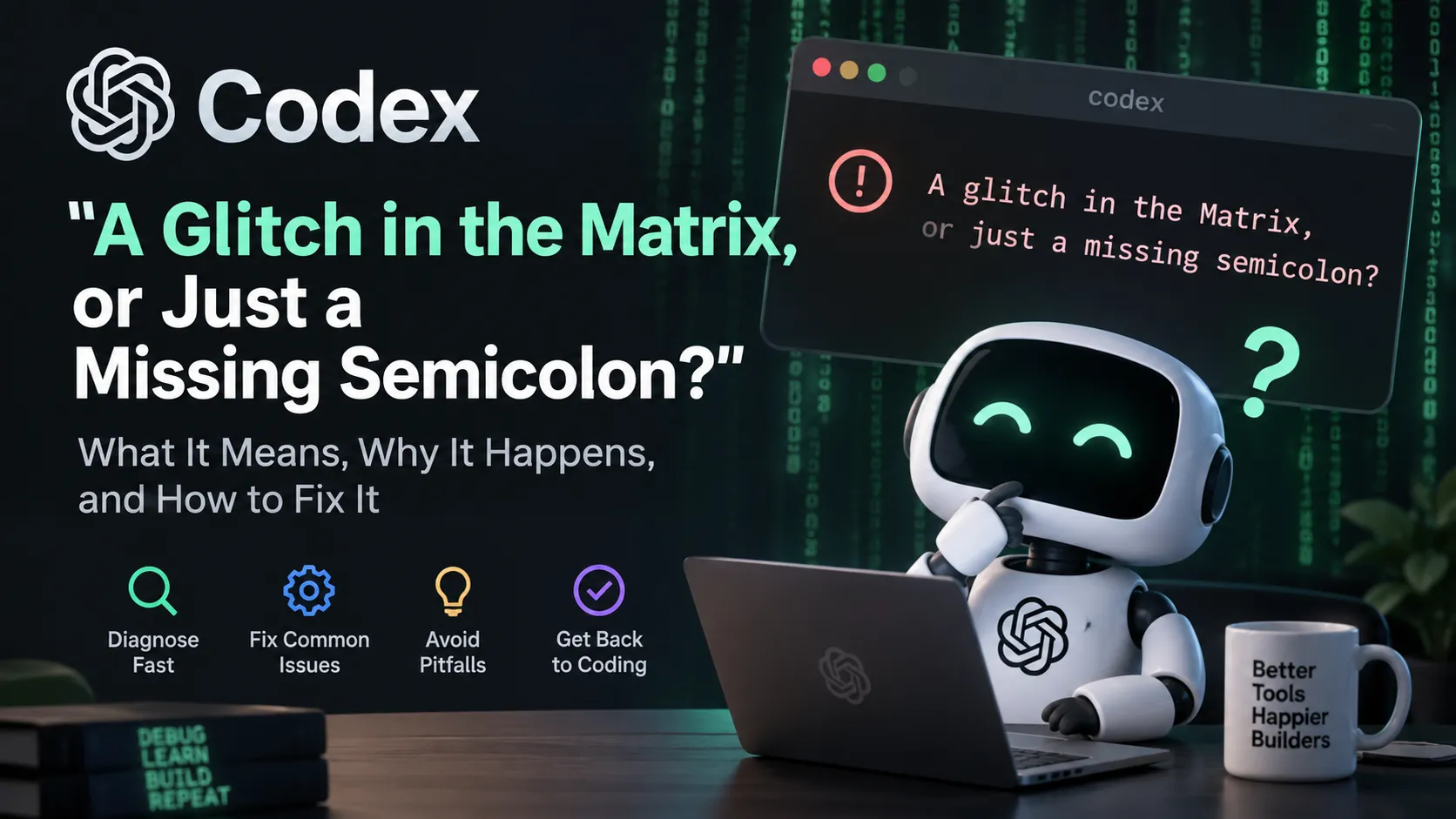
What Does “A Glitch in the Matrix, or Just a Missing Semicolon?” Mean in Codex?
The message should be treated as a generic failure message, not as a precise explanation of what went wrong.
The wording combines two programmer jokes:
- “A glitch in the Matrix” references The Matrix and is shorthand for an unexplained system failure.
- “Just a missing semicolon” references the classic programming problem where a tiny syntax mistake causes a larger failure.
The important clue is what the message does not contain: there is no filename, line number, compiler name, HTTP status, request ID, or failing command.
That means the useful diagnostic information is usually somewhere else in the Codex output.
Does It Actually Mean Your Code Is Missing a Semicolon?
Usually, no.
A genuine parser or compiler error normally looks more like this:
src/index.ts:42:17 - error TS1005: ';' expected.That output identifies a source location and expected token. The Codex Matrix message does not.
Semicolon rules also vary by language:
- JavaScript and TypeScript support automatic semicolon insertion in many situations.
- Python normally does not require semicolons at line endings.
- Java, C#, C, and C++ use semicolons extensively.
- Rust uses semicolons in ways that can affect expression semantics.
A generic Codex message therefore cannot reliably tell you that a semicolon is the actual problem.
The Most Likely Causes
When the message appears, classify the failure using the surrounding output.
| What you see near the message | Likely problem | First action |
|---|---|---|
Reconnecting..., stream disconnected, WebSocket errors | Network, transport, proxy, VPN, or backend interruption | Retry once, then test another network path |
429 Too Many Requests | Usage or rate limiting | Stop repeated retries and check usage conditions |
command failed; retry without sandbox? | Sandbox or permission issue | Inspect the exact command and permission boundary |
| Compiler/test error with a file and line number | Actual code or project failure | Fix the reported code, dependency, or command |
| Resume/thread/session errors | Session-state problem | Start a fresh session |
| Clean repo works but project repo fails | Repository-specific problem | Inspect scripts, hooks, permissions, config, and dependencies |
| Everything fails, including trivial prompts | Client, network, account, or backend issue | Check version, diagnostics, network, and service status |
Fastest Troubleshooting Sequence
1. Retry the Same Request Once
A one-off failure can be temporary, so retrying once is reasonable.
Do not keep retrying indefinitely. If the same failure repeats, move to diagnosis.
2. Read the Last 10–20 Lines Around the Error
Look for concrete indicators such as:
stream disconnectedReconnecting429Too Many Requestsretry limitsandboxpermission deniedcommand failedthreadresumesession metadatarequest id
Troubleshoot that concrete message rather than the Matrix text.
3. Check Your Codex Version
Run:
codex --versionVersion information matters because transport, sandbox, UI, and session bugs can be version-specific.
If your installation supports it, diagnostics may also be available through:
codex doctorReview diagnostic output before sharing it publicly because it may include local paths, environment information, repository names, or other sensitive details.
4. Test a Fresh Session
Start a new Codex conversation and try a trivial request such as:
Reply with only: OKInterpret the result:
- New session works: the original session may be stale or corrupted.
- New session also fails: investigate the client, account, network, proxy, VPN, or backend.
- Simple chat works but repository tasks fail: focus on the project, sandbox, permissions, commands, or filesystem.
5. Test Outside the Repository
A clean temporary Git repository helps separate Codex itself from project-specific tooling.
On macOS or Linux:
mkdir -p /tmp/codex-smoke-test
cd /tmp/codex-smoke-test
git init
codex
Then try a harmless task.
If Codex works there but fails in the original repository, inspect:
- package-manager scripts
- failing tests
- Git hooks
- filesystem permissions
- broken symlinks
- workspace configuration
- very large generated directories
- sandbox-restricted commands
- environment-dependent build steps
If the Logs Say stream disconnected
A stream error points away from a missing semicolon and toward the connection between Codex and its backend.
Useful checks include:
- Retry once.
- Test another network.
- Temporarily disable or change a VPN.
- Check whether a corporate proxy or security product interferes with WebSockets.
- Compare Codex CLI and Codex Desktop behavior.
- Save any request ID shown in the error.
To inspect common proxy variables on macOS or Linux:
env | grep -E '^(HTTP|HTTPS|ALL|NO)_PROXY='Do not publish environment output without reviewing it for credentials or private infrastructure information.
If the Logs Say 429 Too Many Requests
A 429 is not a syntax error.
It indicates that the request was rejected because of a usage or rate-limit condition.
In that case:
- Stop repeatedly resubmitting the same request.
- Check the relevant Codex usage or reset information.
- Reduce unnecessary parallel sessions or automated retries.
- Preserve the request ID if the behavior appears inconsistent.
Editing source code or reinstalling dependencies will not fix an HTTP 429.
If Codex Says command failed; retry without sandbox?
This is a permissions or execution-boundary problem, not evidence of a missing semicolon.
Before approving a retry without sandboxing:
- Read the exact command.
- Confirm which files or directories it will access.
- Check whether broader access is genuinely necessary.
- Prefer fixing the permission or sandbox incompatibility when possible.
Do not make unrestricted execution the default workaround for a generic Codex failure.
If Only One Conversation Is Broken
A session-specific problem is plausible if:
- a new conversation works immediately
- the same repository works in a fresh session
- only resume or continue fails
- errors mention thread state, transcript persistence, session metadata, or local state
The safest first step is to start a fresh session.
Avoid deleting ~/.codex or local state databases as a first-line fix. Those locations may contain configuration, session history, and diagnostic evidence.
How to Tell Whether the Problem Is Codex or Your Code
Use this rule:
If the error names a source file, line, compiler, test, command, or stack trace, investigate the project. If the failure is a generic Codex screen with connection, session, quota, or sandbox symptoms, investigate the Codex execution environment first.
A practical isolation matrix:
| Test | Result | Interpretation |
|---|---|---|
| Same prompt succeeds on retry | Works | Likely transient failure |
| New Codex session works | Works | Original session may be the issue |
| Clean repo works | Works | Original project/environment is suspect |
| CLI works but Desktop fails | Mixed | Client-specific issue is plausible |
| Different network works | Mixed | VPN, proxy, or network path is suspect |
| Compiler fails outside Codex too | Fails | Project/code issue |
| Everything returns 429 | Fails | Rate or usage condition |
| Everything shows reconnect errors | Fails | Transport, client, or backend path |
Common Mistakes to Avoid
Randomly Adding Semicolons
The phrase is a joke, not a parser instruction. Adding punctuation throughout a codebase can create unrelated changes and make the actual failure harder to diagnose.
Reinstalling Everything Immediately
First determine whether the failure follows:
- the session
- the repository
- the client
- the network
- the account
- the command
Reinstall only after narrowing the issue to the local Codex installation.
Disabling the Sandbox Permanently
A sandbox failure should lead to a permissions investigation, not permanent removal of isolation.
Deleting Codex State Without a Backup
Low-level cleanup can destroy useful session history and evidence. Start with a fresh session and preserve relevant state first.
Sharing Full Logs Publicly
Logs may contain:
- local usernames and paths
- repository names
- environment variables
- command arguments
- internal URLs
- tokens or credentials
Share only the smallest sanitized excerpt needed to reproduce the problem.
A Better Diagnostic Prompt for Codex
If Codex is still responsive but a command failed, use a diagnostic prompt before allowing it to modify files:
Do not modify any files yet. Identify the exact failing command, its exit code, the most relevant stderr lines, and whether the failure is caused by project code, permissions or sandboxing, networking, rate limits, or Codex session state. Then propose the smallest safe verification step.This separates diagnosis from modification and reduces the chance of unnecessary changes.
What Information to Save Before Reporting a Repeated Error
Collect:
- Codex CLI or app version
- operating system
- whether you are using CLI, Desktop, or an IDE integration
- model in use, if shown
- whether a VPN or proxy is active
- the concrete error near the Matrix message
- whether a new session reproduces it
- whether a clean repository reproduces it
- whether another network reproduces it
- request ID, when available
These details make it much easier to separate a Codex bug from a local environment or project failure.
FAQ
Is “A glitch in the Matrix, or just a missing semicolon?” a real Codex error code?
No. It is human-friendly error copy, not a structured error code.
Should developers search the entire project for missing semicolons?
No. Only investigate syntax when a compiler, linter, test runner, or runtime points to a source-code error.
Does the message mean Codex is down?
Not by itself. A generic failure can result from networking, rate limits, sandbox restrictions, session state, local commands, or a service-side problem.
Can a VPN or proxy cause Codex errors?
Yes. This is especially plausible when nearby logs mention reconnecting, WebSockets, HTTPS fallback, timeouts, or transport failures.
Should Codex be reinstalled?
Only after simpler isolation tests. If fresh sessions, clean repositories, alternate networks, and other clients all point back to the local installation, updating or reinstalling becomes more reasonable.
What is the most useful clue?
The specific error immediately before or after the friendly Matrix message. A 429, stream disconnected, sandbox warning, compiler diagnostic, or session error tells you much more than the joke.
Conclusion
“A glitch in the Matrix, or just a missing semicolon?” should be read as a humorous Codex failure message, not as an instruction to edit punctuation.
The fastest troubleshooting path is to classify the surrounding error as transport, rate limit, sandbox, session, or actual project failure.
Retry once, test a fresh session, isolate the repository and network, record the Codex version, and preserve any request ID.
The key rule is simple: debug the concrete error underneath the friendly message, not the joke on top of it.
Continue Reading
More articles connected to the same themes, protocols, and tools.

Referenced Tools
Browse entries that are adjacent to the topics covered in this article.
