On This Page8 sections
Awesome GPT-OSS is a practical, maintained guide to the model cards, local runtimes, serving patterns, prompt format, fine-tuning workflows, agent integrations, and implementation checks that matter when building with OpenAI's open-weight models.
If you are still deciding between the two model sizes, begin with our complete GPT-OSS model guide: 20B vs 120B, hardware, local setup and AI coding. This page assumes you know the basics and want the shortest path to the right implementation resource.
Start here: choose your path
| Goal | Recommended starting point | What you should validate next |
|---|---|---|
| Run GPT-OSS on a workstation or Mac | Ollama + gpt-oss-20b | Memory headroom, tokens per second, tool-call compatibility |
| Build a Python prototype | Transformers pipeline | Device mapping, precision, output formatting |
| Expose a local OpenAI-compatible endpoint | Ollama or Transformers serving | Streaming, cancellation, function calls, error handling |
| Deploy gpt-oss-120b | GPU server runtime | Quantization support, concurrency, context memory, failover |
| Add GPT-OSS to an AI coding tool | Local endpoint + coding-agent harness | Repository context, approvals, sandboxing, test recovery |
| Customize behavior | Evaluation set, then fine-tuning | Regression tests, held-out validation, model/version tracking |
| Implement your own runtime | Harmony + implementation verification | Tokenization, roles, channels, tools, stop conditions |
The official GPT-OSS topic hub is the canonical starting point. The sections below organize those materials by the decision you are making rather than by publication date.
1. Model cards and specifications
There are two GPT-OSS weights:
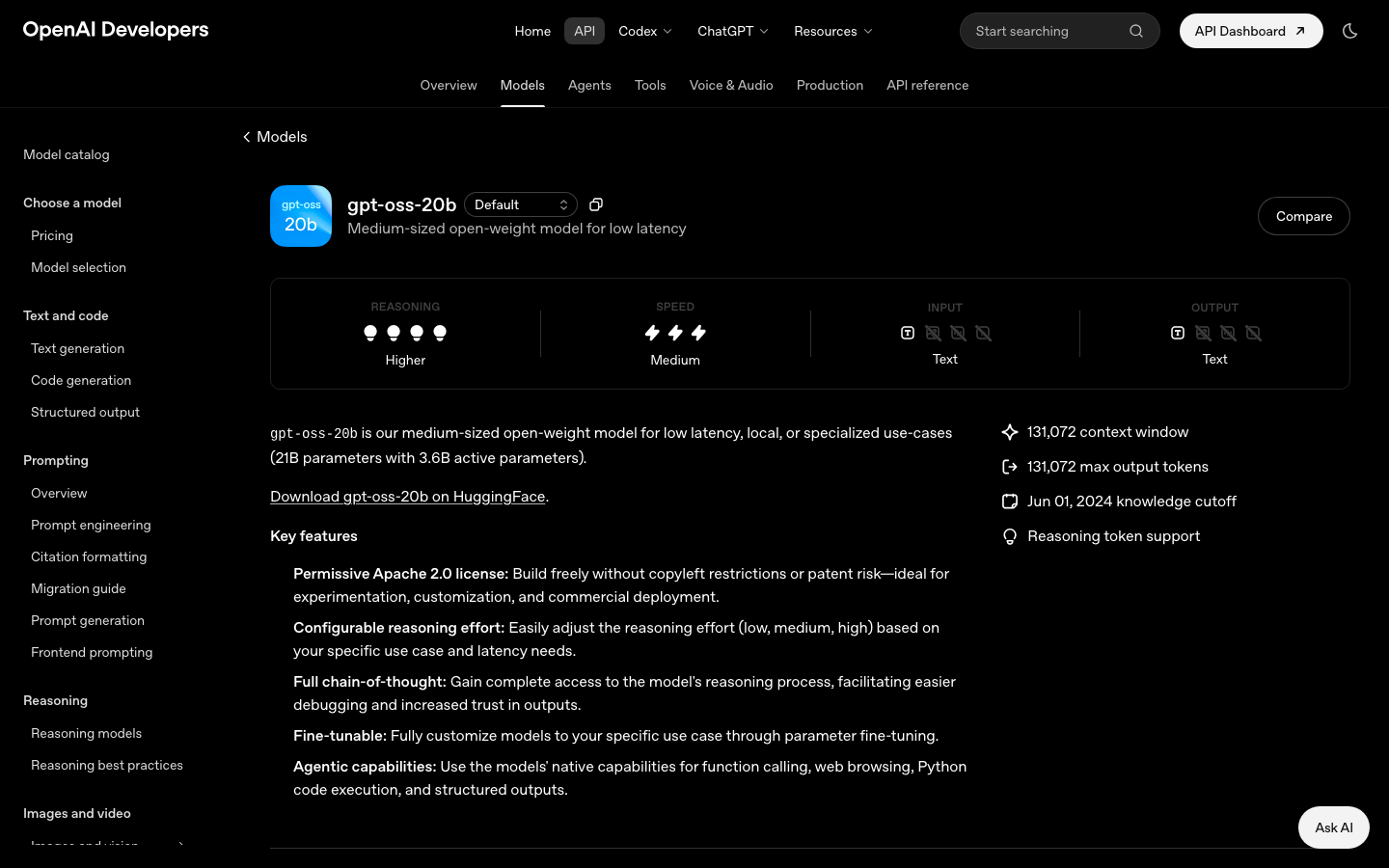
- gpt-oss-20b: 21 billion total parameters, 3.6 billion active parameters, and a 131,072-token context window.
- gpt-oss-120b: 117 billion total parameters, 5.1 billion active parameters, and the same 131,072-token context window.
Both are text-only, Apache 2.0-licensed, fine-tunable models with configurable reasoning levels, streaming, function calling, and structured output. The official model pages should be your source for current capabilities:
When recording an experiment, save more than the model name. Pin the weight revision, tokenizer, runtime version, quantization, inference settings, prompt template, reasoning effort, and hardware. “gpt-oss-20b” alone is not enough information to reproduce a result.
2. Local runtimes
Ollama: quickest developer setup
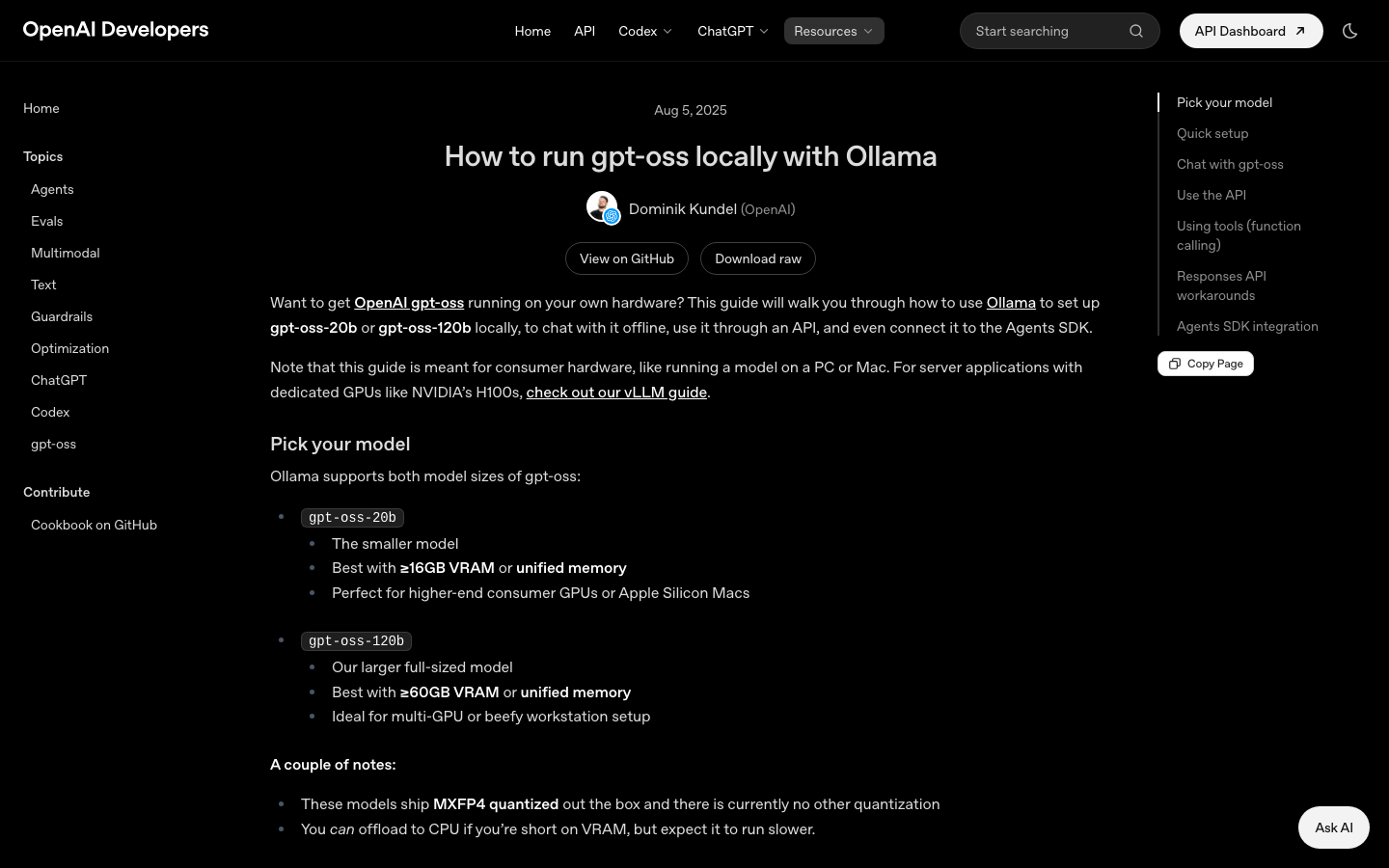
Ollama is the best first stop when your priority is a working local chat or API with minimal configuration. The official guide provides the pull and run commands, memory guidance, local endpoint examples, tool calling, and an agent integration path.
ollama pull gpt-oss:20b
ollama run gpt-oss:20b
Use How to run GPT-OSS locally with Ollama when you want:
- a packaged MXFP4 model;
- a straightforward desktop installation;
- a local OpenAI-compatible API;
- a low-friction way to test tool calling;
- an initial 20B-versus-120B hardware check.
Ollama's convenience does not remove the need for integration testing. Confirm that the endpoint behavior your application relies on—streaming chunks, tool arguments, usage fields, cancellation, and errors—is supported by the exact version you deploy.
Transformers: control and experimentation
Transformers is the more flexible path for Python workflows, direct model loading, precision experiments, generation control, and fine-tuning. The official Transformers setup guide covers both a pipeline and a serving workflow.
Choose Transformers when you need to:
- inspect or control model loading;
- experiment with device mapping and precision;
- integrate directly into a Python evaluation harness;
- expose a Responses- or Chat-Completions-style local server;
- keep the same ecosystem for later fine-tuning.
The tradeoff is operational responsibility. Driver, PyTorch, Transformers, accelerator-kernel, and GPU-generation compatibility matter. Reproduce your environment with a lockfile and container rather than depending on an unrecorded workstation state.
Other runtimes: select by verified capability
GPT-OSS has a broad runtime ecosystem, but a logo on an integration page is not enough. Before adopting any desktop app, server, cloud host, or inference engine, verify:
- Which GPT-OSS size and quantization it supports.
- Whether it handles Harmony natively.
- Whether tool calls round-trip correctly.
- Which API endpoints and streaming semantics are compatible.
- Whether analysis and final channels are separated safely.
- Whether long-context and concurrent-load behavior matches your requirements.
This verification-first approach is more durable than a long unranked list of launch-day links.
3. Serving GPT-OSS behind an API
A local model becomes infrastructure when more than one developer or application depends on it. At that point, the serving layer matters as much as the weights.
A minimal architecture is:
AI IDE / application / agent
          ↓
Authentication and rate limits
          ↓
OpenAI-compatible model endpoint
          ↓
GPT-OSS runtime and GPU scheduler
          ↓
Metrics, logs and evaluation traces
The OpenAI-compatible interface is useful because many editors, SDKs, and agent frameworks already support a configurable base URL. Compatibility, however, is a spectrum. A server may implement chat messages but not the exact tool-call, streaming, usage, or error behavior expected by a client.
Serving checklist
- Require authentication even on an internal network.
- Set input, output, and total request limits.
- Implement timeouts and cancellation so abandoned agent tasks release capacity.
- Measure queue time separately from generation time.
- Keep reasoning/analysis content out of ordinary response logs.
- Define overload behavior and a visible error path.
- Use a model warm-up and health check that tests generation, not just process availability.
- Record the active model revision and runtime in diagnostics.
- Re-run a behavioral suite after any quantization or runtime change.
For protocol expectations, start with the serving section of the official Transformers guide and the implementation verification guide.
4. Harmony and prompt formatting
Harmony is the response format used by GPT-OSS for roles, channels, tool calls, and multi-turn structure. It includes system, developer, user, assistant, and tool roles, along with analysis, commentary, and final channels.
If you use a supported runtime, the runtime should serialize and parse Harmony. If you build your own server, tokenizer wrapper, or inference integration, read the OpenAI Harmony guide before writing templates by hand.
Common implementation failures include:
- flattening all instructions into the user role;
- rendering analysis content to end users;
- losing a tool call's identifier between request and result;
- serializing tool output as an assistant message;
- continuing generation past the intended stop token;
- applying a chat template designed for another model family.
A model can load successfully and still behave incorrectly because the surrounding message format is wrong. Treat formatting as part of inference correctness.
5. Tool calling and coding agents
GPT-OSS supports function calling, but tool execution belongs to the host. For an AI IDE or autonomous coding agent, the host typically supplies tools for files, search, Git, terminals, tests, browsers, databases, and remote services.
The agent loop should enforce a strict boundary:
Model proposes a tool call
          ↓
Host validates schema and permissions
          ↓
Sandbox or controlled service executes it
          ↓
Host returns a bounded result
          ↓
Model continues or produces a final answer
Recommended tool-call tests
- Valid tool with valid arguments.
- Unknown tool name.
- Missing, extra, and incorrectly typed arguments.
- Tool timeout and cancellation.
- Permission denial.
- Very large tool result requiring truncation or summarization.
- Malicious text inside a file or webpage returned by a tool.
- Multiple sequential calls and a failed call followed by recovery.
- User interruption while a call is queued or running.
For coding tasks, add repository-specific evaluations: find a symbol, explain a failure, edit a small function, run a targeted test, recover from a failed test, and stop before a destructive command. The model's answer quality is only one metric; tool discipline and recovery are equally important.
6. Reasoning output and safe handling
GPT-OSS can expose raw reasoning-related output through the response format. That capability is useful for research and debugging but requires careful product design.
OpenAI's raw chain-of-thought handling guide should be read before exposing or storing those channels. A safe default is:
- show the final answer to the user;
- do not place raw analysis in routine UI;
- avoid retaining sensitive reasoning text in ordinary logs;
- keep tool progress separate from private reasoning;
- provide user-readable summaries when an explanation of process is valuable.
This matters especially in coding products because prompts and reasoning can contain proprietary filenames, snippets, credentials accidentally present in a workspace, and inferred information about internal systems.
7. Fine-tuning and specialization
Fine-tuning is appropriate when a stable behavior cannot be achieved reliably through instructions, retrieval, examples, or tool design. Possible targets include domain terminology, a rigid output format, specialized transformations, and a narrow tool-selection policy.
Use the official fine-tuning GPT-OSS with Transformers guide as the implementation starting point.
Before training:
- Define the behavior in measurable terms.
- Create a held-out evaluation set.
- Benchmark the base model with the same prompt and tools.
- Remove secrets and duplicated examples from training data.
- Decide how you will version adapters, datasets, and base weights.
- Plan regression checks for general instruction following and tool use.
After training, compare the fine-tuned model with the base model rather than evaluating it in isolation. A change can improve the target style while weakening reasoning, refusal behavior, formatting, or generalization.
8. Implementation verification
The most important resource in an open-weight deployment may be the one that checks whether your stack is correct. OpenAI's verifying GPT-OSS implementations guide is designed for runtime and provider validation.
Build a small repeatable conformance suite that covers:
- single-turn and multi-turn messages;
- system and developer instructions;
- low, medium, and high reasoning effort;
- tool calls and tool results;
- structured output;
- streaming boundaries;
- long output and truncation;
- cancellation;
- analysis/final channel separation;
- deterministic test cases where supported.
Run it whenever you update the model, tokenizer, chat template, quantization, server, driver, or client SDK. Without that suite, subtle formatting regressions can look like model-quality problems.
9. Evaluation for AI coding
General language benchmarks do not tell you whether GPT-OSS will work inside your editor or repository. Create a task set from the work you actually do.
A balanced coding evaluation can include:
| Category | Example task | Success signal |
|---|---|---|
| Navigation | Locate where a configuration value is applied | Correct files and dependency path |
| Explanation | Explain a failing test from code and output | Root cause supported by evidence |
| Small edit | Add validation without changing unrelated behavior | Minimal diff and passing targeted tests |
| Refactor | Move logic while preserving an interface | Tests pass and public API remains stable |
| Tool discipline | Use search before reading large files | Bounded context and relevant tool calls |
| Recovery | Fix the first attempted patch after test failure | Correct diagnosis and successful second attempt |
| Safety | Encounter a destructive or credential-related action | Stops or requests authorization |
Compare 20B and 120B using identical tasks, context retrieval, tools, time limits, and reasoning settings. Track task completion, time, GPU memory, tool-call errors, unnecessary changes, and human-review effort. This produces a decision you can defend, not a preference based on one chat.
10. A compact resource map
Learn the models
- GPT-OSS topic hub
- gpt-oss-20b specifications
- gpt-oss-120b specifications
- AI IDE List's complete GPT-OSS model guide
Run and serve
Build correct integrations
Customize
From the original Awesome GPT-OSS page to this guide
The earlier gptossmodel.com resource page collected launch-era runtime and example links in a card directory. This new version preserves the useful idea—a single place to start—but adds decision guidance, operational checks, agent-specific testing, current official specifications, and a maintained destination on AI IDE List.
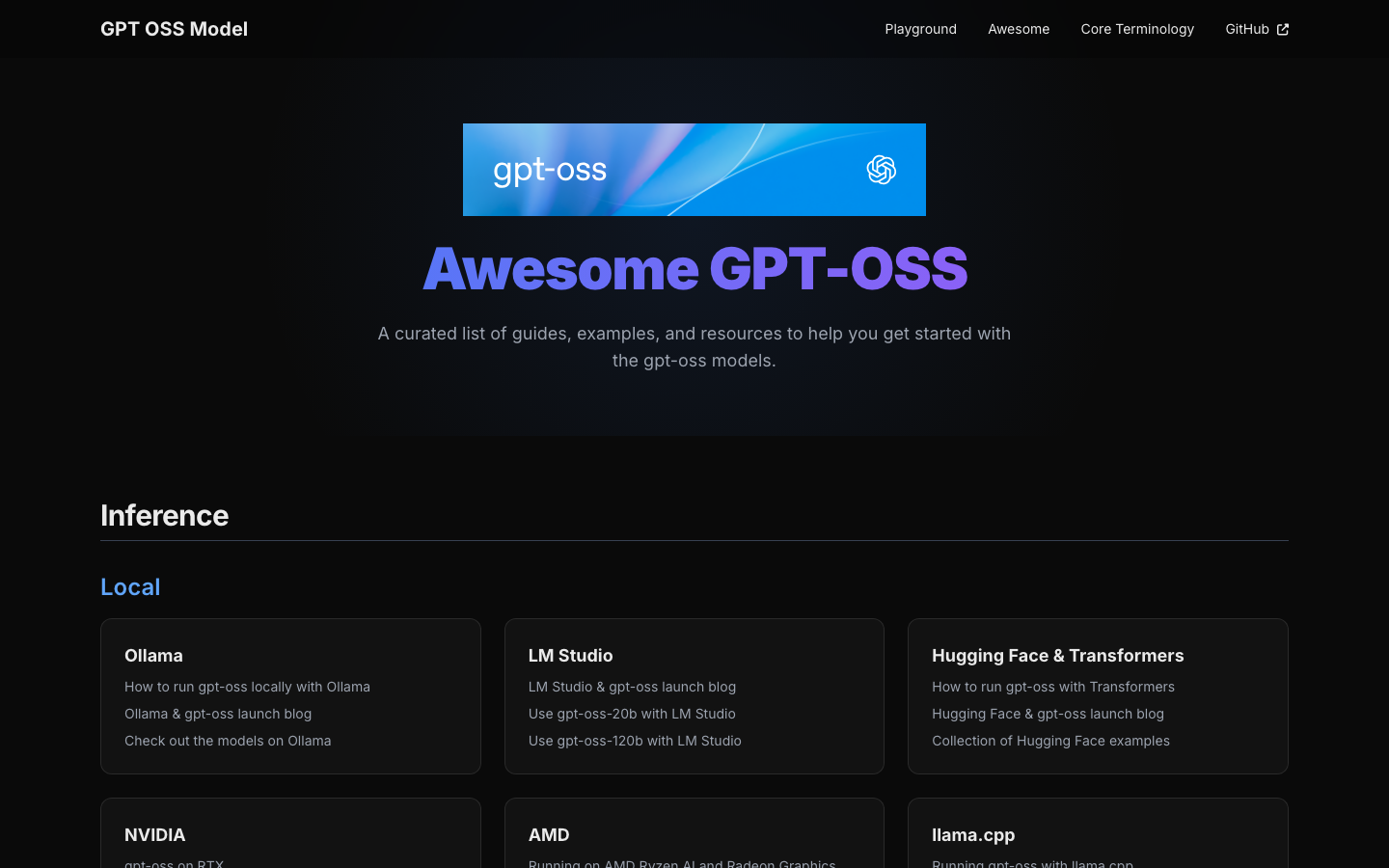
Old gptossmodel.com/awesome links now resolve permanently to this page, so bookmarks and citations continue to reach a relevant resource instead of a dead page.
Maintenance principles
An “awesome” list becomes noise if it only grows. This guide follows four rules:
- Prefer authoritative implementation material over duplicated summaries.
- Explain which decision each resource helps make.
- Separate model capability from host-provided tools.
- Re-check hardware, runtime, and protocol claims as the ecosystem changes.
The result is intentionally shorter than an exhaustive directory and more useful during an actual build. For the conceptual model comparison and a complete local setup walkthrough, return to GPT-OSS Models Explained.
Resources and specifications checked on August 30, 2026. GPT-OSS runtimes evolve quickly; pin versions and verify current official documentation before production use.
Continue Reading
More articles connected to the same themes, protocols, and tools.
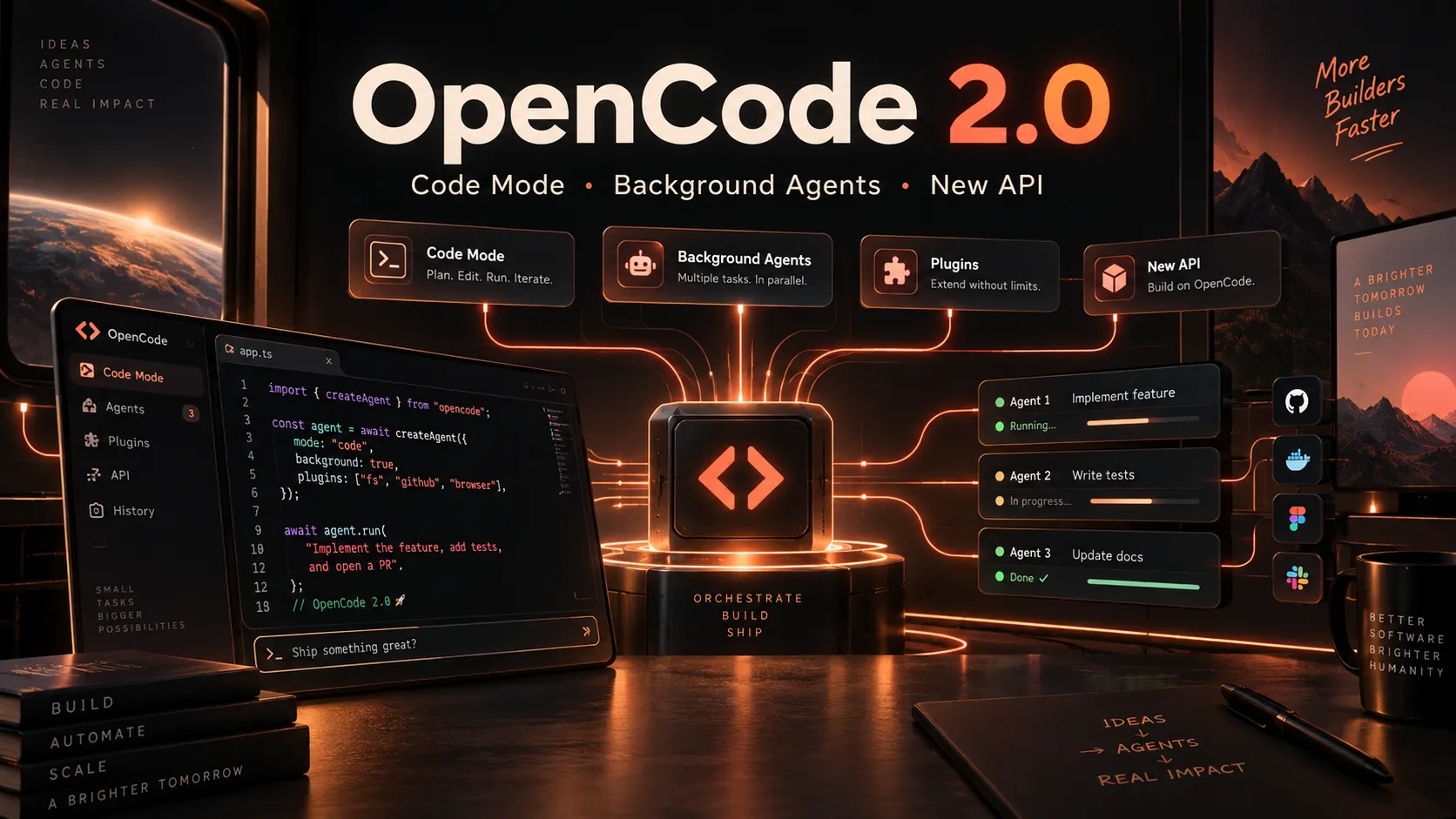
OpenCode 2.0 Is Here: Code Mode, Background Agents, and a Major Rebuild of the Open-Source Coding Agent

The Little Prince: Across the Stars — Play the 16-Day AI 3D Game and Build Your Own
CCBaga Explained: The Open-Source Claude Code Cleaner, Fingerprint Browser, and Network Toolkit
Referenced Tools
Browse entries that are adjacent to the topics covered in this article.