

Parallel Code
A lightweight desktop control center for side-by-side coding agents in isolated worktrees.
Information checked: Aug 14, 2026 ·View sources
Tool details
- Type
- Developer workflows
- Platforms
- macOS, Linux, Mobile monitoring
- Free plan
- Yes
- Open source
- Yes
- Bring your own key
- Yes
- Local models
- Yes
Overview
Best for
- Developers comparing multiple coding agents
- Parallel Git worktree tasks
- Local multi-agent workflows
Strengths
- Simple multi-agent workflow with minimal platform lock-in
- Worktree isolation reduces accidental overlap
- MIT license and local operation make it easy to evaluate
Limitations & trade-offs
- Windows-only teams
- Non-Git projects
- Users wanting a hosted autonomous engineer
- No Windows support is highlighted
- Requires users to install and authenticate each coding agent
- Integration and conflict resolution remain developer responsibilities
Get started
Pricing & usage limits
Free tier available
MIT-licensed application; connected agent and model costs remain separate.
Pricing checked: Aug 14, 2026 · Subscription, usage limits, and model costs may be billed separately.
Features & details
Side-by-side agents
- Run Claude Code, Codex, Gemini, and GitHub Copilot
- Keep several development tasks active at once
- Choose the agent that fits each assignment
Git isolation
- Create a dedicated worktree per task
- Review diffs before integration
- Avoid agents editing the same checkout
Remote visibility
- Monitor running work from a phone
- Use a focused desktop interface
- Available for macOS and Linux
Parallel Code Review
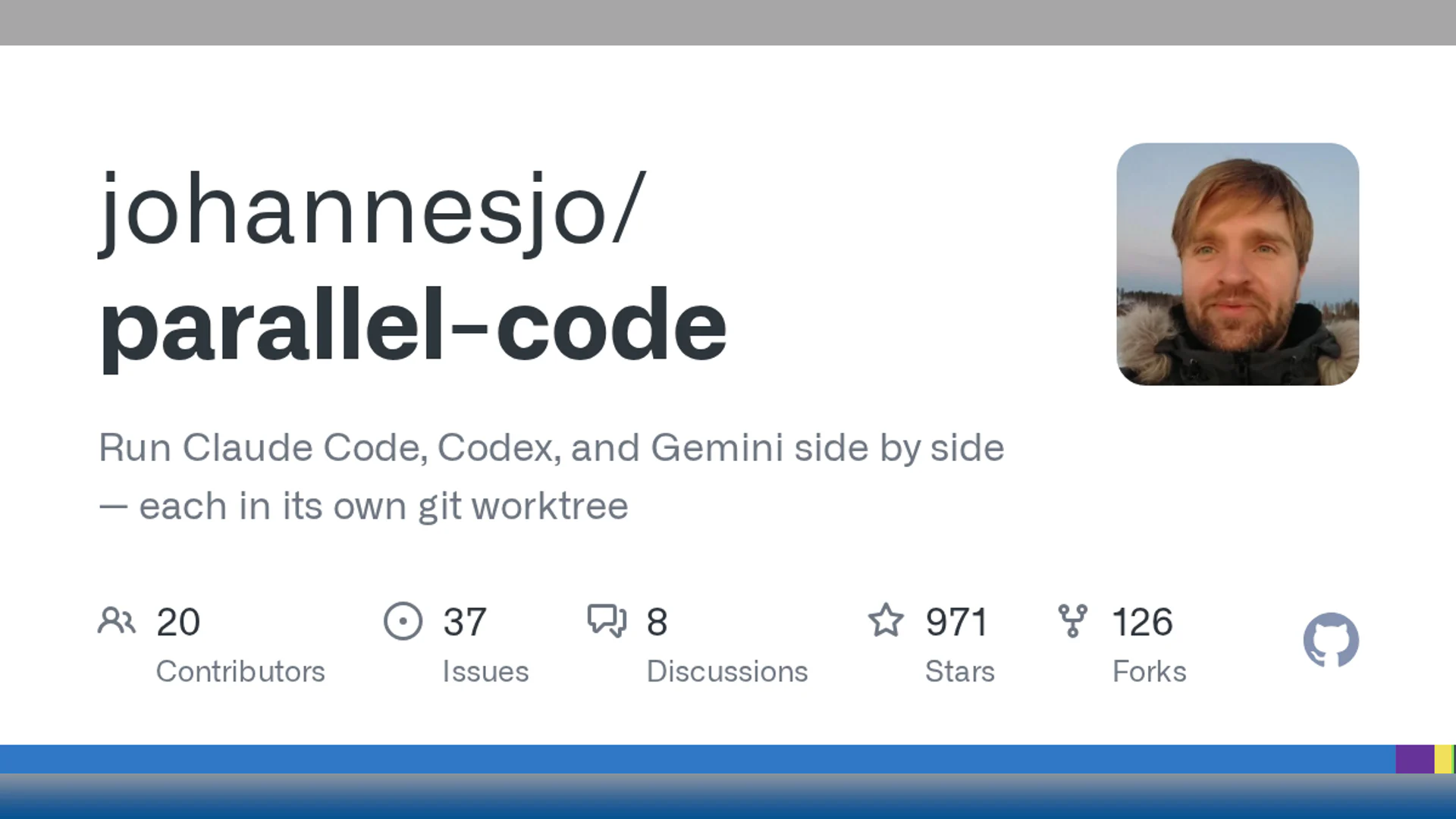
Parallel Code is an open-source desktop app for running Claude Code, Codex, Gemini, and GitHub Copilot side by side, with each task isolated in its own Git worktree. It emphasizes straightforward parallel execution, diff review, and remote monitoring.
What Parallel Code Is
A lightweight desktop control center for side-by-side coding agents in isolated worktrees. The product is most useful when its workflow matches the surrounding engineering process, permissions, and review model.
Core Capabilities
Side-by-side agents
- Run Claude Code, Codex, Gemini, and GitHub Copilot
- Keep several development tasks active at once
- Choose the agent that fits each assignment
Git isolation
- Create a dedicated worktree per task
- Review diffs before integration
- Avoid agents editing the same checkout
Remote visibility
- Monitor running work from a phone
- Use a focused desktop interface
- Available for macOS and Linux
Best Use Cases
- Developers comparing multiple coding agents
- Parallel Git worktree tasks
- Local multi-agent workflows
Pricing
- Open Source: $0 — MIT-licensed application; connected agent and model costs remain separate.
Pricing and quotas can change. The values above were checked against official product material on 2026-08-14.
Advantages
- Simple multi-agent workflow with minimal platform lock-in
- Worktree isolation reduces accidental overlap
- MIT license and local operation make it easy to evaluate
Limitations
- No Windows support is highlighted
- Requires users to install and authenticate each coding agent
- Integration and conflict resolution remain developer responsibilities
Privacy and Operational Notes
The app coordinates external coding agents, so repository data follows the privacy and retention terms of the selected agent providers. Protect local credentials and review diffs before merging.
Parallel Code Alternatives
The most relevant comparison set is Superset, Vibe Kanban, Nimbalyst, Conductor. Compare the products by execution environment, model flexibility, repository access, review controls, deployment model, and total usage cost rather than by headline feature count alone.
Verdict
Parallel Code is a practical free option for developers who want several familiar coding agents running side by side without adopting a new proprietary agent stack.
Official Sources
Model support & data privacy
Privacy & data handling
The app coordinates external coding agents, so repository data follows the privacy and retention terms of the selected agent providers. Protect local credentials and review diffs before merging.
Guides, reviews & fixes
View allNo published guides yet. Start with the official documentation above.
Product updates
No verified product updates listed yet. Follow this tool to see new relevant content in Saved.
See the content timelineAlternatives
Sources & verification
Verification dates record when this directory checked the information. Product release dates appear separately above.
Directory revision history
Created from current official product information with normalized branding, pricing, capabilities, and comparison metadata.