
 GitHub CopilotGitHub Copilot is a mainstream AI code assistant and developer workflow layer for teams that want AI support inside existing editors, GitHub repositories, pull requests, and terminal workflows.
BLACKBOX AI
A VS Code-first AI coding assistant differentiated by multi-agent orchestration, a broad hosted model catalog, and shared infrastructure across editor, CLI, and API workflows.
Information checked: Aug 14, 2026 ·View sources
Tool details
- Type
- Editor extensions
- Platforms
- VS Code, Windows, macOS, Linux
- Free plan
- No
- Open source
- No
- Bring your own key
- Yes
- Local models
- No
Overview
Best for
- VS Code users who want agentic coding without migrating editors
- Developers who regularly compare multiple AI models on difficult implementation tasks
- Teams that want centralized access to multiple model providers
- Complex refactoring and feature work where several implementations may be valid
- Organizations that need coding tools and model inference under a shared security and billing layer
Strengths
- Adds agentic coding to VS Code without requiring a new editor
- Can compare multiple independent agent implementations for the same task
- Large hosted model catalog reduces model-by-model account management
- Token-based billing avoids mandatory per-developer seat subscriptions
- Strong enterprise options for identity, isolation, retention, and data residency
Limitations & trade-offs
- Developers who specifically want a fully local or offline coding assistant
- Users who prefer a predictable fixed-price coding subscription
- Teams that only need lightweight autocomplete
- Developers who want an open-source editor extension they can fully self-host
- Token-based usage can be harder to forecast than a fixed monthly coding subscription
- Parallel multi-agent runs can consume substantially more tokens than single-agent tasks
- Provider BYOK is primarily an Enterprise capability
- No documented local Ollama-style model workflow for the VS Code product
- Some cloud agent and dedicated runner capabilities are reserved for Enterprise
Get started
Pricing & usage limits
Official pricingSee pricing
Pay As You GoUsage-based
Prepaid credits with per-token model pricing, no monthly commitment, platform fee, or per-seat fee.
EnterpriseCustom / annual commitment
Volume pricing with enterprise identity, security, deployment, support, and dedicated infrastructure options.
Pricing checked: Aug 14, 2026 · Subscription, usage limits, and model costs may be billed separately.
Features & details
VS Code Coding
- Context-aware inline code completions
- Chat-driven edits with reviewable diffs
- Workspace and multi-file context
- File references with @path
Agent Orchestration
- Parallel multi-agent execution
- Blackbox, Claude Code, Codex, and Gemini agents
- Chairman LLM result evaluation
- Compare and merge competing implementations
Developer Surfaces
- VS Code extension
- BLACKBOX CLI
- OpenAI-compatible API
- Background CLI tasks from VS Code
Security & Teams
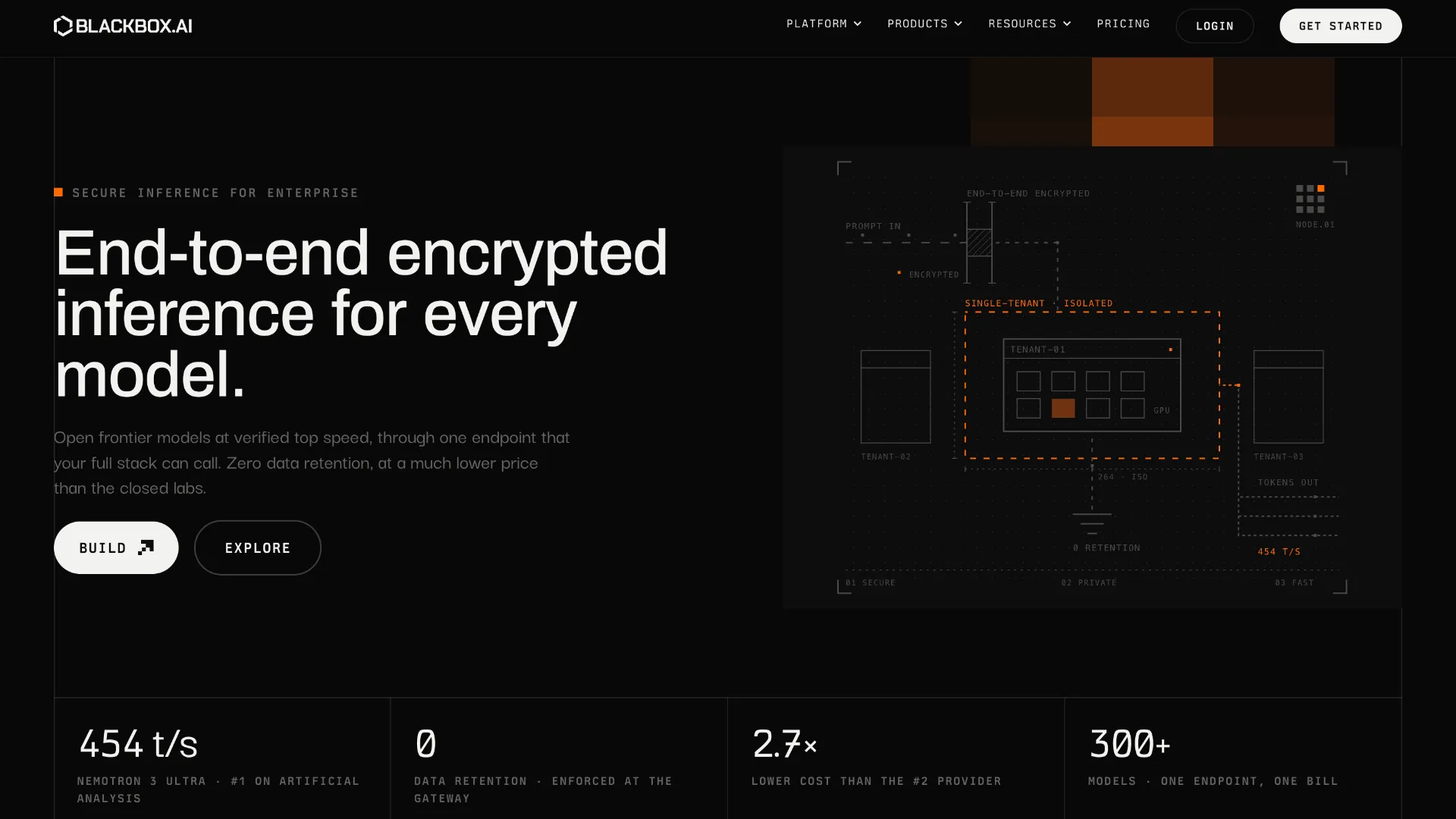
- End-to-end encrypted inference
- Zero data retention
- Enterprise SAML SSO, SCIM, and RBAC
- Audit logs and dedicated deployment options
Why Choose BLACKBOX AI?
BLACKBOX AI has evolved beyond the older idea of a single AI coding copilot. Its more distinctive position in 2026 is as an orchestration layer between the developer and multiple coding agents and models.
That distinction matters when a task has more than one plausible implementation. Traditional coding assistants generally optimize for producing one useful answer quickly. BLACKBOX AI can instead make model diversity part of the workflow: the same problem can be approached independently and the resulting implementations compared before code is accepted.
For routine development this can be unnecessary overhead. For an architectural change, difficult bug, migration, performance optimization, or security-sensitive implementation, however, disagreement between agents can itself provide useful information. A developer can inspect where implementations diverge rather than assuming the first generated patch is correct.
Another practical difference is that BLACKBOX AI no longer requires treating the editor, terminal agent, and model API as completely separate products. The current platform increasingly connects those surfaces through the same model infrastructure and account. This makes it particularly relevant to teams experimenting with AI coding at more than one layer of the development workflow.
Core Workflow
The most practical way to use BLACKBOX AI is not to invoke maximum agent autonomy for every change. Routine edits can stay inside the normal editor loop: provide a narrowly scoped task, inspect the proposed diff, run the relevant tests, and continue coding.
Multi-agent execution becomes more valuable once uncertainty increases. Instead of asking several models sequentially and manually copying context between them, the same implementation problem can be evaluated through independent approaches. This is particularly useful when choosing an API design, diagnosing a difficult regression, refactoring a large subsystem, or deciding between competing implementation strategies.
The CLI extends that pattern for developers who spend significant time in a terminal. Git-based isolation is especially useful here because parallel agents can work without continuously overwriting the same working tree. The developer remains responsible for reviewing the branches, understanding the tradeoffs, and deciding what should actually be merged.
This makes BLACKBOX AI closer to an AI development control layer than a traditional autocomplete product. The value increases with task complexity, while the benefit is smaller for developers whose AI usage consists primarily of completing individual lines or functions.
Use Cases
BLACKBOX AI fits well in mature repositories where a task frequently crosses several files and where the developer wants AI to understand existing conventions before proposing changes. A migration from one framework pattern to another, for example, benefits from repository context and from comparing how different agents preserve existing architecture.
It can also be useful as a second-opinion system. For code involving authentication, concurrency, database migrations, or performance-sensitive paths, generating multiple independent approaches can expose assumptions that would remain invisible when relying on a single model response.
Teams experimenting with several frontier models are another natural fit. Instead of making every developer establish a separate workflow for every provider, BLACKBOX AI can act as a shared access and orchestration layer. The tradeoff is greater dependence on BLACKBOX AI's hosted infrastructure rather than direct, individually managed model integrations.
Comparison to Alternatives
Compared with GitHub Copilot, BLACKBOX AI puts more emphasis on model choice and parallel agent execution. Copilot can be a simpler choice for organizations already standardized on the GitHub ecosystem and primarily interested in a mainstream coding assistant. BLACKBOX AI becomes more interesting when comparing different agents is part of the development process rather than an occasional experiment.
Cline and Roo Code occupy a closer agentic category. They are attractive when developers want explicit control over tool use, prompts, providers, and agent behavior inside VS Code. BLACKBOX AI takes a more managed approach by combining model access, orchestration, inference, and organizational controls behind the same platform.
Continue represents another important contrast. Its open-source and highly configurable approach is attractive to developers building custom or local-model workflows. BLACKBOX AI is better understood as a hosted service with managed model infrastructure rather than a local-first framework.
These differences mean the decision is less about which product can generate code and more about who should manage the model layer. Developers wanting to assemble their own stack may prefer Continue, Cline, or Roo Code. Teams wanting model aggregation and organizational infrastructure handled by one vendor may find BLACKBOX AI's approach more convenient.
Best Configuration
For daily use, a single-agent workflow is usually the sensible default. Reserve parallel execution for expensive decisions: changes touching many modules, bugs with unclear root causes, architectural work, or code where implementation mistakes have meaningful consequences. This prevents the additional model diversity from becoming additional noise and unnecessary token consumption.
Repository hygiene also matters. Keep tests runnable, document project conventions, maintain clear module boundaries, and provide agents with small, verifiable objectives. An agent can reason much more reliably about a codebase when success can be checked through tests, type checking, linting, or reproducible commands.
For CLI-based parallel work, initialize and maintain Git properly before delegating tasks. Treat generated branches as candidate implementations rather than automatically mergeable output. Comparing diffs and test results usually provides more value than selecting a winner based only on an agent-generated explanation.
Organizations should additionally decide which classes of repositories are allowed to send context to hosted models. BLACKBOX AI provides privacy and enterprise deployment controls, but those controls should complement rather than replace internal policies on secrets, production data, credentials, and regulated information.
Migration Notes
Moving from GitHub Copilot or another VS Code extension does not require an editor migration. BLACKBOX AI is designed to coexist with existing VS Code extensions, themes, and keybindings, so teams can evaluate it within their existing development environment before changing established workflows.
A gradual rollout is preferable to immediately replacing every AI tool. Start with a limited group of repositories and compare acceptance rates, debugging time, test failures, token consumption, and the usefulness of multi-agent comparisons. The important metric is not how much code the agents generate, but whether reviewed changes reach production with less developer effort and acceptable defect rates.
Teams moving from seat-based AI coding subscriptions should also revisit budgeting. BLACKBOX AI's current public pricing is usage-oriented, which shifts cost from the number of licensed developers toward actual model consumption. Heavy autonomous and multi-agent workflows can therefore produce a very different cost profile from lightweight completion usage.
Finally, users familiar with older versions of BLACKBOX AI should evaluate the current product rather than assuming the historical standalone-IDE positioning still defines it. As of August 2026, the official site emphasizes VS Code, CLI, agents, API access, model routing, and enterprise inference much more strongly, making the product increasingly relevant as an AI coding infrastructure layer rather than only another editor.
Model support & data privacy
Supported models
- Claude Opus 4.6
- GPT-5.2
- Gemini 3
- Grok 4
- Llama
- Mistral
- NVIDIA Nemotron
Privacy & data handling
BLACKBOX AI states that its current platform uses end-to-end encrypted connections and zero data retention. Routed requests may still involve upstream model providers, with retention and training suppression applied where provider APIs support it. Enterprise adds contractual zero-data-retention controls, PII removal before closed-model requests, data residency, and dedicated single-tenant deployment options.
Guides, reviews & fixes
No published guides yet. Start with the official documentation above.
Product updates
No verified product updates listed yet. Follow this tool to see new relevant content in Saved.
See the content timelineAlternatives
GitHub CopilotGitHub Copilot is a mainstream AI code assistant and developer workflow layer for teams that want AI support inside existing editors, GitHub repositories, pull requests, and terminal workflows. ClineCline is an open-source, model-flexible AI coding agent for developers who want agentic file editing, command execution, browser use, MCP tools, and human-in-the-loop control inside existing development environments.
 ContinueContinue is an open-source AI coding agent and IDE extension ecosystem focused on configurable model access, repository-defined AI checks, and team-controlled coding workflows.
 Roo CodeRoo Code is a powerful open-source VS Code coding agent for developers who want model choice, deep customization, local control, and multi-step agentic workflows inside their editor.
 Amazon Q DeveloperAmazon Q Developer remains an AWS developer assistant, but its IDE plugin is now a legacy migration path to Kiro rather than the strategic destination for new IDE deployments.
Sources & verification
Verification dates record when this directory checked the information. Product release dates appear separately above.
Official websiteBLACKBOX AI VS CodeBLACKBOX AI PricingBLACKBOX AI DocumentationBLACKBOX CLI Documentation
Directory revision history
Current product and pricing were rechecked. BLACKBOX AI now prominently positions VS Code, CLI, agent tooling, model routing, and enterprise inference as its primary developer surfaces.
BLACKBOX AI announced Nemotron 3.5 Lightning as part of its expanding inference and model platform.
BLACKBOX AI published Terminal-Bench v2.1 results for a two-model configuration combining GPT-5.6 Sol and Claude Opus 4.8.