
 Gemini CLIGemini CLI is Google’s open-source terminal coding agent for Gemini-powered development workflows, now positioned as a legacy tool transitioning toward Antigravity CLI for future agent-first development.
Antigravity CLI
Google’s forward-looking terminal coding agent for parallel, asynchronous development work.
Information checked: Aug 14, 2026 ·View sources
Tool details
- Type
- CLI agents
- Platforms
- macOS, Linux, Windows, Terminal
- Free plan
- Yes
- Open source
- No
- Bring your own key
- No
- Local models
- No
Overview
Best for
- Existing Gemini CLI users
- Developers coordinating several coding tasks
- Teams adopting Google’s agent-first developer stack
Strengths
- Official Google migration path from Gemini CLI
- Asynchronous agents are better suited to parallel work than a single blocking chat loop
- Shares concepts with the broader Antigravity development environment
Limitations & trade-offs
- Users who require local-only models
- Developers who want a provider-neutral CLI
- Non-technical prompt-to-app workflows
- A newer product with a faster-changing workflow and documentation surface
- Google-centric rather than provider-neutral
- Agent actions and generated changes still require repository review
Get started
Pricing & usage limits
Free
Individual$0 / month
Available with a Google account under current Antigravity usage limits.
Google Cloud / EnterpriseUsage varies
Organization access, quotas, and billing depend on the connected Google Cloud or enterprise configuration.
Pricing checked: Aug 14, 2026 · Subscription, usage limits, and model costs may be billed separately.
Features & details
Agent-first CLI
- Launch the agy terminal interface from a project
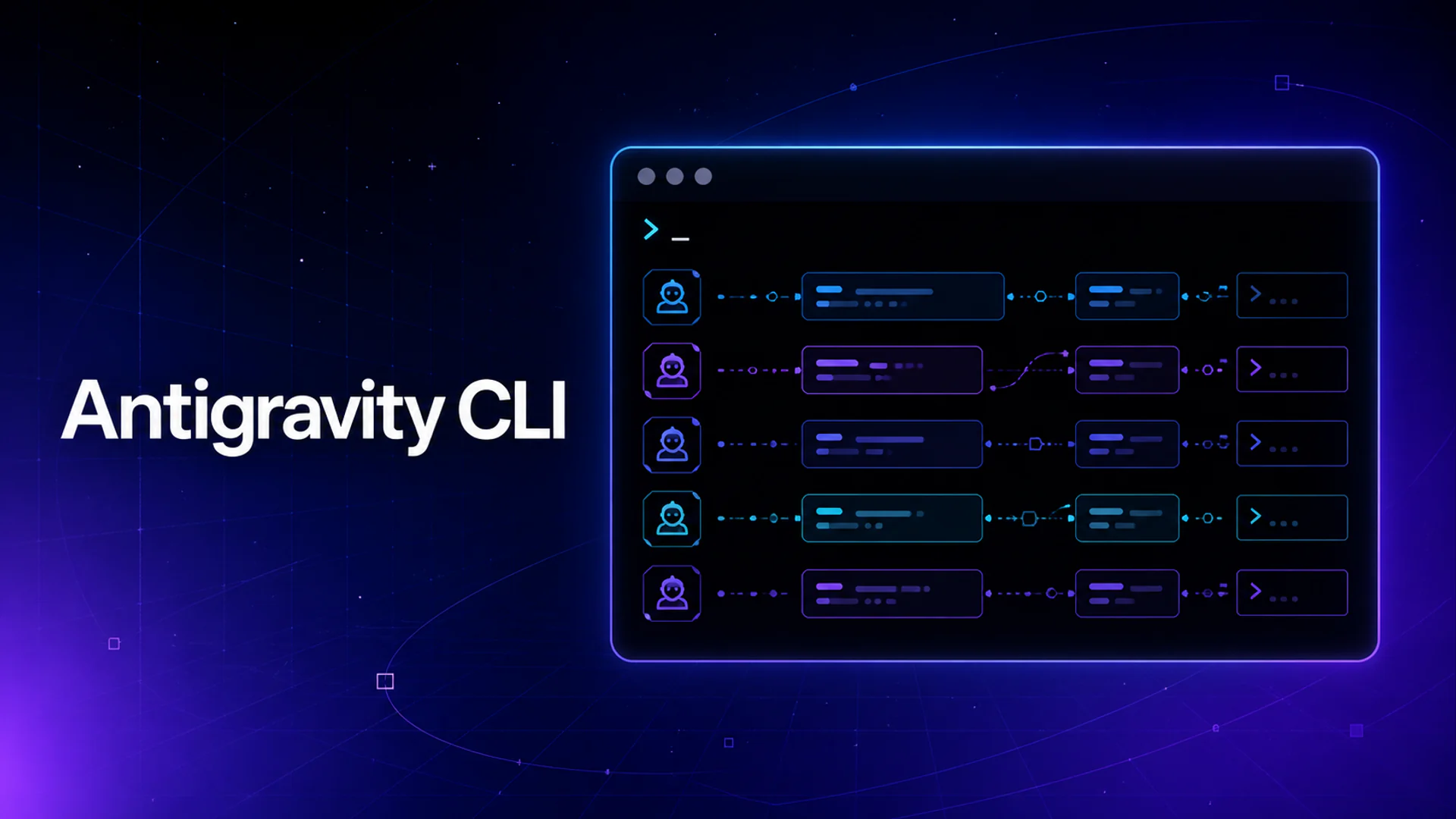
- Delegate work to agents that can continue asynchronously
- Manage multiple tasks without blocking the main terminal session
Gemini CLI migration
- Official successor for consumer Gemini CLI workflows
- Migration guidance for settings and established terminal habits
- Built on the shared Google Antigravity agent harness
Development workflow
- Repository-aware planning and implementation
- Terminal-native task review and follow-up
- Designed to complement the Antigravity editor experience
Antigravity CLI Review
Antigravity CLI is Google’s agent-first terminal for delegating software work to multiple asynchronous agents. It is the official migration destination for consumer Gemini CLI workflows and shares the Antigravity agent harness across terminal and editor surfaces.
What Antigravity CLI Is
Google’s forward-looking terminal coding agent for parallel, asynchronous development work. The product is most useful when its workflow matches the surrounding engineering process, permissions, and review model.
Core Capabilities
Agent-first CLI
- Launch the agy terminal interface from a project
- Delegate work to agents that can continue asynchronously
- Manage multiple tasks without blocking the main terminal session
Gemini CLI migration
- Official successor for consumer Gemini CLI workflows
- Migration guidance for settings and established terminal habits
- Built on the shared Google Antigravity agent harness
Development workflow
- Repository-aware planning and implementation
- Terminal-native task review and follow-up
- Designed to complement the Antigravity editor experience
Best Use Cases
- Existing Gemini CLI users
- Developers coordinating several coding tasks
- Teams adopting Google’s agent-first developer stack
Pricing
- Individual: $0/month — Available with a Google account under current Antigravity usage limits.
- Google Cloud / Enterprise: Usage varies — Organization access, quotas, and billing depend on the connected Google Cloud or enterprise configuration.
Pricing and quotas can change. The values above were checked against official product material on 2026-08-14.
Advantages
- Official Google migration path from Gemini CLI
- Asynchronous agents are better suited to parallel work than a single blocking chat loop
- Shares concepts with the broader Antigravity development environment
Limitations
- A newer product with a faster-changing workflow and documentation surface
- Google-centric rather than provider-neutral
- Agent actions and generated changes still require repository review
Privacy and Operational Notes
The CLI can expose repository context, prompts, command output, and tool results to Google services. Review organization settings, ignore sensitive files, and inspect agent changes before merging.
Antigravity CLI Alternatives
The most relevant comparison set is Gemini CLI, Codex CLI, Claude Code, Google Antigravity. Compare the products by execution environment, model flexibility, repository access, review controls, deployment model, and total usage cost rather than by headline feature count alone.
Verdict
Choose Antigravity CLI for Google’s current agent-first terminal workflow, especially when migrating from Gemini CLI or coordinating several asynchronous development tasks.
Official Sources
Model support & data privacy
Privacy & data handling
The CLI can expose repository context, prompts, command output, and tool results to Google services. Review organization settings, ignore sensitive files, and inspect agent changes before merging.
Guides, reviews & fixes
No published guides yet. Start with the official documentation above.
Product updates
No verified product updates listed yet. Follow this tool to see new relevant content in Saved.
See the content timelineAlternatives
Gemini CLIGemini CLI is Google’s open-source terminal coding agent for Gemini-powered development workflows, now positioned as a legacy tool transitioning toward Antigravity CLI for future agent-first development. Codex CLIOpenAI Codex CLI is a terminal coding agent that combines repository editing and command execution with task-to-task coordination, parallel workflows, hooks, and the broader Codex platform.
 Claude CodeClaude Code is Anthropic's terminal coding agent for repository work, subagents, hooks, MCP, and automation, with growing operational tooling for API cost analysis and feedback.
 Google AntigravityGoogle Antigravity is an agent-first AI development platform that combines a desktop agent manager, IDE, CLI, SDK, and Google ecosystem integrations for task-oriented software development.
Sources & verification
Verification dates record when this directory checked the information. Product release dates appear separately above.
Directory revision history
Google announced the consumer transition from Gemini CLI to Antigravity CLI.