
On This Page8 sections
Key Takeaways
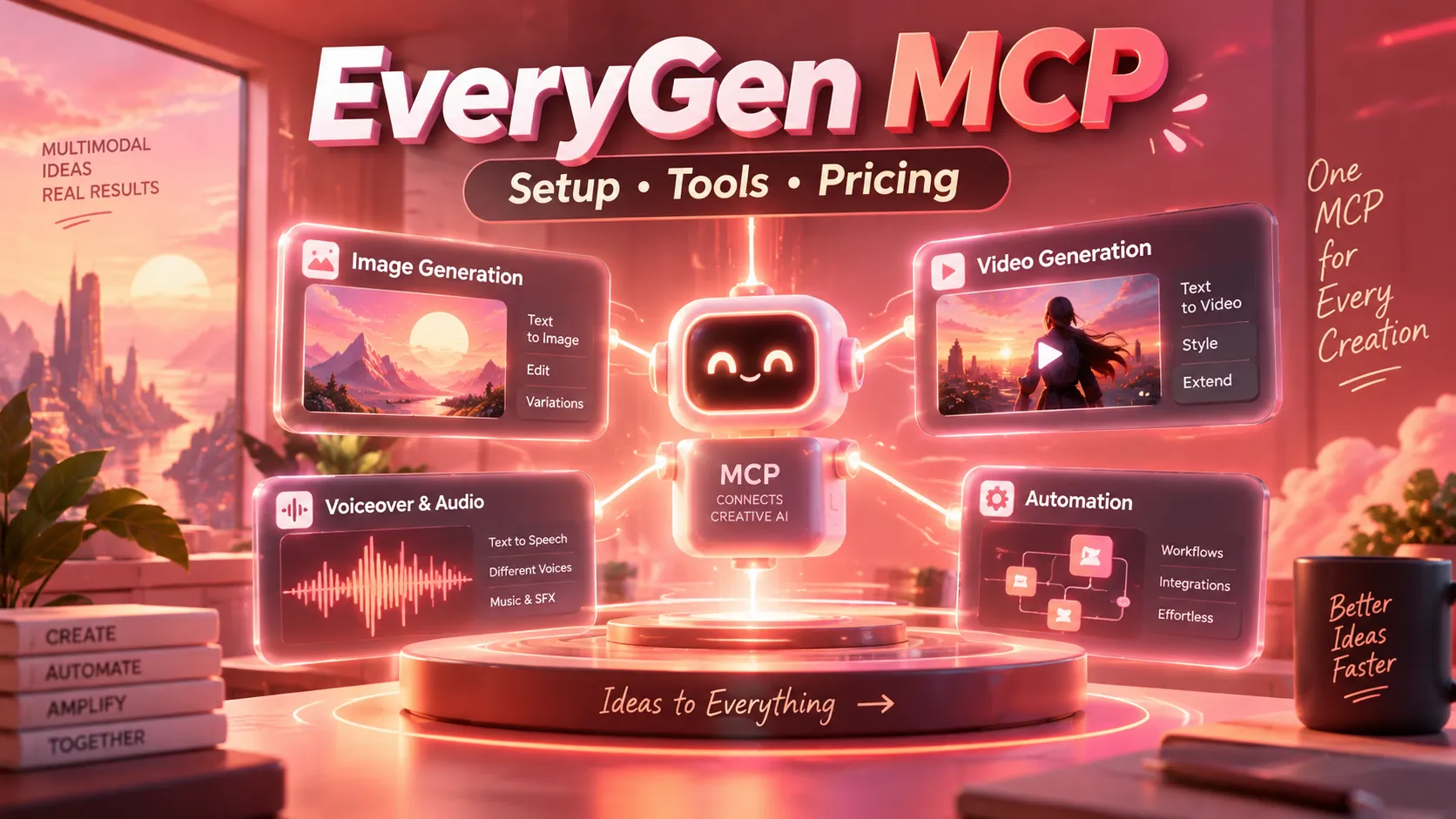
- EveryGen MCP connects AI assistants to image, video, voiceover, music, and multi-scene production tools through the Model Context Protocol (MCP).
- Two independent platforms use the EveryGen name. EveryGen AI operates at
everygen-ai.com, while Everygen (formerly Viewmax) operates ateverygen.ai. Their MCP servers and accounts are not interchangeable. - EveryGen AI's documented MCP endpoint is
https://everygen-ai.com/mcp; the former Viewmax product useshttps://everygen.ai/api/mcp. - EveryGen AI publishes a 17-tool catalog, including model discovery, credit quotes, media generation, and project tracking.
- OAuth-based connections and a quote-before-generation workflow can reduce setup friction and unexpected credit usage, but users must still review permissions and approve costs.
- MCP is an integration protocol, not a generation model. Output quality, available models, pricing, and rendering speeds depend on the connected service.
What Is EveryGen MCP?
EveryGen MCP is a remote integration that allows compatible AI assistants to invoke creative tools through the Model Context Protocol. Instead of manually switching from an AI chat to a media-generation dashboard, an assistant can discover supported operations, prepare generation requests, obtain credit estimates, and retrieve finished assets.
The underlying provider still performs the rendering. An MCP connection does not inherently improve a model's visual quality, speed, or cost. Its main advantage is workflow orchestration: creative planning, tool execution, and task monitoring can happen within a single assistant-driven process.
For example, a user might ask an AI assistant to plan a 30-second product video, check supported formats, estimate the required credits, request approval, and then track production. Whether every step is supported depends on the specific provider's exposed tools.
EveryGen AI vs. Everygen (Formerly Viewmax)
These similarly named services are separate products, so the correct endpoint matters.
| Feature | EveryGen AI | Everygen (formerly Viewmax) |
|---|---|---|
| Official website | everygen-ai.com | everygen.ai |
| MCP server | https://everygen-ai.com/mcp | https://everygen.ai/api/mcp |
| Primary focus | Image, short video, narration, music, and multi-shot films | Shorts, advertisements, creator videos, images, and audio |
| Authentication | OAuth | OAuth 2.1 |
| Publicly described workflow | Tool discovery, quotes, generation, and project tracking | Creative generation and video composition |
| Accounts and credits | EveryGen AI account | Everygen/Viewmax account |
The EveryGen AI MCP documentation and Everygen MCP page describe separate integrations. Everygen's rebranding announcement explains its transition from Viewmax.
Practical rule: use the domain associated with the service where the account and credits are held. Do not combine setup instructions from one product with the endpoint of the other.
How EveryGen AI MCP Works
The documented EveryGen AI workflow follows five stages:
- Connect: register the remote Streamable HTTP MCP endpoint with a supported AI client.
- Authorize: complete the OAuth sign-in and grant the requested account permissions.
- Discover: call
everygen_get_capabilitiesto inspect supported models, formats, and settings. - Quote: call
everygen_prepare_creationbefore a chargeable operation and inspect the proposed credit cost. The provider documents a 10-minute quote validity period. - Generate and retrieve: approve a generation and track it using the available task or project tools.
Preparing a quote is not the same as starting generation. This distinction is particularly important when an AI assistant can call paid tools. Explicit confirmation also helps prevent accidental spending during iterative prompt refinement.
EveryGen MCP Tools: Complete Function Overview
EveryGen AI publishes 17 MCP tools:
| Tool | Primary purpose |
|---|---|
everygen_get_capabilities | Discover currently available media capabilities |
everygen_get_account | Inspect the account credit balance |
everygen_get_profile | Identify the authenticated account |
everygen_list_assets | Browse account media assets |
everygen_import_file | Import supported files |
everygen_list_voices | Discover available voices |
everygen_prepare_creation | Prepare a generation and obtain a credit quote |
everygen_generate_image | Start approved image generation |
everygen_generate_video | Start approved short-video generation |
everygen_generate_voiceover | Generate narration |
everygen_generate_music | Generate music |
everygen_start_director | Create or continue an AI director project |
everygen_get_task | Retrieve generation status and output |
everygen_list_projects | List director projects |
everygen_get_project | Inspect a director project |
everygen_respond_to_choice | Respond to a director decision |
everygen_cancel_project | Cancel a director project |
Image generation: published capabilities include square, landscape, portrait, and vertical formats. Reference-image support and editing limits depend on the selected model.
Short videos: documented options include model-specific durations, resolution choices, and aspect ratios. Audio availability must be checked for the selected configuration.
Voiceovers and music: narration can use selectable voices, while music generation supports configurable track lengths and style requests.
Director projects: multi-shot projects add planning, storyboard decisions, production status, and project-level controls instead of treating every shot as an unrelated prompt.
The website's full model catalog should not be treated as the current MCP tool catalog. Run everygen_get_capabilities before relying on a particular model or output specification.
How to Connect EveryGen MCP to Claude
For a Claude environment supporting custom remote MCP connectors:
- Open the available connectors or integrations settings.
- Add a custom MCP connection named EveryGen AI.
- Set the remote server URL to
https://everygen-ai.com/mcp. - Complete the OAuth authorization in the browser.
- Enable the connection in a conversation that supports tool use.
- Begin with a read-only capabilities request.
Suggested first prompt:
Check the connected EveryGen AI MCP server.
List its available media types, supported formats,
and current model capabilities.
Do not generate assets or spend credits.
Connector availability and exact menu labels vary across Claude plans, clients, and workspace policies.
Install EveryGen MCP in Claude Code
The provider documents this remote-server command:
claude mcp add --transport http everygen https://everygen-ai.com/mcpOpen Claude Code and inspect the MCP connection:
/mcpComplete authentication if prompted. Then ask Claude Code to call everygen_get_capabilities rather than immediately creating a paid asset.
If the server needs to be available across projects, review Claude Code's user-scope installation setting. The EveryGen CLI guide is the appropriate reference for current provider-specific instructions.
Developer use case: generate onboarding illustrations or a product demo storyboard while preparing a website or application. Asset creation is separate from file-system editing and deployment; those actions require suitable additional tools and approvals.
Configure EveryGen MCP in Cursor
EveryGen AI documents user-level configuration at ~/.cursor/mcp.json, or a project-specific .cursor/mcp.json. The configuration uses a remote URL:
{
  "mcpServers": {
    "everygen": {
      "url": "https://everygen-ai.com/mcp"
    }
  }
}
After saving the file, reload the MCP connection in Cursor and complete the authorization flow. Confirm that the server's discovery tools are visible.
Example request:
Prepare a 16:9 product illustration for a SaaS landing page.
Use a warm cream background, editorial 3D styling,
and generous negative space for the headline.
First check available image models and quote the credits.
Do not generate until I approve.
Cursor can assist with creative planning, but completed media may still need downloading, optimization, and placement in the project.
Configure EveryGen MCP in VS Code
The provider's VS Code configuration uses a different JSON structure from Cursor. Create or edit .vscode/mcp.json:
{
  "servers": {
    "everygen": {
      "type": "http",
      "url": "https://everygen-ai.com/mcp"
    }
  }
}
Start the server from VS Code's supported MCP controls, authorize the account, and test tool discovery. Availability depends on the editor version, installed extensions, and organization settings.
Do not paste Cursor's mcpServers configuration into a VS Code file expecting the servers schema.
Use EveryGen MCP with ChatGPT
EveryGen AI describes connecting the hosted MCP server through ChatGPT's supported custom-application or developer-connector functionality.
Where that capability is available, register the endpoint https://everygen-ai.com/mcp, select the provider's OAuth authorization flow, and enable the connected service in a compatible conversation.
Try a non-chargeable request first:
Use the connected EveryGen AI server to report:
1. Supported media categories
2. Available models and aspect ratios
3. Current account credits, if authorized
Do not initiate media creation.
ChatGPT's application setup, developer settings, and eligible account types can change. Follow the current product UI and provider guidance rather than relying on outdated screenshots.
Practical EveryGen MCP Prompt Examples
Vertical product advertisement
Create a 9:16 advertisement concept for a reusable bottle.
Target duration: 5 seconds.
Preferred resolution: 720p if supported.
Style: realistic studio photography, warm beige background.
Motion: gentle camera push-in.
Check capabilities and present the exact credit quote.
Do not execute without approval.
Multi-shot educational video
Plan a 60-second vertical explainer about solar panels.
Audience: beginners.
Structure: hook, core explanation, example, conclusion.
Maintain consistent visual style across shots.
Present the storyboard and any pending creative choices.
Do not begin paid production until approved.
Landing-page hero image
Prepare a 16:9 hero illustration for a productivity app.
Palette: cream, coral, and warm neutrals.
Style: refined editorial 3D with ample negative space.
Avoid embedded text and third-party brand marks.
List supported models and show the credit cost first.
Short-form narration
Prepare an English voiceover for a science explainer.
Tone: curious, friendly, clear, and confident.
Pacing: suitable for synchronized subtitles.
First list available voices and quote the cost.
These prompts specify output constraints and establish an approval boundary. That is generally more reliable than a vague instruction such as 'make a viral video.'
EveryGen MCP Pricing and Credits
MCP connectivity is distinct from media-rendering costs. EveryGen AI documents account credits for generation, including an introductory allowance and subscription options. Its published monthly-billing plan examples include:
| Plan | Advertised monthly price | Included credits |
|---|---|---|
| Lite | $19 | 1,000 |
| Basic | $29 | 2,000 |
| Pro | $59 | 4,500 |
| Ultra | $99 | 9,000 |
These figures reflect the previously published monthly-billing offers, not a guaranteed current checkout price. Verify today's plans, renewal terms, and credit expiration on the official pricing page.
The provider's documentation illustrates one five-second, 720p video request quoted at 41 credits. That example is not a fixed universal rate. Credit costs can change with models and generation settings.
A simple budgeting formula is:
Effective allocated cost per credit = Monthly plan price / Included credits
Illustrative asset cost = Quoted credits × Allocated cost per credit
This measures how much subscription value a generation uses; it is not necessarily an additional charge for that individual request.
A more meaningful production metric is cost per accepted asset. Multiple attempts, rejected drafts, expired credits, and actual refunds can change the effective total.
Everygen.ai MCP: The Former Viewmax Integration
The other Everygen platform uses this MCP endpoint:
https://everygen.ai/api/mcpIts developer documentation describes a remote MCP connection with OAuth 2.1, dynamic client registration, and PKCE.
Published authorization scopes include media:upload, image:generate, video:generate, voiceover:generate, voice:change, audio:generate, and generation:read.
The product demonstrates a compose_video workflow for building vertical stories with narration and captions. Its broader catalog promotes multiple third-party media models, but the precise list exposed through MCP may differ from the website.
The provider's OpenAPI specification also documents a client-specific /api/chatgpt-mcp route. Consult its current instructions before substituting that route for the general /api/mcp endpoint.
Existing Viewmax users should check their migrated account and credits instead of opening an unrelated EveryGen AI account. The former Viewmax service maintains its own pricing and credit terms.
EveryGen MCP vs. a Conventional AI Video Website
| Capability | MCP-based workflow | Traditional website workflow |
|---|---|---|
| Request media through a chat assistant | Supported by connected tools | Usually separate from the assistant |
| Discover tools programmatically | MCP capability discovery | Usually UI-based |
| Authenticate | Remote authorization | Website sign-in |
| Generate media | Provider-hosted | Provider-hosted |
| Track asynchronous tasks | If exposed by the MCP server | Usually through website job history |
| Review manual edits visually | Limited by the client and tools | Often stronger in a dedicated editor |
| Publish to social platforms | Requires publishing tools or integration | Depends on the website |
MCP is especially useful when generation is one step in a larger workflow. A dedicated editor can be better when the project requires timeline adjustments, precise masking, shot-by-shot controls, or intensive visual review.
Security, Privacy, and Spend Controls
Review OAuth permissions. Authorization can give the connected assistant meaningful access to an external account. Grant only the permissions required for the task when the provider supports granular control.
Protect uploaded assets. Confidential documents, customer footage, reference photographs, and voice recordings may reach external processors. Review retention, privacy, and commercial-use policies before uploading them.
Inspect credit quotes. Check the model, duration, resolution, and quoted cost before approving execution. Avoid treating a connected tool as standing permission to spend credits.
Treat imported content as untrusted. Reference documents and asset metadata must not override the user's instructions or authorize unrelated actions.
Verify commercial rights. Rights to use a generation service do not eliminate potential issues involving trademarks, copyrighted inputs, likenesses, or misleading claims.
Revoke access when no longer needed. Disconnect unused MCP applications and review active authorizations periodically.
Troubleshooting EveryGen MCP
| Symptom | Common cause | Action |
|---|---|---|
| Cannot connect | Wrong domain or unsupported transport | Confirm the exact provider URL and remote HTTP support |
| OAuth loops | Interrupted or stale authorization | Reconnect and complete browser sign-in |
| HTTP 401 | Invalid or expired authentication | Reauthorize the account |
| HTTP 403 | Missing permissions | Review requested scopes |
| No tools appear | Client or configuration issue | Refresh the connection and inspect MCP status |
| Requested model unavailable | Website and MCP catalogs differ | Call capability discovery |
| Credit quote expired | Approval took too long | Obtain a new quote |
| Generation seems stalled | Asynchronous task is still running | Retrieve the existing task or project |
| Insufficient credits | Available balance below quote | Check account credits and pricing |
| Wrong media library | Connected to another account | Confirm the authenticated profile |
Avoid accidental duplicate generations. If a connection drops after execution starts, retrieve the existing task before retrying. Do not assume every MCP provider implements identical retry or idempotency behavior.
Limitations and Common Mistakes
- Model support changes. Always discover current MCP capabilities instead of assuming every website model is accessible.
- Long-running jobs are not instantaneous. Video generation may require repeated status checks and later retrieval.
- Visual consistency is not guaranteed. Multi-shot outputs still need review for characters, objects, lighting, and continuity.
- Credit estimates depend on settings. Higher resolutions, longer durations, and audio options can increase the quote.
- Publishing is separate from creating. A successful video-generation call does not automatically upload anything to a social platform.
- The similar domains are a real integration hazard. Confirm the account operator before configuring OAuth and billing.
Public documentation alone does not establish that either platform has superior output quality, speed, or reliability. A defensible comparison would use equivalent prompts, identical output targets, recorded generation times, and human quality evaluation.
Frequently Asked Questions
What is the official EveryGen MCP URL?
For EveryGen AI, the documented endpoint is https://everygen-ai.com/mcp. For the independent former Viewmax product, it is https://everygen.ai/api/mcp.
Does EveryGen MCP require a manually generated API key?
EveryGen AI documents OAuth-based authentication, so the described setup does not require pasting a permanent API key into client configuration.
Can EveryGen MCP work with Claude Code and Cursor?
EveryGen AI publishes setup instructions for both. Compatibility still depends on the installed client version and support for remote HTTP MCP and OAuth.
Can it produce a complete multi-scene video?
EveryGen AI documents a director workflow for multi-shot productions, in addition to short video clip tools. Supported length, models, and output formats should be checked through capabilities discovery.
Is EveryGen MCP open source?
EveryGen AI publishes a GitHub integration repository. Public connection metadata does not imply that its hosted rendering infrastructure or complete product is open source.
Does MCP mean unlimited free AI video generation?
No. Account credits, quotas, model-specific costs, and subscription terms apply. Confirm the current quote before every chargeable production.
Can an MCP-generated video be posted directly to TikTok or YouTube?
Not solely because it was created through MCP. Publishing requires a separate supported integration, appropriate permissions, or manual upload.
Conclusion
EveryGen MCP is useful when image, video, voiceover, and music creation must fit into a wider AI-assisted workflow. Its major benefits are tool discovery, secure account authorization, credit-aware approval, and asynchronous production tracking, not an automatic upgrade in underlying model quality.
The most important first step is to distinguish EveryGen AI from Everygen, formerly Viewmax, and configure the correct server for the correct account.
Start with a read-only capabilities check, review the credit balance, and prepare one small generation quote. Approve a single test asset only after confirming the output settings and cost. That process provides a practical basis for deciding whether the integration belongs in a content or development workflow.
Continue Reading
More articles connected to the same themes, protocols, and tools.

Referenced Tools
Browse entries that are adjacent to the topics covered in this article.

