ArticleJune 23, 20268
Codex TRACE Logs Still High After Upgrade: What the Disk Write Risk Actually Looks Like
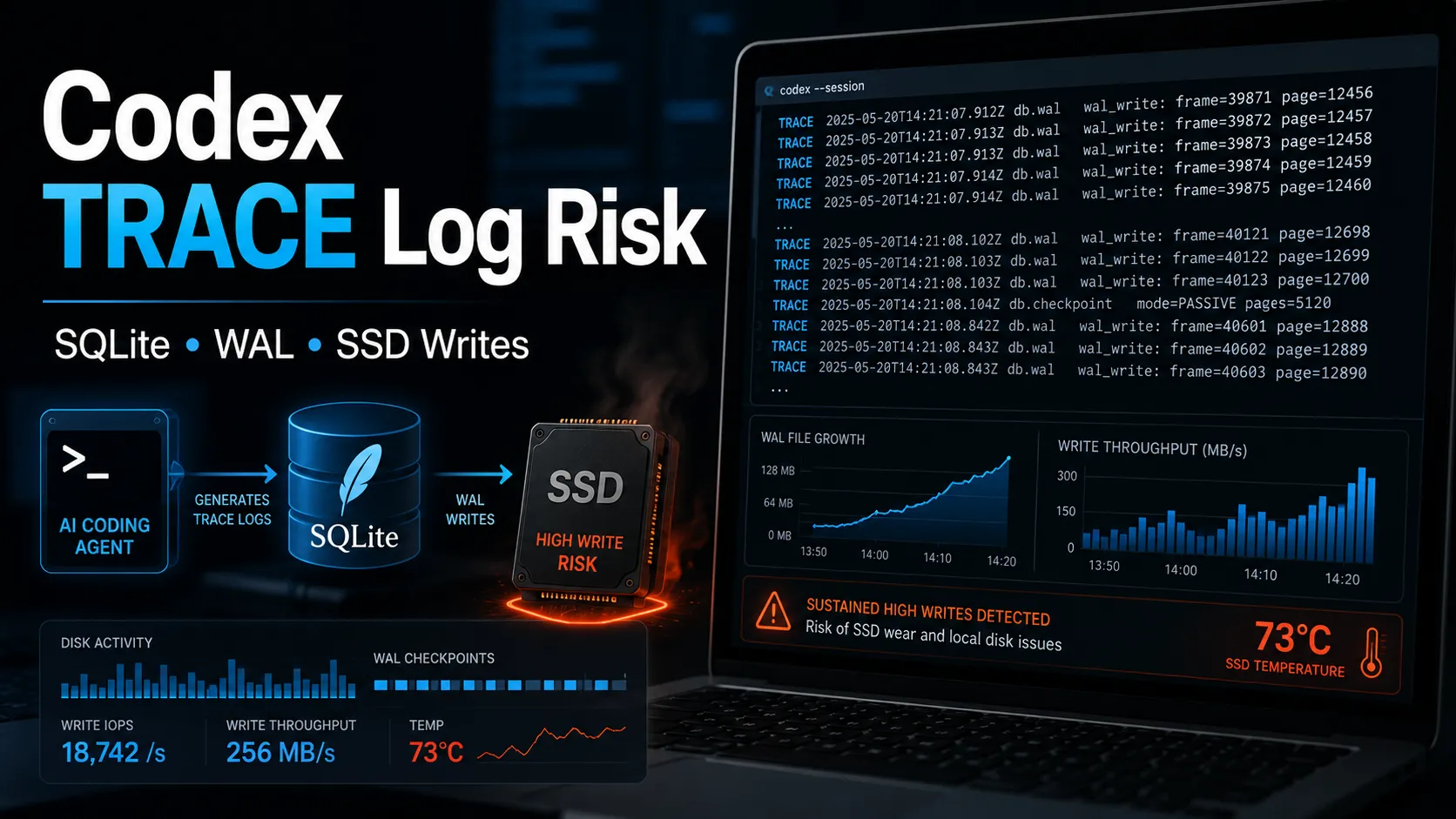
MAX(id) increased by 150, about 1.875 inserts per second.A Codex disk-write issue has been circulating in the developer community. The claim is that Codex can write excessive TRACE logs into:
text ~/.codex/logs_2.sqlite
The original concern came from reports that, during streaming responses or long-running automation tasks, Codex could write heavily to its local SQLite log database. Some reports mentioned write rates around 5 MiB/s and an extrapolated 640 TB/year of SSD writes under high-intensity usage.
Those numbers are useful as a warning, but they should not be treated as the default outcome for every Codex user.
A more accurate summary is:
Codex can still generate a high volume of TRACE-level diagnostic logs in some environments. Whether that becomes a real SSD risk depends on WAL growth, active write rate, idle behavior, and total system disk I/O.
A read-only check after upgrading showed the following log distribution:
text TRACE|50818 INFO|17994 DEBUG|4109 WARN|1358 ERROR|78
Total retained rows:
text 74,357
TRACE ratio:
text 50,818 / 74,357 ≈ 68.34%
That is still high. TRACE is a very verbose log level and usually should not dominate retained user-side logs.
However, log ratio alone does not prove active SSD damage. The next check is whether the database and WAL are still growing quickly.
A short read-only sampling window produced this result:
text 2026-06-23 11:52:39 MAX(id)=79678019 COUNT=74357 2026-06-23 11:52:59 MAX(id)=79678075 COUNT=74357 2026-06-23 11:53:19 MAX(id)=79678106 COUNT=74357 2026-06-23 11:53:39 MAX(id)=79678137 COUNT=74357 2026-06-23 11:53:59 MAX(id)=79678169 COUNT=74357
Across 80 seconds:
text 79678169 - 79678019 = 150 inserts 150 / 80 ≈ 1.875 inserts per second
File sizes stayed stable:
text logs_2.sqlite ≈ 178 MB logs_2.sqlite-wal ≈ 13 MB
This is the most important part of the diagnosis.
The data shows that logs were still being inserted, but the database row count stayed fixed and the WAL file did not expand during this sample.
That suggests Codex may be inserting new logs while pruning old ones. It also suggests that this specific sample was not reproducing the worst-case reports of continuous multi-MiB-per-second WAL growth.
Based on the data, the situation is best classified as:
Medium risk / observation required.
What is confirmed:
MAX(id) is still increasing.What is not confirmed in this sample:
So the factual conclusion is:
The upgraded Codex environment still shows noisy TRACE logging, but the latest sample does not show a disk-write emergency.
Other community checks show similar TRACE-heavy distributions. One public VPS example showed:
text TRACE|4330 INFO|628 DEBUG|412 WARN|3 ERROR|1
TRACE accounted for roughly 80% of retained rows in that case.
Another user reported much larger counts:
text TRACE|371175 DEBUG|65186 INFO|27390 WARN|2326 ERROR|126
These reports are consistent with the same pattern: TRACE logs can dominate the local Codex log database.
But community examples also vary. A light Windows user reported only around 9,000 rows. That matters because the issue appears workload-dependent. Heavy streaming, long-running tasks, automation, and active sessions are more likely to expose it.
Use read-only checks first.
bash sqlite3 -readonly ~/.codex/logs_2.sqlite \ "SELECT level, COUNT(*) FROM logs GROUP BY level ORDER BY COUNT(*) DESC;"
Then check whether writes are still happening:
`bash DB="$HOME/.codex/logs_2.sqlite" WAL="$DB-wal"
for i in 1 2 3 4 5; do date "+%F %T" sqlite3 -readonly "$DB" "SELECT MAX(id), COUNT(*) FROM logs;" ls -lh "$DB" "$WAL" 2>/dev/null sleep 20 done `
The key indicators are:
MAX(id) suggests insert-and-prune behavior.MAX(id) still rises quickly, risk is higher.The situation becomes more serious if several of these happen together:
logs_2.sqlite-wal grows from MB to hundreds of MB or GB.MAX(id) rises quickly even when Codex is idle.If the WAL file stays stable and growth only happens during active responses, the issue is still worth tracking, but it is not the same as an immediate SSD failure risk.
A commonly shared workaround is to block log inserts with a SQLite trigger:
sql CREATE TRIGGER IF NOT EXISTS block_log_inserts BEFORE INSERT ON logs BEGIN SELECT RAISE(IGNORE); END;
This can stop writes, but it is not the first choice.
It directly changes Codex’s internal SQLite database behavior. That may interfere with diagnostics, future migrations, or support debugging.
A less aggressive version is to block only TRACE logs:
sql CREATE TRIGGER IF NOT EXISTS block_trace_logs BEFORE INSERT ON logs WHEN NEW.level = 'TRACE' BEGIN SELECT RAISE(IGNORE); END;
This is more reasonable than blocking all logs, but it is still a local workaround, not a real upstream fix.
Use this only if the issue is clearly active and harmful, such as when WAL keeps growing or system disk writes become abnormal.
Another workaround is moving or linking the log database to memory-backed storage.
This can reduce SSD writes if the target is truly memory-backed. But it has caveats:
/tmp is not always tmpfs.-wal and -shm files.So tmpfs can be a temporary mitigation, but it should not be described as guaranteed SSD-safe.
For most users, the practical order should be:
MAX(id) and WAL size for 1–2 minutes.To confirm the running version:
bash codex --version which codex
This matters because CLI, IDE plugins, desktop builds, stable releases, and alpha builds may not update at the same time.
The current evidence supports a balanced conclusion:
Codex still appears capable of producing a high proportion of TRACE logs after upgrade. In the measured case, TRACE made up about 68.34% of retained logs, and MAX(id) continued to rise. However, the database size stayed around 178 MB, the WAL file stayed around 13 MB, and the measured insert rate was about 1.875 rows per second. That is noisy, but not catastrophic in this sample.
The practical advice is simple:
The issue is real. The panic version is not always accurate. The right response is measurement first, mitigation second.
More articles connected to the same themes, protocols, and tools.
Browse entries that are adjacent to the topics covered in this article.