本页目录5 个章节
MOBILECLIP2 · IMAGE CLASSIFICATION
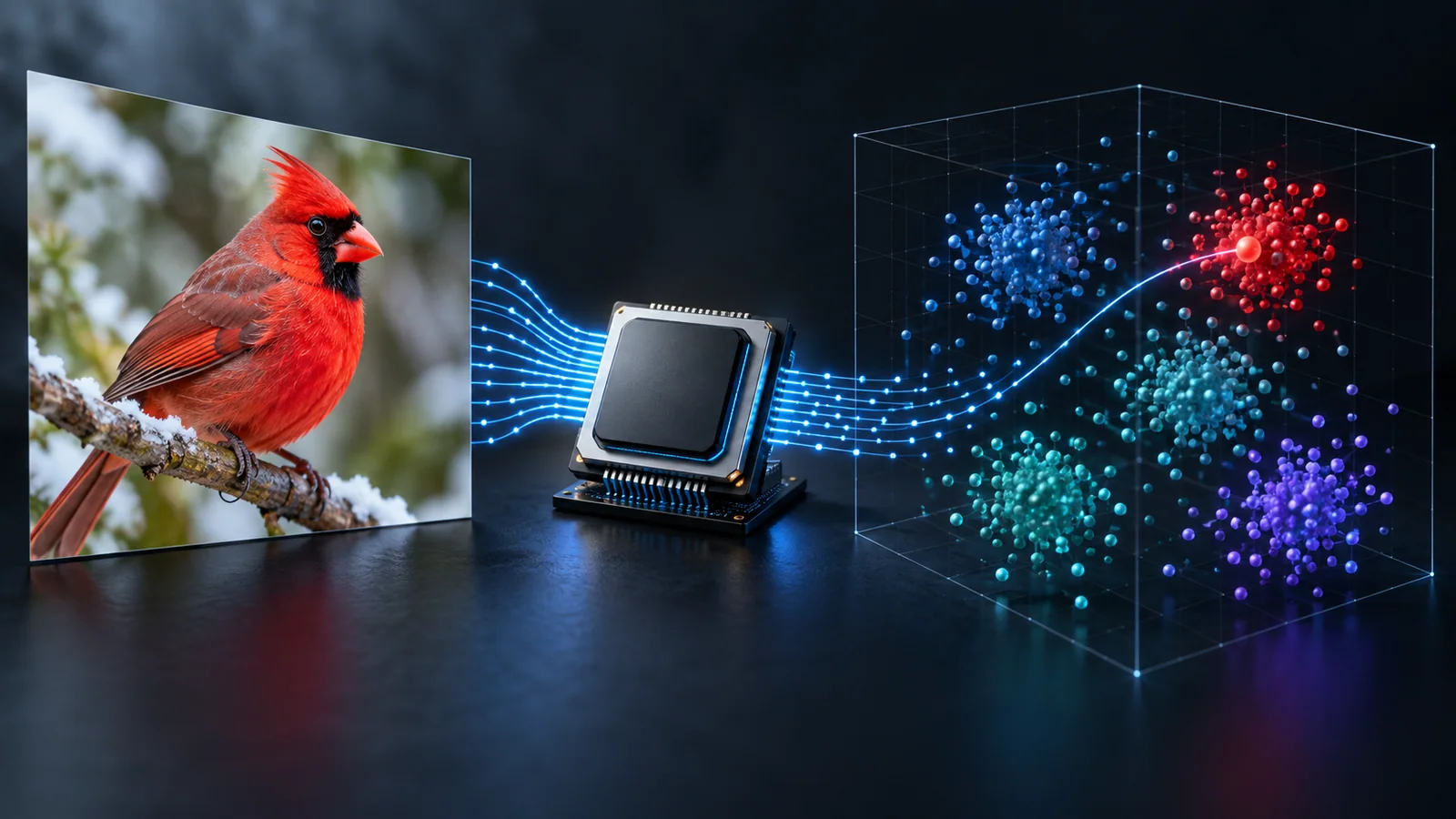
S0、S2、大型モデルを比較し、自分の候補ラベルで画像とテキストを照合します。分類・検索には MobileCLIP2、文章での回答には FastVLM を利用できます。
MobileCLIP2 のモデル選択
小さい画像エンコーダーの S0 から開始。S2 は公開 ImageNet 精度が71.5%から77.2%に向上します。大型モデルは実際の画像で精度とメモリを評価してください。
| モデル | 画像側(百万) | テキスト側(百万) | ImageNet top-1(%) |
|---|---|---|---|
| S0 ↗ | 11.4 | 63.4 | 71.5 |
| S2 ↗ | 35.7 | 63.4 | 77.2 |
| B ↗ | 86.3 | 63.4 | 79.4 |
| S3 ↗ | 125.1 | 123.6 | 80.7 |
| L-14 ↗ | 304.3 | 123.6 | 81.9 |
| S4 ↗ | 321.6 | 123.6 | 81.9 |
Apple のモデルカード値。2026年9月12日確認。ImageNet の精度であり、任意の画像で同じ精度を保証しません。 Apple model card
自分の画像を分類
- Python 環境で下記パッケージをインストール。
- mobileclip2.py を画像と同じフォルダーに保存。
- 候補ラベルを2つ以上指定して実行。初回はモデルを取得します。
- JSON の順位を確認し、ラベルを変えて用途への適合を評価。
Python · macOS / Linux
python -m venv .venv
source .venv/bin/activate
python -m pip install "open_clip_torch==3.3.0" "timm==1.0.29" torch pillow
curl -fLO https://fastvlm.net/examples/mobileclip2.py
python mobileclip2.py image.png --model S0 --labels "a receipt" "a chart" "a photograph"
Python 例を取得 ↓mobileclip2.py
"""Classify a local image against candidate labels with MobileCLIP2.

Install: python -m pip install "open_clip_torch==3.3.0" "timm==1.0.29" torch pillow
Run: python mobileclip2.py image.png --labels 'a receipt' 'a chart' 'a photograph'
Uses the timm/OpenCLIP adaptation of Apple's weights, downloaded on first run.
Source: https://huggingface.co/timm/MobileCLIP2-S0-OpenCLIP
"""
import argparse
import json
from pathlib import Path

import open_clip
import torch
from PIL import Image
from timm.utils import reparameterize_model

def main():
    parser = argparse.ArgumentParser(description=__doc__)
    parser.add_argument('image', type=Path)
    parser.add_argument('--model', choices=['S0', 'S2', 'B', 'S3', 'L-14', 'S4'], default='S0')
    parser.add_argument('--labels', nargs='+', required=True)
    args = parser.parse_args()
    if not args.image.is_file():
        parser.error('The image file does not exist.')
    if len(args.labels) < 2:
        parser.error('Provide at least two candidate labels.')
    name = 'MobileCLIP2-' + args.model
    device = 'cuda' if torch.cuda.is_available() else 'cpu'
    model, _, preprocess = open_clip.create_model_and_transforms(name, pretrained='dfndr2b')
    model = reparameterize_model(model.eval()).to(device)
    tokenizer = open_clip.get_tokenizer(name)
    image = preprocess(Image.open(args.image).convert('RGB')).unsqueeze(0).to(device)
    text = tokenizer(args.labels).to(device)
    with torch.inference_mode():
        image_features = model.encode_image(image)
        text_features = model.encode_text(text)
        image_features /= image_features.norm(dim=-1, keepdim=True)
        text_features /= text_features.norm(dim=-1, keepdim=True)
        scores = (100.0 * image_features @ text_features.T).softmax(dim=-1)[0].cpu().tolist()
    results = sorted(zip(args.labels, scores), key=lambda item: item[1], reverse=True)
    print(json.dumps({'model': name, 'scores': [{'label': label, 'score': score} for label, score in results],
        'note': 'Relative scores within the supplied labels, not calibrated probabilities.'}, indent=2))

if __name__ == '__main__':
    main()
出力はモデル名とスコア順のラベルを含む JSON。スコアは候補集合内の相対値で、校正済み確率ではありません。
timm/OpenCLIP 適応版を使用します。Apple 元モデルと OpenCLIP 版はファイル名と読み込み方法が異なります。
MobileCLIP・MobileCLIP2・CLIP・FastVLM の違い
- 同じサイズ・前処理・画像で MobileCLIP と MobileCLIP2 を比較。初代の速度倍率を全 v2 モデルに適用しないでください。
- CLIP / SigLIP とは同じ端末・候補ラベルで精度、遅延、メモリを比較。
- ラベル順位ではなく文章での説明が必要なら FastVLM の画像質問応答を使用。
トラブルシューティング
- モデル未検出:open_clip_torch と timm を更新してモデル一覧を確認。
- 結果が不正:eval モードと対応する前処理・トークナイザーを使用。
- 取得失敗:Hugging Face 接続とディスク空き容量を確認。
出典とダウンロード
继续阅读
更多围绕相同主题、协议或工具的文章。



引用的工具
浏览与本文主题相关的目录条目。