
Google Antigravity
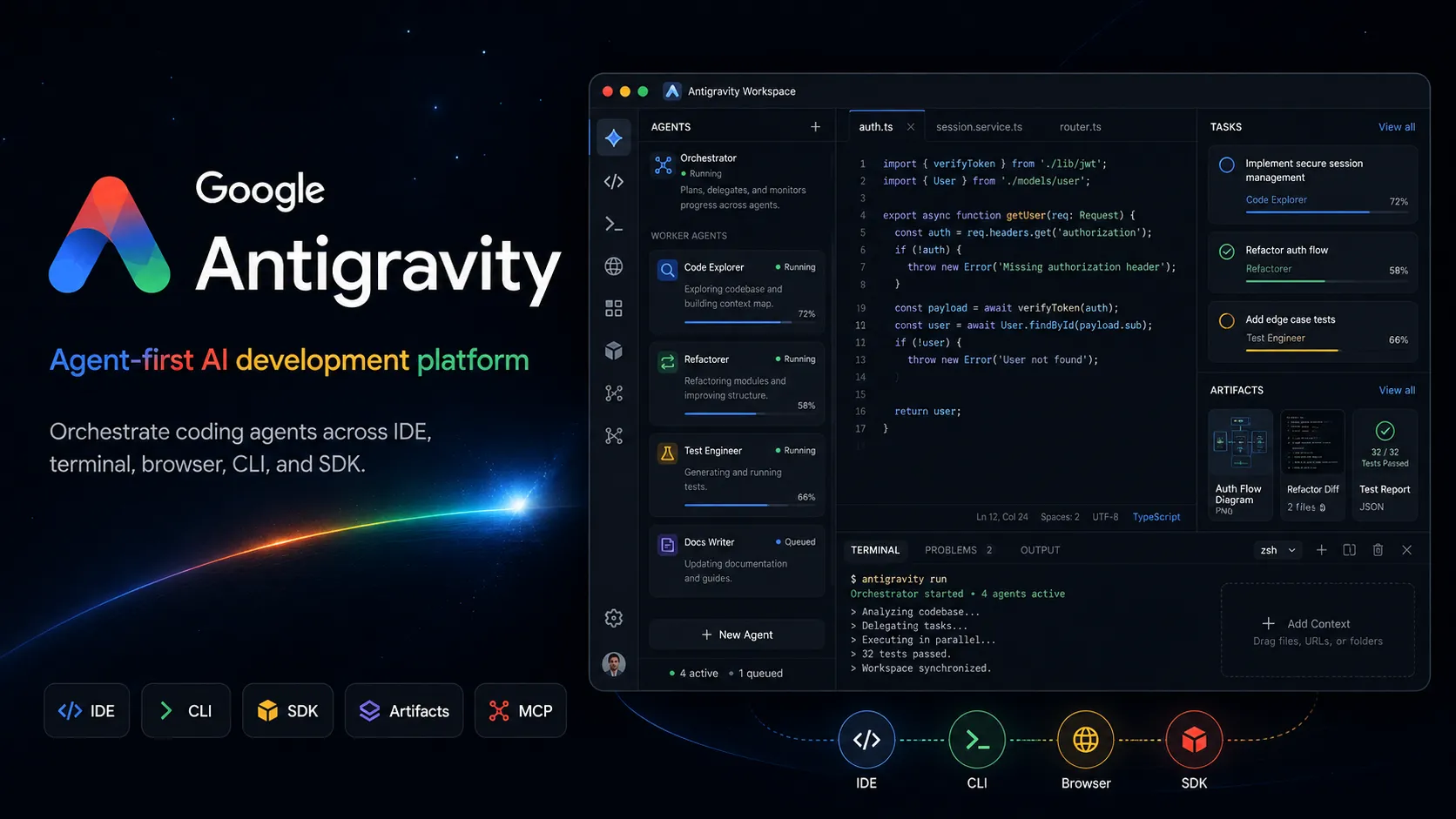
Google Antigravity 是 agent-first AI development platform,结合 desktop agent manager、IDE、CLI、SDK 和 Google 生态集成,用于 task-oriented software development。
资料核对: 2026年6月14日 ·查看来源
工具信息
- 工具类型
- AI 编辑器
- 平台
- macOS, Windows, Linux, Desktop app, Antigravity IDE, Antigravity CLI, Antigravity SDK, Google AI Studio, Firebase, Google Cloud, Android developer workflows
- 免费方案
- 支持
- 开源
- 不支持
- 自带密钥
- 不支持
- 本地模型
- 不支持
工具概览
适合场景
- 想要 agent-first IDE 的开发者
- Multi-agent coding workflows
- Parallel background development tasks
- 带有 review artifacts 的大型 feature implementation
- 需要 screenshots 或 browser recordings 的 UI changes
- Firebase 和 Google Cloud projects
- Android app prototyping
- Google AI Studio 到 local development handoff
- 探索 task-oriented agent orchestration 的团队
- 想要 Gemini-native coding agents 的开发者
优点
- 超越普通 IDE sidebar 的强大 multi-agent orchestration model。
- 结合 editor、terminal、browser、desktop manager、CLI 和 SDK surfaces。
- Artifacts 让 agent work 更容易检查和验证。
- 与 Gemini、Google AI Studio、Firebase、Android、Google Cloud 深度对齐。
- 免费个人方案让实验更容易。
- 适合长时间 background tasks 和 parallel agent workflows。
局限与取舍
- 想要 fully open-source coding agent 的用户
- 需要 local model execution 的开发者
- 需要 provider-neutral BYOK model routing 的团队
- Agents 不能访问 terminal、browser 或 file tools 的工作流
- 没有 backups 与 review gates 的高风险 production repositories
- 只需要 lightweight inline autocomplete 的开发者
- 仍然需要谨慎审查,因为 autonomous agents 可能造成破坏性错误。
- 最佳体验与 Google account、Google models、Google ecosystem services 绑定较深。
- Usage quotas 和 model availability 会因 plan 与 geography 而异。
- 比 Aider 或 OpenCode 等 open-source CLI agents 更不 provider-neutral。
- Agentic workflows 需要 sandboxing、backups 和 permission discipline。
- 已有成熟 local IDE 或 custom CI/CD workflows 的团队,在采用前可能需要谨慎 pilot。
开始使用
价格与使用额度
官方价格提供免费方案
Individual$0 / month
免费个人访问,包含基础 Gemini model quota、无限 tab completions、无限 command requests,以及基础每周 rate limits。
Google AI Pro$19.99 / month
Google AI 方案,Antigravity quota 高于免费个人基准,并受 Google AI 方案限制约束。
Google AI Ultra$100+ / month
更高使用量的 Google AI 层级,提供扩展 Antigravity quota,并在可用时提供 third-party models 访问。
Gemini Enterprise / Google CloudCustom
通过 Google Cloud 和 Gemini Enterprise Agent Platform 条款提供企业访问,支持 project-level integration 和 organization workflows。
价格核对: 2026年6月14日 · 额度、模型费用与订阅价格可能分别计算。
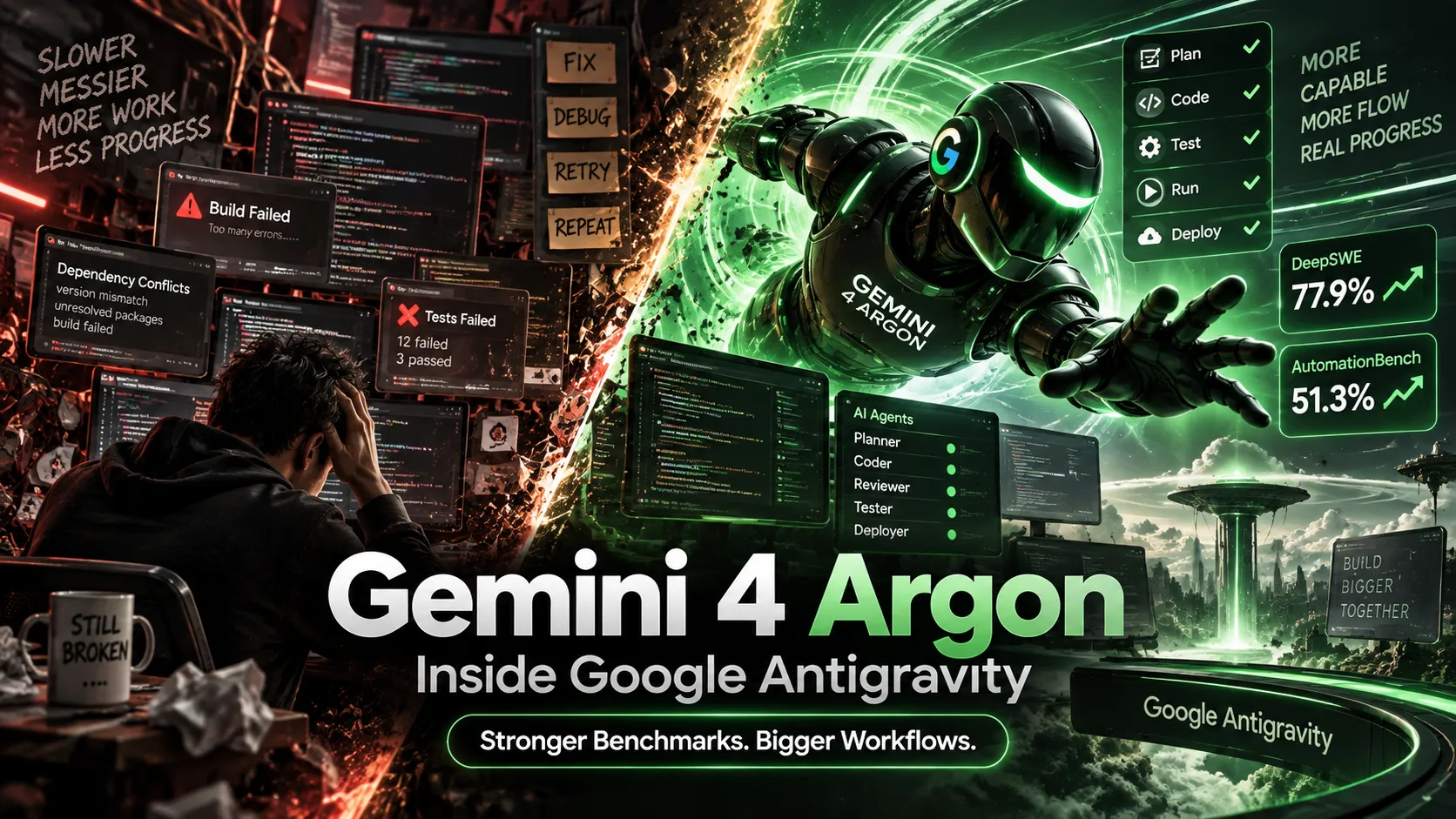
Gemini 4 Argon Arrives in Google Antigravity: Ultra Access, Benchmarks, Pricing, and Real-World ResultsGemini 4 Argon vs Claude Opus 5.5: Which AI Actually Wins at Coding, Agents, and Price in 2026?功能与详细介绍
Agent-first workspace
- 独立 Antigravity 2.0 desktop app 作为 agent work 的 command center。
- Manager surface 可以在多个 workspaces 之间编排 multiple agents。
- Agents 可以并行执行 planning、coding、testing、verification 和 background tasks。
IDE 与 coding flow
- Antigravity IDE 提供熟悉的 code editor,并带有 agent manager、tab completions 和 inline commands。
- Agents 可以跨 editor、terminal 和 browser 运行。
- Project settings 和 security policies 可以按 project 隔离。
Artifacts 与 verification
- Agents 会生成 task lists、implementation plans、screenshots、browser recordings 等 artifacts。
- 用户可以通过 deliverables 审查工作,而不是阅读 raw tool logs。
- 可以直接在 artifacts 上留下 feedback,以指导后续工作。
CLI、SDK 与 automation
- Antigravity CLI 提供 terminal-first agent surface。
- Antigravity SDK 开放 agent harness,用于 custom agent behaviors。
- Scheduled Tasks 支持 background automation workflows。
Google 生态集成
- 集成 Google AI Studio export workflows。
- 支持 Firebase、Android、Google Cloud 和 Google developer tooling integrations。
- MCP 支持可以把 agents 连接到 local tools、databases 和 external systems。
安全控制
- Sandbox mode 和 strict mode 有助于限制 agent actions。
- File access policy 控制 agents 如何访问 project boundaries 之外的 files。
- Browser URL allowlist 和 denylist controls 有助于限制 agent web access。
为什么选择 Google Antigravity?
当开发工作流正在从单次 prompts 转向协同式 agent work 时,Google Antigravity 最有吸引力。它的核心思路是,AI coding tool 不应该只是停留在聊天侧边栏里,而应该有专门的操作界面,让 agents 可以规划、构建、测试、验证并汇报进度,同时由开发者监督结果。
这让 Antigravity 不同于传统 AI IDE。Editor 只是产品的一部分。独立 desktop app、Manager surface、artifacts、browser control、terminal access、CLI、SDK,以及 Google 生态集成,都围绕同一种模式设计:委派任务级工作、观察进度、审查证据,并在需要时介入。
核心工作流
实用的 Antigravity 工作流,应该从可验证的任务开始。不要要求模糊的改进,而是定义想要的行为、目标文件或 app 区域、acceptance criteria、test command,以及 agent 是否可以使用 browser 或 terminal。然后 agent 可以创建计划、修改 codebase、执行 commands、测试结果,并生成 artifacts 来总结发生了什么。
对于长时间运行的工作,Manager surface 是关键差异。开发者可以把 agents 分配到不同 workspaces,让它们并行运行,并通过 deliverables 而不是 raw logs 来审查每个任务。这很有用,但也会改变开发者角色。开发者更像 reviewer、task designer 和 safety gatekeeper,而不只是手动输入每个修改的人。
使用场景
Antigravity 适合 code、terminal 和 browser verification 都很重要的多步骤软件任务。例如添加功能、修复 UI bug、复现 issue、生成 test case、测试 web flow、集成 Firebase、从 Google AI Studio 导出到本地开发,或从 prompt 创建 Android prototype。
它也适合 background maintenance。Scheduled Tasks 和 parallel agents 可以帮助处理周期性 cleanup、dependency work、triage、documentation updates 和 issue reproduction。不过,这些工作流应该逐步引入,因为自主工具访问一旦应用在重要 repositories 或本地文件上,可能带来真实风险。
与替代工具对比
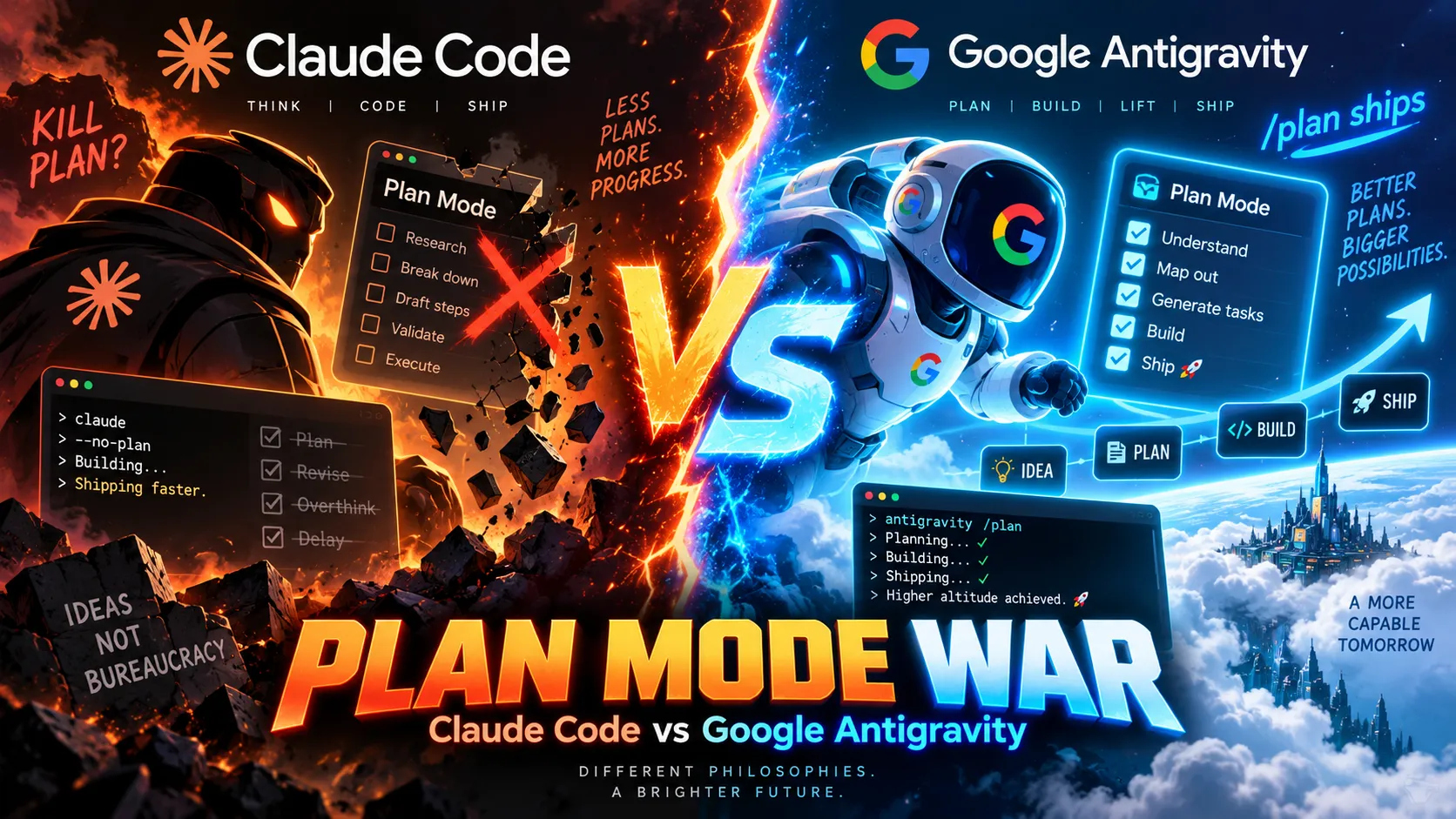
与 Cursor 和 Windsurf 相比,Antigravity 更明确地偏向 agent-first。Cursor 和 Windsurf 是适合交互式 coding、inline changes 和 codebase chat 的强大 AI editors。Antigravity 则更强调 orchestration:multiple agents、Manager surface、artifacts、browser recordings,以及 Google-native agent harness。
与 Claude Code、Codex CLI、OpenCode 或 Aider 相比,Antigravity 不是 terminal-minimal,而是更 platform-oriented。CLI agents 适合希望本地、直接、provider-flexible 控制的开发者。当工作流受益于图形化 command center、verification artifacts、browser control 和 Google 生态集成时,Antigravity 更有吸引力。
与 Replit AI、Bolt.new 或 Lovable 相比,Antigravity 不只是简单的 prompt-to-app builder,而更像 agentic development environment。它可以帮助把想法变成 app,但更强的定位是监督在现有开发流程中工作的 agents。
最佳配置
最安全的配置从 project isolation 开始。使用独立 workspaces、干净的 Git branches、backups,以及范围收窄的 file access settings。对敏感项目启用更严格的 security controls,谨慎配置 outside-folder access,并在 agents 需要 web access 时使用 browser allowlists 或 denylists。
模型选择方面,iteration 和 debugging 可以使用更快的 Gemini models;当 quota 和 plan access 允许时,把更强或 third-party models 留给更难的 reasoning tasks。团队应标准化 agents 什么时候可以运行 terminal commands、什么时候可以触碰 project 外的 files、什么算 acceptable evidence,以及在 merge 或 deploy changes 前由谁审查 artifacts。
迁移注意事项
从 Gemini CLI 迁移的开发者应先评估 Antigravity CLI,再判断 desktop Manager surface 是否带来足够价值。从 Cursor 或 Windsurf 迁移的开发者,应该在需要 browser verification 和 parallel background tasks 的工作流上测试 Antigravity,而不只是测试 inline edits。那里才是产品最有差异化的地方。
团队采用方面,最佳路径是 controlled pilot。使用一个非关键 repository,定义安全任务,要求人工审查 diffs 和 artifacts,并记录 agent 成功和越界的情况。在 production usage 之前,团队应先确定 backup practices、permission rules、sandbox defaults、project isolation、rate-limit expectations,以及 Google Cloud 或 enterprise account terms。
模型支持与数据隐私
支持的模型
- Gemini 3.5 Flash
- Gemini 3.1 Pro
- Gemini 3 Pro
- Gemini 3 Flash
- Claude Sonnet 4.6
- Claude Opus 4.6
- gpt-oss-120b
隐私与数据处理
Antigravity 可能会处理 prompts、codebase context、file contents、terminal output、browser activity、tool calls、artifacts 和 project metadata,以运行其 agents。个人使用与 Google account terms 绑定,而 team 和 enterprise use 可能适用 Google Cloud 或 Gemini Enterprise terms。用户在允许 agents 执行 commands 或修改重要 repositories 之前,应先配置 sandbox mode、strict mode、file access policies、browser allowlists 或 denylists、project isolation、backups 和 approval gates。
指南、评测与常见问题
查看全部 11 篇
产品动态
暂时没有经过核对的产品动态。关注后,新的相关内容会出现在「我的收藏」。
查看相关内容动态替代工具
 CursorCursor 是一款基于 VS Code 的 AI IDE,专注于将自动补全、聊天、代码库上下文和自主编码智能体整合为一个集成的开发者工作流。Google Antigravity 与 Cursor 对比
 WindsurfWindsurf 目前正在转入 Devin Desktop 品牌,是一款 AI-native IDE,适合想在同一个桌面环境中使用 coding agents、codebase context 和 editor workflows 的开发者。Google Antigravity 与 Windsurf 对比
 Claude CodeClaude Code 是 Anthropic 推出的用于仓库工作、子智能体、Hooks、MCP 和自动化的终端编程智能体,并配备了日益完善的 API 成本分析和反馈工具。
 Codex CLIOpenAI Codex CLI 是一款终端编程 Agent,它将仓库编辑、命令执行与任务间协调、并行工作流、钩子机制以及更广泛的 Codex 平台结合在一起。
 Gemini CLIGemini CLI 是 Google 为 Gemini 驱动的开发工作流推出的开源终端编程智能体,目前定位为向未来“智能体优先”开发模式(Antigravity CLI)过渡的传统工具。
 Replit AIReplit AI 是一款 browser-based all-in-one AI software creation platform,结合 prompt-to-app generation、cloud IDE、built-in infrastructure、publishing 和 collaboration。
 Bolt.newBolt.new是一款浏览器原生的AI Web应用构建工具,用于快速将产品概念转化为可编辑、可运行且可部署的JavaScript应用程序。
 LovableLovable 是一款 full-stack AI Web app builder,定位介于 no-code prototyping tools 和 developer-first AI coding environments 之间。
 OpenCodeOpenCode 是一款开源编程 Agent 框架,支持终端、桌面和 IDE 工作流,具备广泛的供应商支持和 BYOK 模式,并提供可选的 OpenCode Go 订阅以访问精选开源模型。
 AiderAider 是一款 terminal-native、开源 AI coding agent,适合想要直接在 Git 中编辑代码,并保有模型选择灵活性的开发者。
 Augment CodeAugment Code 是一个面向企业级团队的 AI 编程平台,适用于处理大型仓库、现有 IDE、终端以及自动化工程工作流。
 DevinDevin 是一款自主 AI 软件工程师,旨在将真实的工程任务委派给跨代码库、工单、PR、Shell、浏览器和团队工具工作的云端及桌面 Agent。
信息来源与核对记录
核对日期记录本站何时检查信息;不代表产品发版日期。
官方网站Google Antigravity 官方网站Google Antigravity 价格Google Antigravity 文档Google Antigravity 方案文档Build with Google Antigravity 发布Google I/O 2026 开发者重点Getting Started with Google Antigravity codelabGoogle Antigravity 设置Google Antigravity MCP 文档Google Antigravity 浏览器安全Google AI 订阅
本站资料修订记录
创建条目,涵盖 Antigravity 2.0 desktop app、IDE、CLI、SDK、artifacts、Gemini model access、Google AI plan quotas、Google 生态集成和安全控制。