
01
編集精度の向上
Google の編集評価では、思考ありのモデルが複数人物の一貫性で 1106 点(Nano Banana 2 は 978 点)、マスク編集で 1049 点(同 965 点)、複数参照画像の編集で 1066 点(同 988 点)を記録しています。
Google · 画像生成・編集
効率的な画像生成・編集に対応する Google のモデル
1K〜4K の画像生成・編集に対応。最大 14 枚の参照画像を組み合わせ、人物や商品の一貫性を保ちながら、読みやすい文字も描画できます。複雑なビジュアル制作では、思考レベルを調整できます。
最終確認:2026年10月7日。Google、Google DeepMind、Arena の資料と照合しています。出典
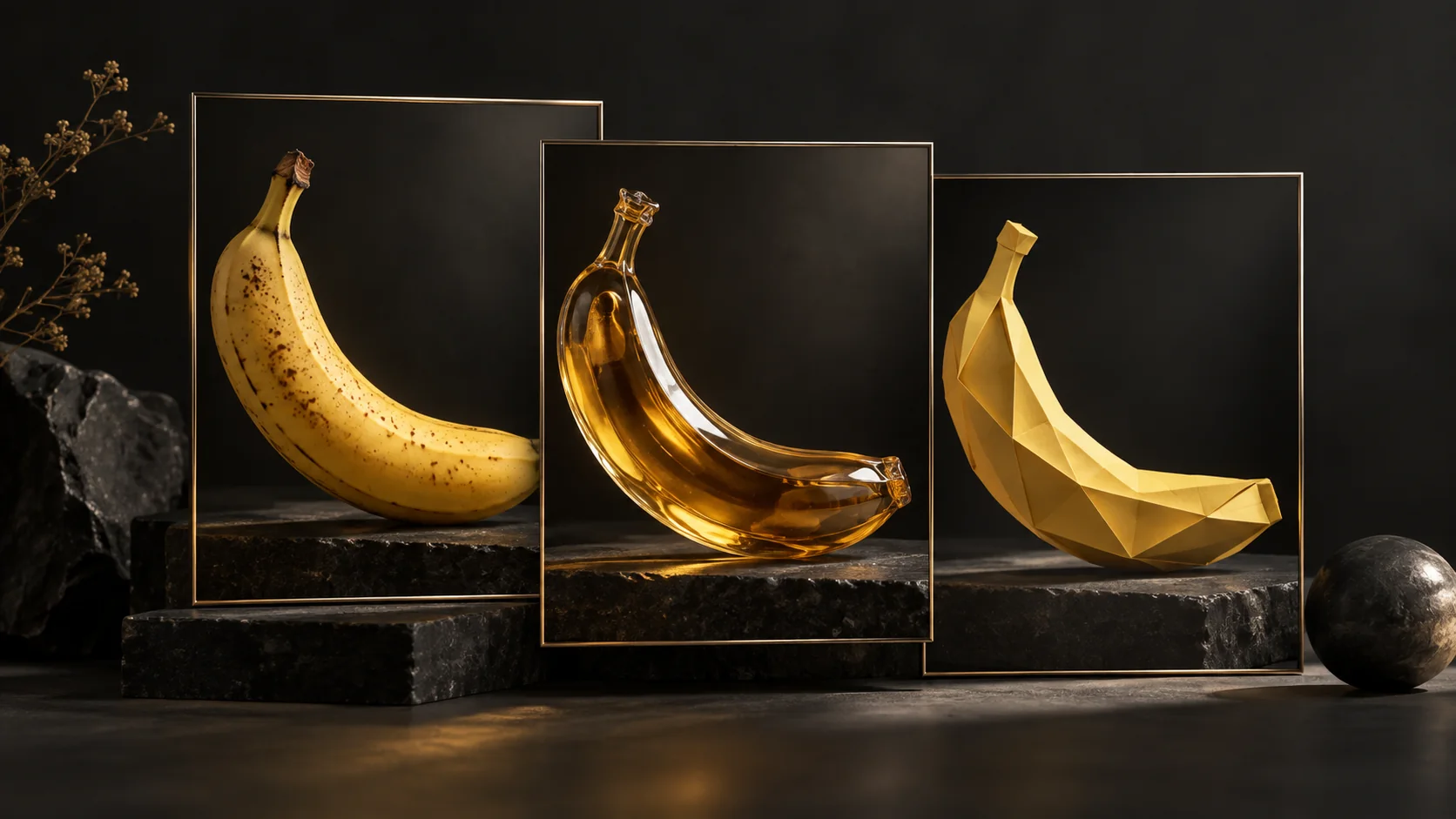
コンセプトイラスト
ひとつの題材を、3 つの表現で
写真、素材表現、イラストを使い分け、同じアイデアを異なるビジュアルへ展開します。
掲載のコンセプトイラストは OpenAI の画像生成で制作しています。
01
Google の編集評価では、思考ありのモデルが複数人物の一貫性で 1106 点(Nano Banana 2 は 978 点)、マスク編集で 1049 点(同 965 点)、複数参照画像の編集で 1066 点(同 988 点)を記録しています。
02
画像出力は 1K が 1 枚 0.0336 米ドル、2K が 0.0504 米ドルとなり、Nano Banana 2 の約半額です。4K の値下げ幅は小さく、0.151 米ドルから 0.113 米ドルになっています。
03
思考レベルの調整と Google 検索によるグラウンディングは、インフォグラフィックや事実に基づくビジュアル制作に役立ちます。Google のインフォグラフィックの事実性スコアは、Nano Banana 2 の 0.179 から 0.521 に向上しています。
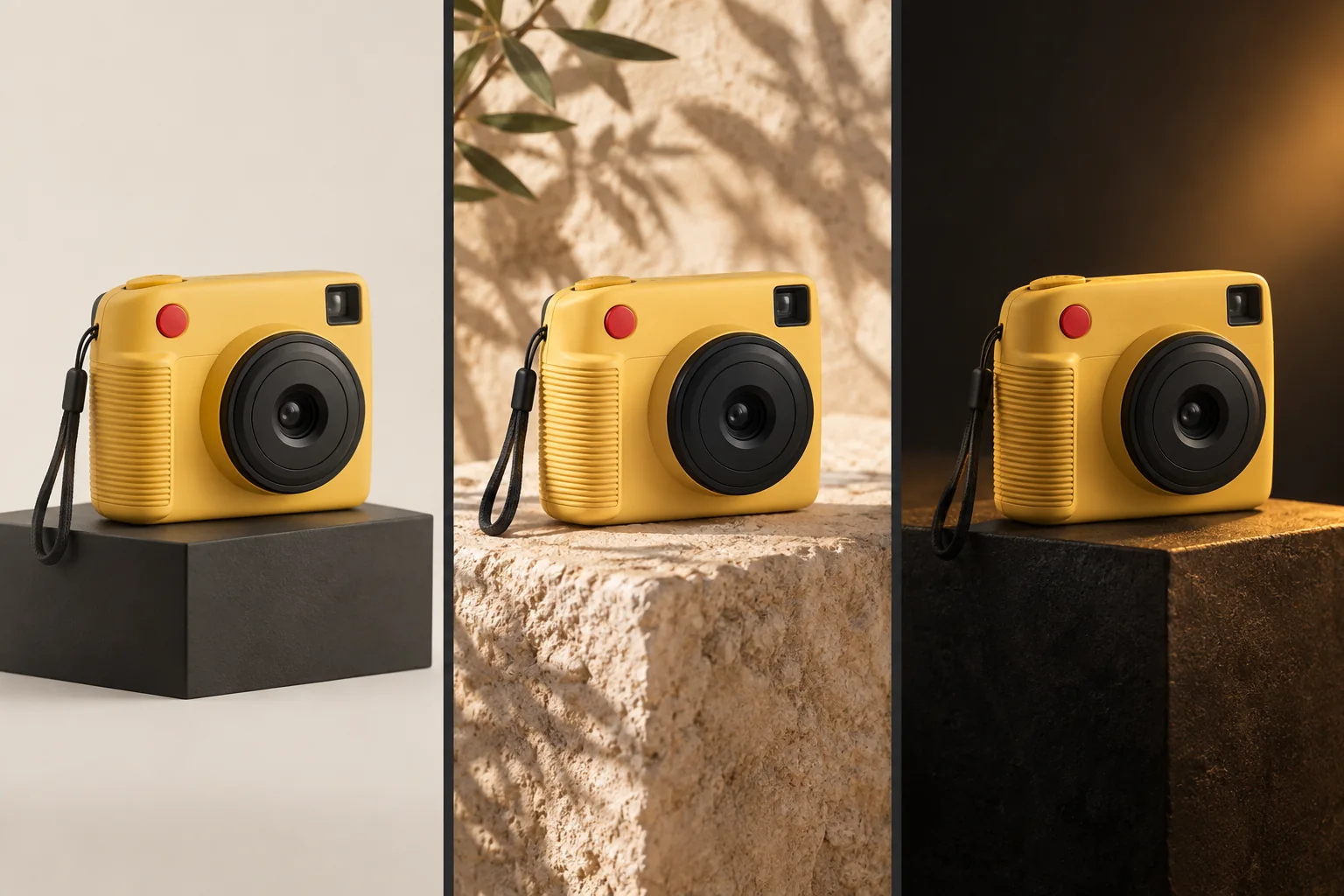
コンセプトイラスト
シーンが変わっても、商品の特徴を維持
背景や光、雰囲気を変えても、同じ商品だとわかる特徴を保つためのコンセプト例です。
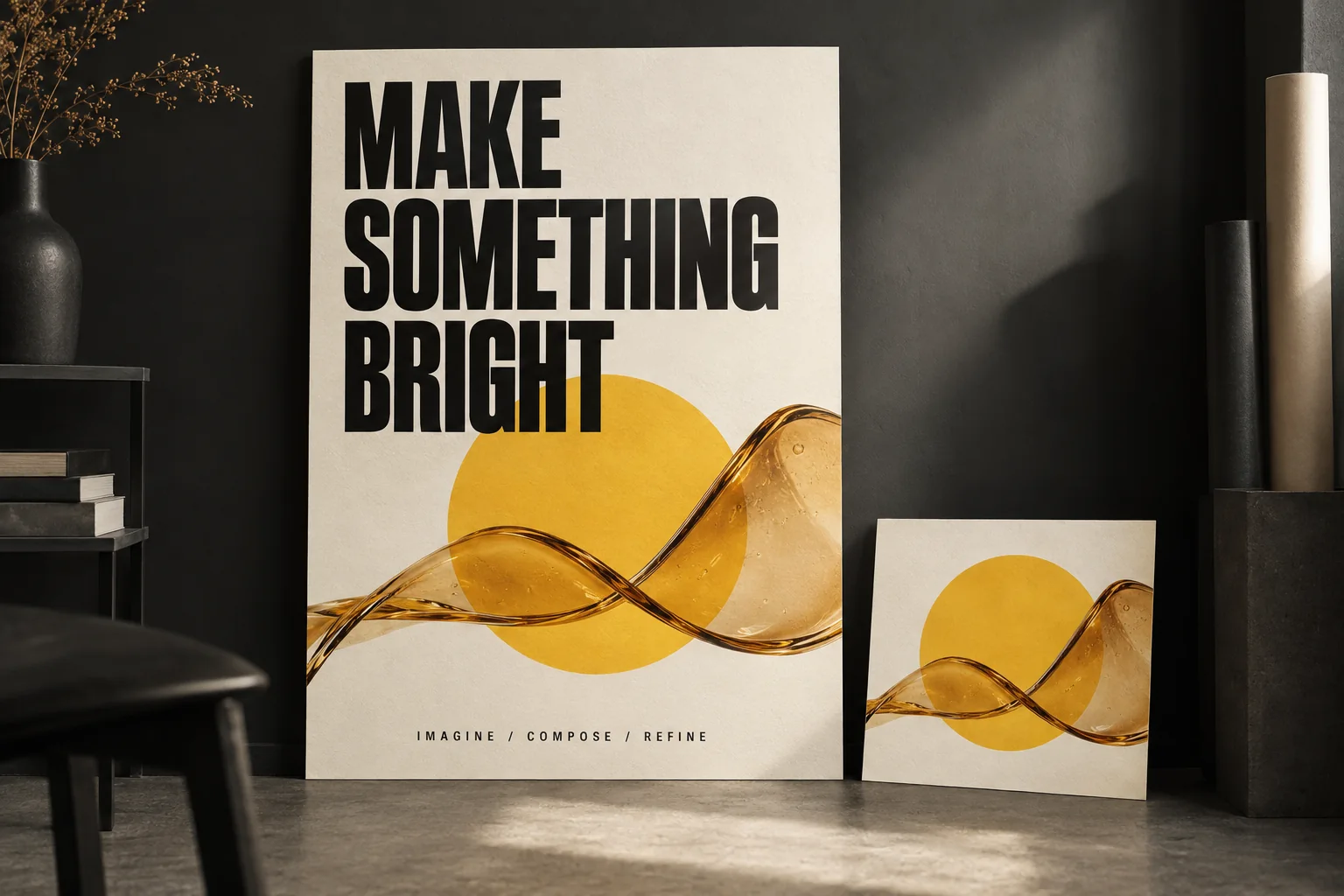
コンセプトイラスト
文字と構図を組み合わせる
短い見出し、図形、写真のような素材感を組み合わせたポスターのコンセプトです。
プロンプトから 1K・2K・4K の画像を生成できます。アスペクト比は 14 種類から選べます。
会話を重ねながら画像を編集できます。たとえば、ほかの要素を維持したままインフォグラフィック内の文字を翻訳できます。
1 回のリクエストで最大 14 枚の参照画像を組み合わせられます。物体は最大 10 枚、人物は最大 4 枚です。
新しいシーンでも、最大 4 人の人物と最大 10 点の商品・物体の一貫性を保てます。
インフォグラフィック、メニュー、図解、販促素材に、読みやすくデザイン性のある文字を描画できます。ただし、小さな文字や長文は依然として苦手です。
Google 検索をツールとして使い、天気図やイベント用の画像などに最新情報を反映できます。
1:4、4:1、1:8、8:1 に対応。このリリースでは、2K・4K で発生していたタイル状の不自然な模様が修正されています。
画像出力は 100 万画像トークンあたり $30.00。1K 画像 1 枚で 1,120 トークンを使用します。バッチリクエストの料金は半額です。 Gemini API では、このモデルに無料枠はありません。
| 解像度 | 画像トークン数 | 標準 | バッチ |
|---|---|---|---|
| 1K | 1,120 | $0.0336 | $0.0168 |
| 2K | 1,680 | $0.0504 | $0.0252 |
| 4K | 3,780 | $0.113 | $0.0567 |
| 解像度 | 標準 | バッチ |
|---|---|---|
| 1K | $33.60 | $16.80 |
| 2K | $50.40 | $25.20 |
| 4K | $113.40 | $56.70 |
画像トークン数と単価から計算しているため、4K は 1 枚あたり $0.1134 という丸め前の料金に基づきます。Google が掲載している料金は $0.113 です。
100 万画像トークンあたり $30.00(バッチは $15.00)。通常、費用の大部分を占める項目です。
テキスト・画像・動画の入力は 100 万トークンあたり $1.50(バッチは $0.75)。参照画像も入力として数えられます。
100 万トークンあたり $7.50(バッチは $3.75)。思考レベルを上げると、思考出力のトークン数も増える傾向があります。思考中の中間画像は課金されません。
毎月 5,000 回まで無料で検索でき、Gemini 3.x モデル間で枠を共有します。超過分は 1,000 回あたり 14 米ドルです。
$0.0336 は画像出力だけの料金です。プロンプト、参照画像、思考トークン、複数回の編集、検索グラウンディングには別途料金がかかるため、実際のリクエスト費用は通常これより高くなります。
| モデル | 1K | 2K | 4K |
|---|---|---|---|
| Nano Banana 2.1 | $0.0336 | $0.0504 | $0.113 |
| Nano Banana 2 | $0.067 | $0.101 | $0.151 |
| Nano Banana Pro | $0.134 | $0.134 | $0.24 |
1K では、Nano Banana 2.1 の料金は Nano Banana Pro の約 4 分の 1 です($0.0336 対 $0.134)。4K では $0.113 対 $0.24 と差が縮まります。3 モデルとも、バッチ料金は標準料金のおよそ半額です。
以下はGoogle DeepMind モデルカードに掲載された提供元の評価結果です。Elo は人による画像の比較評価に基づきます。インフォグラフィックの事実性は、各出力を自動評価したスコアです。
| 評価項目 | Nano Banana 2.1(思考あり) | Nano Banana 2.1(思考なし) | Nano Banana 2(思考あり) | Nano Banana Pro |
|---|---|---|---|---|
| 総合的な好み | 1050 ± 14 | 1015 ± 13 | 990 ± 7 | 935 ± 8 |
| インフォグラフィックのデザイン | 1048 ± 17 | 1001 ± 17 | 961 ± 12 | 912 ± 12 |
| インフォグラフィックの事実性 | 0.521 | 0.328 | 0.179 | 0.265 |
| 評価項目 | Nano Banana 2.1(思考あり) | Nano Banana 2.1(思考なし) | Nano Banana 2(思考あり) | Nano Banana Pro |
|---|---|---|---|---|
| 一般的な編集 | 1026 ± 12 | 980 ± 15 | 938 ± 11 | 939 ± 10 |
| 単一人物の一貫性 | 1028 ± 14 | 1021 ± 14 | 981 ± 10 | 991 ± 9 |
| 複数人物の一貫性 | 1106 ± 14 | 1068 ± 14 | 978 ± 10 | 1011 ± 10 |
| マスク・描き込みによる編集 | 1049 ± 15 | 1042 ± 16 | 965 ± 12 | 927 ± 12 |
| 商品の一貫性 | 1024 ± 18 | 981 ± 18 | 955 ± 22 | 965 ± 14 |
| スタイル変換 | 1062 ± 20 | 1036 ± 17 | 991 ± 12 | 990 ± 12 |
| 複数の参照画像による編集 | 1066 ± 22 | 1041 ± 20 | 988 ± 13 | 989 ± 12 |
ブラインド比較による好みのランキングと提供元の評価では、測定対象が異なるため、数値を直接比較することはできません。Arena の初期スコアは暫定値で、投票が増えるにつれて変動します。
| ランキング | 順位 | スコア | 投票数 | 状態 |
|---|---|---|---|---|
| Arena テキストから画像生成 | #5 | 1328 ± 9 | 5,312 | 暫定結果, 2026年10月6日 |
| Arena 画像編集 | #6 | 1428 ± 6 | 12,985 | 暫定結果, 2026年10月6日 |
generation_config.thinking_level で思考レベルを設定します。以下は当サイトの使い分けの目安であり、Google 公式の推奨ではありません。
速度を優先
向いている用途
デフォルト
向いている用途
推論を重視
向いている用途
解像度の指定では K を大文字にします。以下のピクセル数は 1:1 の場合です。ほかのアスペクト比でも、解像度の区分は同じです。
| 解像度 | 1:1 のピクセル数 | 画像トークン数 |
|---|---|---|
| 1K(デフォルト) | 1024 × 1024 | 1,120 |
| 2K | 2048 × 2048 | 1,680 |
| 4K | 4096 × 4096 | 3,780 |
強調表示したパノラマ比率(1:4, 4:1, 1:8, 8:1)では、このリリースで 2K・4K のタイル状の不自然な模様が修正されています。
1 回のリクエストで使える参照画像は最大 14 枚です。
参照画像 14 枚という上限は、14 人に対応するという意味ではありません。一貫性を保てる人物は最大 4 人で、物体や商品の参照画像は最大 10 枚です。
制作向けプロンプトの基本は、変えたい内容より先に、維持したい要素を伝えることです。
商品の形状、ロゴ、パッケージは変更しないでください。

ミニマルで高級感のあるスタジオで、磨き上げた黒い石の台に商品を置いてください。

柔らかな指向性のある光を使い、控えめな反射を加えてください。

商品を中央に配置した広告写真の構図にしてください。

画面の上 3 分の 1 の位置に「DESIGNED FOR TOMORROW」という見出しを入れてください。

16:9 のシネマティックな広告画像に仕上げてください。モデル ID 以下は Interactions API を使った Google のサンプルを、そのまま掲載しています。
from google import genai
from PIL import Image
import base64

client = genai.Client()

interaction = client.interactions.create(
    model="gemini-nano-banana-2.1",
    input="Create a picture of a nano banana dish in a fancy restaurant with a Gemini theme",
)

with open("generated_image.png", "wb") as f:
f.write(base64.b64decode(interaction.output_image.data))from google import genai
import base64
client = genai.Client()
with open("/path/to/cat_image.png", "rb") as f:
image_bytes = f.read()
interaction = client.interactions.create(
model="gemini-nano-banana-2.1",
input=[
{
"type": "text",
"text": "Create a picture of a nano banana dish in a fancy restaurant with a Gemini theme"
},
{
"type": "image",
"data": base64.b64encode(image_bytes).decode('utf-8'),
"mime_type": "image/png"
}
],
)
with open("generated_image.png", "wb") as f:
f.write(base64.b64decode(interaction.output_image.data))from google import genai
import base64
client = genai.Client()
prompt = "Da Vinci style anatomical sketch of a dissected Monarch butterfly. Detailed drawings of the head, wings, and legs on textured parchment with notes in English."
interaction = client.interactions.create(
model="gemini-nano-banana-2.1",
input=prompt,
response_format={
"type": "image",
"mime_type": "image/jpeg",
"aspect_ratio": "1:1",
"image_size": "1K"
},
)
print(interaction.output_text)
with open("butterfly.png", "wb") as f:
f.write(base64.b64decode(interaction.output_image.data))from google import genai
from PIL import Image
import base64
import io
client = genai.Client()
interaction = client.interactions.create(
model="gemini-nano-banana-2.1",
input="A futuristic city built inside a giant glass bottle floating in space",
generation_config={"thinking_level": "high"},
)
print(interaction.output_text)
image = Image.open(io.BytesIO(base64.b64decode(interaction.output_image.data)))
image.show()from google import genai
from google.genai import types
from PIL import Image
import base64
prompt = "An office group photo of these people, they are making funny faces."
client = genai.Client()
interaction = client.interactions.create(
model="gemini-nano-banana-2.1",
input=[
{
"type": "text",
"text": prompt,
},
{
"type": "image",
"data": base64.b64encode(image_bytes).decode('utf-8'),
"mime_type": "image/png"
},
{
"type": "image",
"data": base64.b64encode(image_bytes).decode('utf-8'),
"mime_type": "image/png"
},
{
"type": "image",
"data": base64.b64encode(image_bytes).decode('utf-8'),
"mime_type": "image/png"
},
{
"type": "image",
"data": base64.b64encode(image_bytes).decode('utf-8'),
"mime_type": "image/png"
},
{
"type": "image",
"data": base64.b64encode(image_bytes).decode('utf-8'),
"mime_type": "image/png"
},
],
response_format={
"type": "image",
"aspect_ratio": "5:4",
"image_size": "2K"
},
)
with open("office.png", "wb") as f:
f.write(base64.b64decode(interaction.output_image.data))from google import genai
import base64
client = genai.Client()
prompt = "Visualize the current weather forecast for the next 5 days in San Francisco as a clean, modern weather chart. Add a visual on what I should wear each day"
interaction = client.interactions.create(
model="gemini-nano-banana-2.1",
input=prompt,
tools=[{"type": "google_search"}],
response_format={
"type": "image",
"mime_type": "image/jpeg",
"aspect_ratio": "16:9"
},
)
with open("weather.png", "wb") as f:
f.write(base64.b64decode(interaction.output_image.data))Google のサンプルは、google-genai(Python)と @google/genai(JavaScript)SDK の interactions.create を使用しています。generateContent の画像ガイドは現在、旧版として扱われています。
API の上限は入力 131,072 トークン、出力 32,768 トークンです。モデルカードでは基盤モデルの Gemini 3.6 Flash が最大 100 万入力トークンに対応するとされていますが、実装時はエンドポイントの上限を基準にしてください。
コンテキストキャッシュ、構造化出力、関数呼び出し、コード実行には対応していません。そのため、既存の Gemini テキスト処理でそのまま置き換えられるとは限りません。
image_size は 1K、2K、4K のいずれかを大文字の K で指定します。小文字は受け付けられません。デフォルトは 1K です。
思考中に生成される中間画像には課金されませんが、思考の出力トークンはテキスト・思考出力の料金で課金されます。
検索グラウンディングの月 5,000 回の無料枠は、同じプロジェクト内のすべての Gemini 3.x モデルで共有します。
既知の問題は、Google のモデルカードと API ドキュメントに基づいています。
Google の料金と評価結果に基づく簡単な比較です。詳しい比較ガイドは今後追加予定です。
| Nano Banana 2.1 | Nano Banana 2 | Nano Banana Pro | |
|---|---|---|---|
| 1K 画像 | $0.0336 | $0.067 | $0.134 |
| 4K 画像 | $0.113 | $0.151 | $0.24 |
| Google の総合的な好み(Elo) | 1050 ± 14 | 990 ± 7 | 935 ± 8 |
| モデル ID | gemini-nano-banana-2.1 | gemini-3.1-flash-image | gemini-3-pro-image |
Nano Banana 2 と比べて、Nano Banana 2.1 はすべての解像度で料金が低く、上記の Google の画像生成・編集評価でも全項目で上回っています。
Nano Banana Pro と比べて、Nano Banana 2.1 はすべての解像度で料金が低く、上記の Google の画像生成・編集評価でも全項目で上回っています。
Nano Banana 2.1 は、Google が提供する効率的な画像生成・編集モデルです。Gemini 3.6 Flash を基盤とし、テキスト、画像、動画、pdfを入力して、画像とテキストを出力できます。
Google は 2026年10月6日 に Nano Banana 2.1 を公開しました。
Gemini API では gemini-nano-banana-2.1 を指定します。
画像出力は 1 枚あたり 1K が $0.0336、2K が $0.0504、4K が $0.113 です。バッチではおよそ半額の $0.0168、$0.0252、$0.0567 になります。100 万トークンあたり、入力は $1.50、テキスト・思考出力は $7.50 です。
はい。1K 画像は $0.0336 で、Nano Banana Pro の $0.134 より安く、4K も $0.113 対 $0.24 です。
1K・2K の料金は、Nano Banana 2(それぞれ $0.067、$0.101)のおよそ半額です。4K は $0.151 から $0.113 に下がっています。
はい。1K / 2K / 4K で出力でき、デフォルトは 1K です。指定値の K は大文字にしてください。
最大 14 枚です。内訳は物体が最大 10 枚、人物が最大 4 枚です。
minimal / medium / high から選べます。デフォルトは medium で、generation_config.thinking_level から設定します。
はい。対話を重ねる編集、マスクを使った編集、複数の参照画像を使った編集に対応しています。
いいえ。Google の料金ページでは、このモデルに無料枠は設けられていません。
Gemini API では、コンテキストキャッシュ、構造化出力、関数呼び出し、コード実行が非対応とされています。
はい。生成されるすべての画像に SynthID の電子透かしが入ります。
最終確認日は2026年10月7日です。料金、制限、ランキングは変わることがあるため、予算を決める前に出典をご確認ください。