
 Beautiful AIAn AI-first presentation platform focused on guided story development, automatic slide design, and organization-wide brand consistency.
Gamma
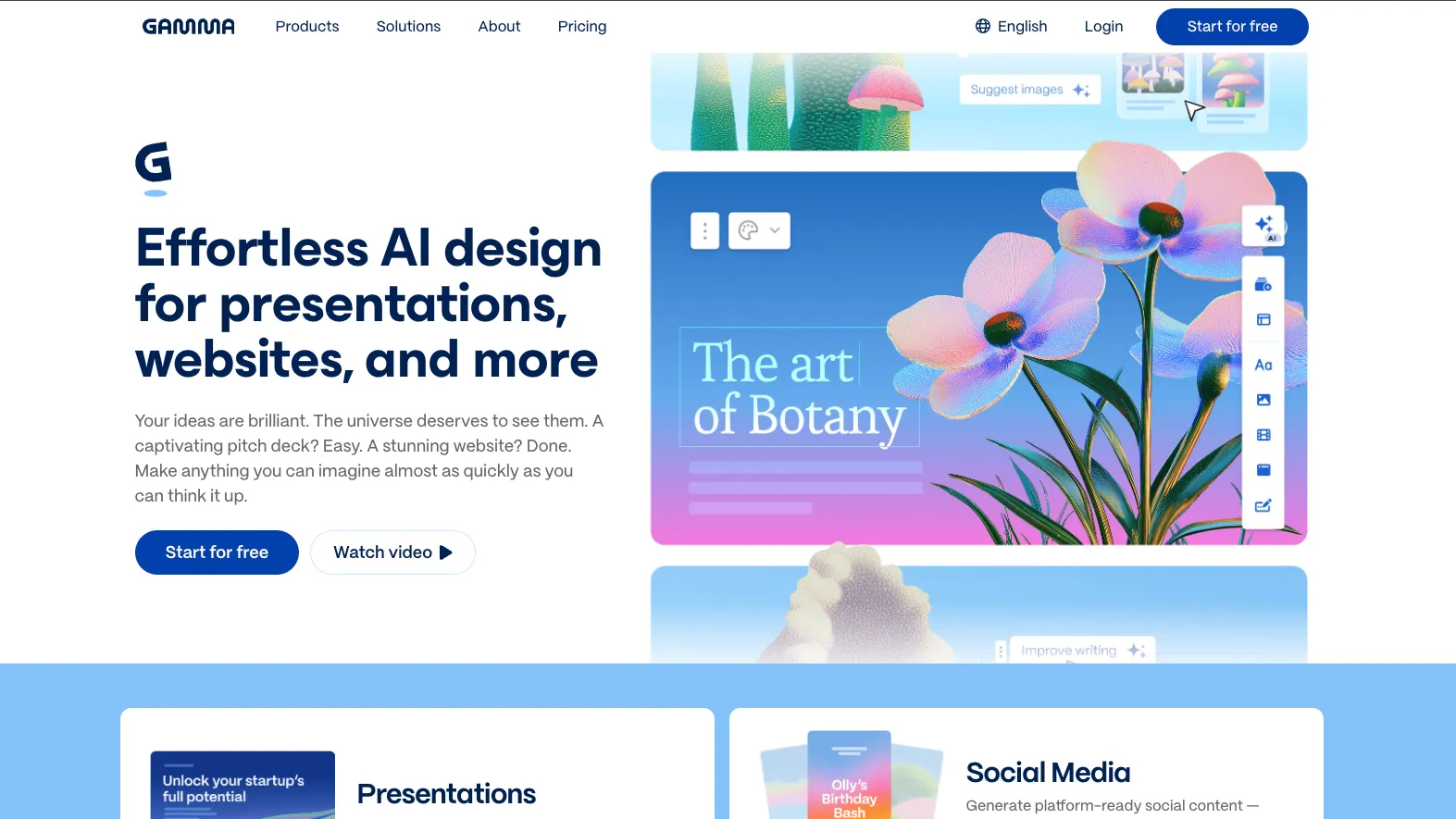
An AI-first visual communication platform that turns prompts and source material into presentations, documents, websites, graphics, and reusable content workflows.
Information checked: Jul 13, 2026 ·View sources
Tool details
- Type
- Developer workflows
- Platforms
- Web, iOS, Android, API, MCP
- Free plan
- Yes
- Open source
- No
- Bring your own key
- No
- Local models
- No
Overview
Best for
- Generating presentation and document first drafts
- Sales proposals and personalized client decks
- Investor updates and internal reports
- Educational materials and training content
- Lightweight campaign and launch websites
- Automated document and presentation generation through API or MCP
Strengths
- Creates polished first drafts from prompts or existing content quickly
- Supports presentations, documents, sites, graphics, and social assets in one workspace
- Card-based layouts adapt better to web viewing than fixed slides
- API and MCP support enable automated content workflows
- Strong sharing, analytics, branding, and collaboration options
Limitations & trade-offs
- Writing or refactoring source code
- Building executable web applications
- Designers requiring precise control over every slide element
- Offline presentation editing
- Teams that must preserve complex PowerPoint masters and animations exactly
- Sensitive individual workflows where default AI training settings have not been reviewed
- It is not an AI IDE, code generator, or application builder
- Imported presentation styles and layouts are not preserved
- PowerPoint exports may require manual formatting adjustments
- Individual workspace content is eligible for AI improvement by default unless users opt out
- Advanced automation, branding, and analytics require higher-priced plans
- Mobile editing is primarily Agent-driven and does not support offline use
Get started
Pricing & usage limits
Official pricingFree tier · From $9
Free$0
Includes starter AI credits, up to 10 cards per prompt, imports, exports, and Gamma-branded sharing.
Plus$9 / per seat/month, billed annually
Includes 1,000 monthly credits, up to 20 cards per prompt, advanced image models, and branding removal.
Pro$18 / per seat/month, billed annually
Includes 4,000 monthly credits, API access, premium image models, analytics, custom branding, and custom domains.
Ultra$90 / per seat/month, billed annually
Includes 20,000 monthly credits, up to 75 cards per prompt, advanced models, early features, and up to 100 custom domains.
Team$20 / per seat/month, billed annually
Includes 6,000 monthly credits per seat, centralized billing, shared folders, company themes, and admin controls.
Business$40 / per seat/month, billed annually
Includes 10,000 monthly credits per seat, SSO, advanced data controls, and business security features.
Pricing checked: Jul 13, 2026 · Subscription, usage limits, and model costs may be billed separately.
Features & details
AI Content Creation
- Prompt-to-presentation generation
- Documents, webpages, graphics, and social content
- AI Agent for rewriting and redesign
- AI-generated images and visual layouts
- Multilingual content generation
Editing and Delivery
- Responsive card-based editor
- Themes, fonts, logos, and brand controls
- Real-time collaboration and comments
- Live presentation and link sharing
- PDF, PPTX, PNG, and Google Slides export
Developer Automation
- REST API for content generation
- Hosted Model Context Protocol server
- ChatGPT and Claude connectors
- Zapier, Make, and n8n integrations
- Template-based batch generation
Why Choose Gamma?
Gamma is designed around the idea that structuring and communicating information should come before manually positioning visual elements. Instead of beginning with a blank slide, users provide a prompt, outline, document, webpage, or uploaded file and let the platform establish an initial narrative structure.
Its card-based format is the main practical difference from traditional slide software. Cards can behave like slides during a presentation while remaining responsive when viewed through a browser. The same project can therefore function as a live presentation, scrollable document, shared microsite, or exported file without rebuilding the source material for every channel.
Gamma should not be treated as an AI coding environment. It does not create production applications or modify codebases. Its value for developers comes from automating the generation of technical briefs, release summaries, project updates, customer reports, documentation, and presentation assets through its API, connectors, and hosted MCP server.
Core Workflow
A reliable Gamma workflow starts with source quality rather than visual customization. Users should first define the audience, intended decision, required evidence, tone, output format, and approximate card count. Gamma can then transform that structured input into an outline before committing to the complete design.
The generated draft should be treated as a communication scaffold rather than finished research. Claims, statistics, citations, product names, and technical explanations still require human verification. The highest-quality results generally come from supplying approved source material instead of asking the system to invent the entire argument from a short topic phrase.
After generation, the editor supports two different revision styles. Users can modify individual blocks directly when precision matters or instruct Gamma Agent to shorten, expand, reorganize, translate, restyle, or replace content. Direct editing is better for final wording, while Agent is more efficient for structural changes across multiple cards.
For automated workflows, developers can submit structured content through the API, select templates or themes, poll for generation completion, and route the resulting asset into another system. The hosted MCP integration provides a conversational alternative for compatible AI clients. Current MCP generation focuses on creating new content rather than editing an existing Gamma project, so workflows requiring ongoing synchronization should account for that limitation.
Use Cases
Gamma is particularly effective when a team repeatedly turns similar source material into audience-specific communication. A sales organization can transform CRM data into personalized proposals, while a consulting team can convert findings into client-ready reports using a controlled template.
Product and engineering teams can use it for release presentations, architecture explainers, sprint reviews, technical onboarding, incident summaries, roadmap updates, and internal decision documents. Gamma accelerates packaging and presentation, but source-of-truth technical documentation should remain in the repository, documentation platform, or knowledge base where it can be reviewed and versioned appropriately.
Educators can convert lesson plans or research notes into visual teaching materials, while marketers can reuse a campaign narrative across presentations, lightweight webpages, graphics, and social formats. The strongest operational benefit appears when one approved content structure is reused instead of generating every asset independently.
Gamma websites are suitable for campaign pages, portfolios, event pages, resource hubs, and other content-focused experiences. They are not a replacement for a programmable web application, ecommerce system, authenticated dashboard, or complex content management platform.
Comparison to Alternatives
Beautiful.ai follows a more conventional slide-oriented model with strong automatic layout rules. Gamma is generally more flexible when the same content must operate as a deck, web document, or shareable page rather than remain inside a traditional slide format.
Canva provides a much broader design environment with extensive templates, asset libraries, and manual editing tools. Gamma is more focused on rapidly converting an idea or source document into a coherent narrative, while Canva is better suited to teams that need detailed control across many visual asset types.
Pitch emphasizes collaborative presentation production and polished team workflows. Gamma places more weight on AI-assisted creation, responsive cards, mixed content formats, and conversational revision. Teams should choose based on whether structured collaboration or generation speed is the primary requirement.
Plus AI operates within PowerPoint and Google Slides, making it attractive for organizations that must preserve an existing slide-based workflow. Gamma uses its own editor and publishing model, which provides a more web-native experience but introduces additional export and migration considerations.
Prezi remains differentiated by nonlinear, zoom-based storytelling. Gamma uses a more familiar sequential structure and is easier to repurpose as a document or website, while Prezi may be preferable when spatial navigation is central to the presentation concept.
Best Configuration
Start by creating an approved workspace theme containing the correct logo, colors, fonts, imagery direction, and reusable layouts. This prevents every user or automation from interpreting the brand independently and reduces cleanup after generation.
Prompts should specify the audience, objective, output type, number of cards, preferred density, required sections, evidence sources, and desired call to action. Asking for a concise executive briefing produces more predictable results than asking Gamma to create a presentation about a broad subject.
Keep one main argument per card and move supporting detail into additional cards rather than allowing layouts to become excessively tall. Decide early whether the final output will primarily be viewed as a responsive Gamma link or exported into a fixed slide ratio, because those formats reward different content densities.
For programmatic generation, use a stable template, structured input fields, predictable image policies, and explicit output settings. Monitor credit consumption, handle asynchronous generation failures, and store the original source data separately so an asset can be regenerated when templates or branding change.
Sensitive teams should review data-control settings before adoption. Individual workspaces allow users to opt out of AI improvement, while Team and Business workspaces exclude content from training automatically. Sharing permissions should also be reviewed at both the workspace and individual-project levels.
Migration Notes
Gamma can import text from presentations, documents, webpages, Google Drive, and supported external sources, but it does not reproduce the original styling and layout. A PowerPoint import should therefore be viewed as a content migration rather than a pixel-accurate conversion.
The card model does not map perfectly to PowerPoint's fixed canvas. Exports can require manual adjustments to line breaks, fonts, spacing, image crops, animations, and complex layouts. Teams that frequently hand files to PowerPoint users should test representative decks before standardizing on Gamma.
Existing slide masters, advanced animations, embedded macros, and intricate diagram systems may need to be rebuilt or maintained outside Gamma. Conversely, content designed primarily for browser sharing may lose some of its responsive behavior when exported to a fixed file format.
Published Gamma sites are hosted within Gamma's platform. Organizations planning to migrate to another website system should retain original text, images, analytics records, domain configuration, and structured source data rather than relying only on the published page.
The mobile applications are useful for generating, presenting, commenting, and making Agent-driven changes, but they are not complete replacements for the browser editor. Current limitations include no offline mode, no full manual mobile editing, and no iPad-optimized workspace, making desktop review advisable for final production work.
Model support & data privacy
Privacy & data handling
Gamma stores presentations, documents, and site content in its cloud service. Individual Free, Plus, Pro, and Ultra workspaces allow content to be used to improve Gamma's AI features by default, although users can opt out in account settings. Team and Business workspace content is automatically excluded from AI training. Organizations should review sharing permissions, connected services, data controls, and retention requirements before uploading confidential material.
Guides, reviews & fixes
No published guides yet. Start with the official documentation above.
Product updates
No verified product updates listed yet. Follow this tool to see new relevant content in Saved.
See the content timelineAlternatives
Beautiful AIAn AI-first presentation platform focused on guided story development, automatic slide design, and organization-wide brand consistency. Canva AIAn AI-powered visual communication platform that combines conversational content generation, editable design, brand management, collaboration, and publishing in one workspace.
 Plus AIAn AI presentation assistant for professionals who want to generate and edit native PowerPoint and Google Slides files inside their existing presentation workflow.
Sources & verification
Verification dates record when this directory checked the information. Product release dates appear separately above.
Official websiteIndividual PricingTeam and Business PricingSubscription Plan GuideDeveloper DocumentationAPI Access and PricingGamma MCP ServerIntegrationsImport GuideExport GuideMobile App GuideData Training ControlsSecurity and PrivacyTrust Center
Directory revision history
Verified current individual and team pricing, AI credit allowances, API access, MCP support, mobile availability, exports, and data-control policies.
Gamma documented its hosted MCP server for generating content, browsing themes, and organizing outputs from compatible AI tools.
Gamma documented native iOS and Android applications with generation, Agent editing, presentation controls, exports, and collaboration.
Gamma 3.0 introduced Gamma Agent and expanded the platform beyond presentations into broader visual communication and automated generation workflows.